Microsoft Power Platform: Latest Power Platform
Dive into the world of low-code development and automation with our curated collection of Microsoft Power Platform blogs. Stay informed about the latest updates, tips, and best practices to unleash the full potential of Power Platform for building custom solutions, automating workflows, and driving digital transformation.
PowerApps Portal Development & Deployment using PowerApps CLI | PowerApps Portals Build Tool
This video tutorial on PowerApps Portal development and deployment utilizing PowerApps CLI will guide you through the process of utilizing the...
PCF to upload excel data to Canvas App in Power Apps
In this informative #PowerShot tutorial, you'll learn how to leverage the new Upload Excel PCF developed by @agarwal_ritika and team. ...
CDP is key to customer journey orchestration, with Thomas Wieberneit
In a discussion with Thomas Wieberneit, CRM practitioner and Principal of aheadCRM, Gemma Milne explores the essential role that Customer Data...
Power Automate: Switch Action
Routes the Flow into multiple branches based on a single value. 25-case limit.
Quick Tips: Connecting to Excel Files Stored in SharePoint Online from Power BI Desktop
Microsoft Excel is a trusted data source for Power BI, and there are various ways of storing Excel files. This tutorial provides two quick met...
What is Azure Maps? - Welcome to the Tech Blog
Azure Maps is a set of geospatial APIs, a Platform-as-a-Service (PaaS) that offers many features to add location intelligence to you...
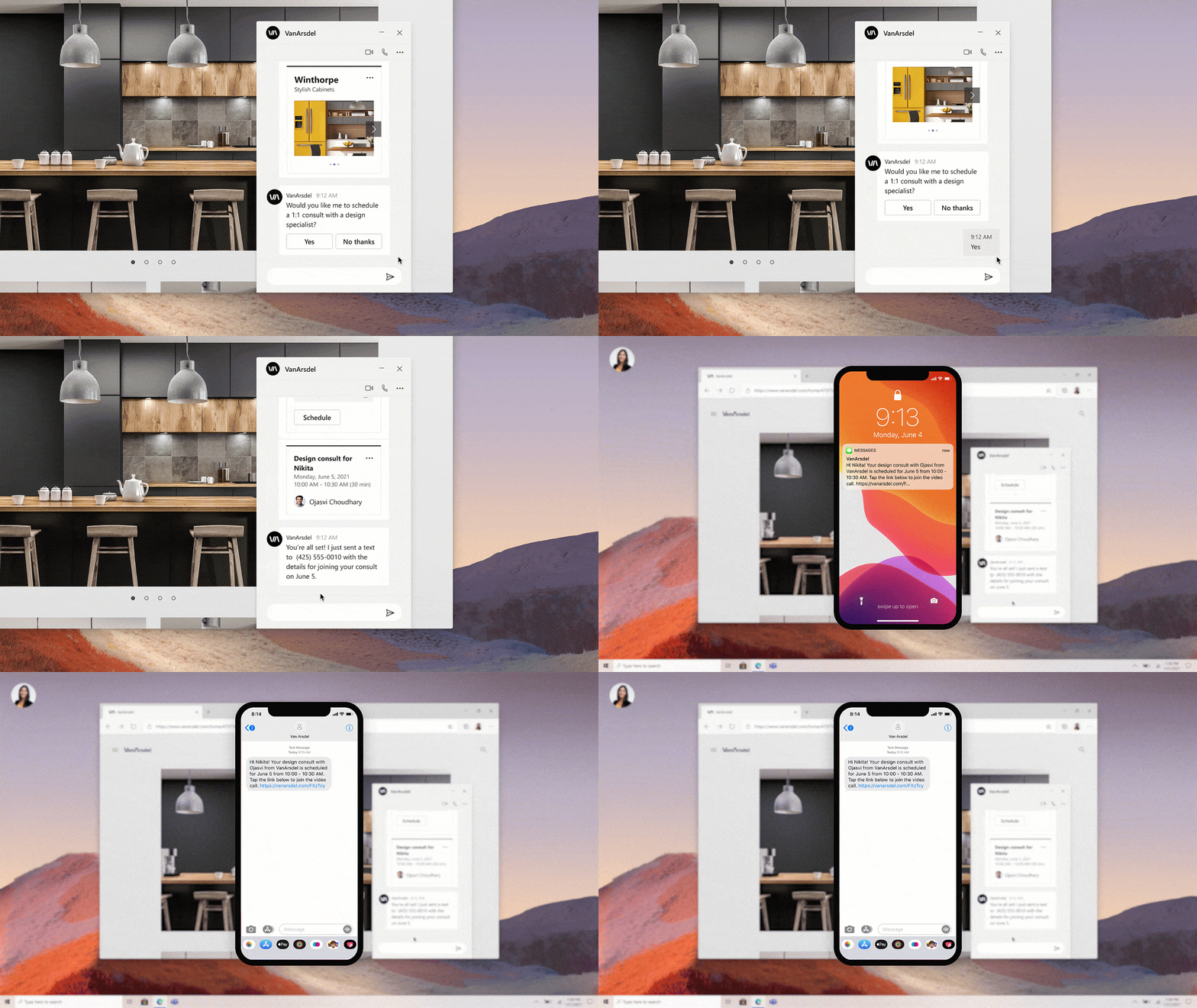
Microsoft Build 2021: What’s new with Azure Communication Services?
It’s been a busy and productive couple of months. We announced a lot of exciting product updates and offerings at Microsoft Ignite earlier thi...
Build the next generation of collaborative apps for hybrid work
Build the next generation of collaborative apps for hybrid work The post Build the next generation of collaborative apps for hybrid work appea...
Power Automate: Try, Catch, Finally
How to add a try, catch, finally in Power Automate? Here’s a template and instructions on how to add it to your Flows in a few clicks.
Sidebar
Azure
Microsoft 365 Sharepoint