
Data Policy features: Accessing data when folder level permission is granted
In the Data Policy features: Accessing data when file level permission is granted - Microsoft Tech Community blog, we looked at how users can work with files when file level access is granted. This blog explains how to access data when permission is granted at the folder level using Azure Purview’s Data Policy features.
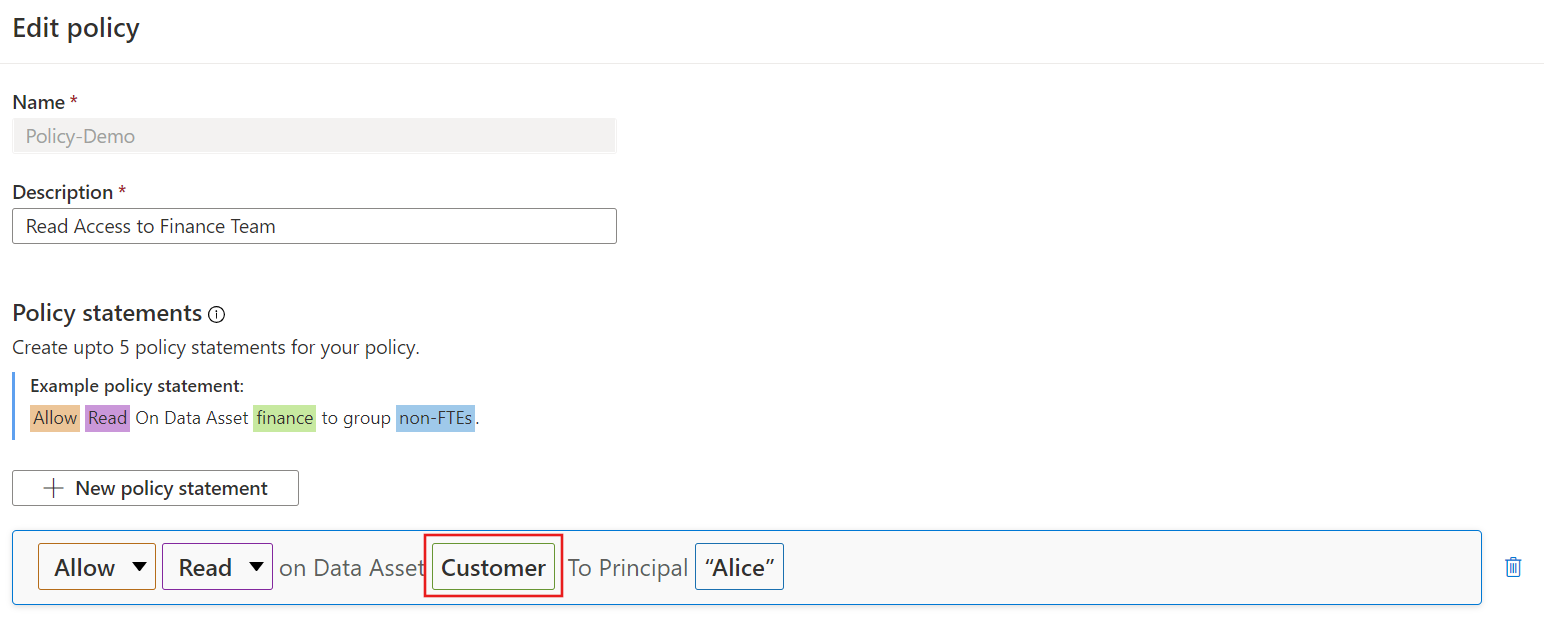
After a data source is registered for Data use governance, policy author role within Azure Purview will be able to create policies in the policy management interface. Here the user, Alice, is granted read access to the Customer folder in ADLS Gen 2 storage.
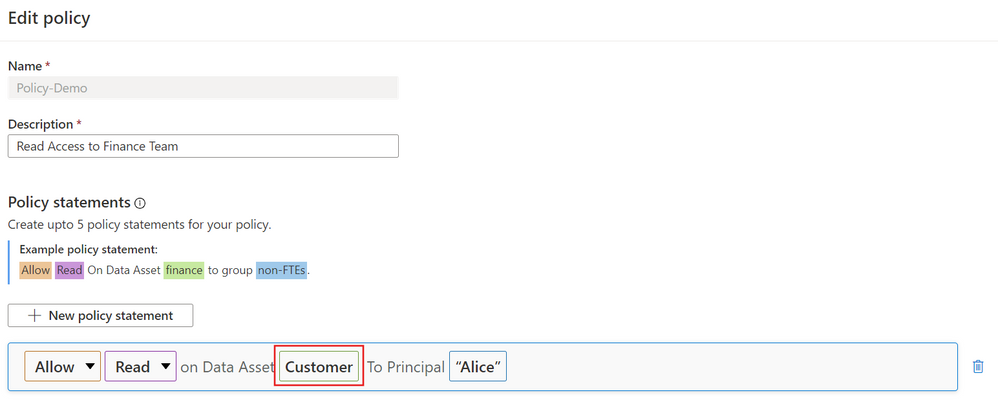
Alice will not be able to browse to the asset using Azure Portal or Storage explorer if the only permission granted is read/modify access at the folder level of a storage account.
This allows organizations to not only secure data perimeters but also grant users minimum access required to work with datasets.
When file or folder level access is granted, the user can open the file in the Azure Synapse Analytics workspace. The approach is similar to the one mentioned in the Data Policy features: Accessing data when file level permission is granted - Microsoft Tech Community blog.
However, folder level access allows users to leverage PowerBI Desktop to explore the data.
The user must login to the Azure Purview account and search for the customer folder.

Click open the correct folder and copy the Fully qualified name

Open PowerBI desktop and select the Get data icon. Make the selections shown below and click connect.

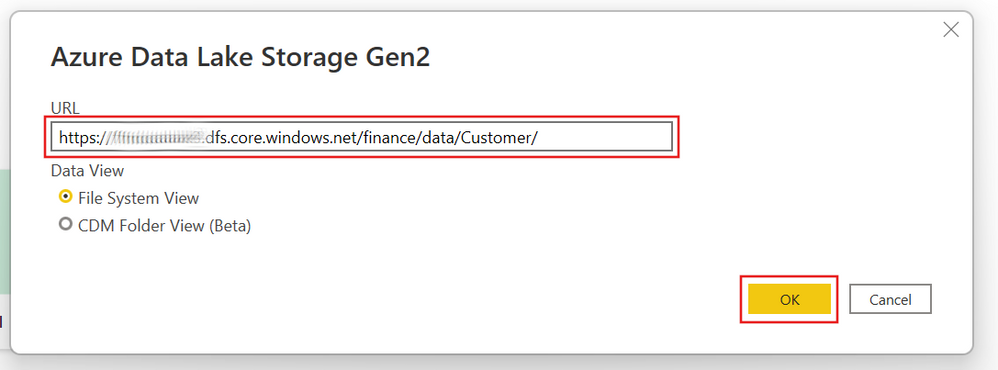
Paste the fully qualified path of the folder, which was copied from Azure Purview, and click ok.
Select the correct folder from the drop down menu and then click sign in. Enter your PBI credentials.

Finally, click connect

Alice can now either transform or load the data within the folder.

Get Started
Published on:
Learn moreWe can help you with Data Policy features: Accessing data when folder level permission is granted
If you want help implementing, troubleshooting, or improving this product, contact us and we’ll point you in the right direction.
Related posts
Microsoft Purview DevOps policies enable at scale access provisioning for IT operations
Microsoft Purview access policies enable customers to manage access to different data systems across their entire data estate, all from a cent...
Share data with Microsoft Purview for Azure storage with private endpoints or VNET restrictions
This is a follow-up post on a recently published article on sharing data in near real-time with Microsoft Purview in-place data sharing for Az...
Managed attributes (public preview) and rich text editor in Data Catalog
Managed Attributes (Public Preview) Managed attributes allow you to define and group key-value pairs that can enrich technical assets ...
Share data near real-time with Microsoft Purview in-place data sharing for Azure Storage
Seamless data sharing between organizations eliminates data silos, facilitates data-empowered decisions and unlocks tremendous competitive adv...
Of Kings & Queens and SAP scans to identify the right lineage for a marriage proposal
Origin and lineage are fundamental properties being used to balance trustworthiness, value, and quality for all sorts of things in life. In ad...
Microsoft Purview Data Estate Insights will be generally available July 1, 2022
As organizations increasingly rely on their data to obtain valuable insights, it’s become an imperative for the Chief Data Officer (CDO) to en...
Microsoft Purview Data Policy for SQL DevOps access provisioning now in public preview
Discovering the right data and getting timely and compliant access to data are huge problems for modern enterprises. The Microsoft Purview Dat...
Govern your Snowflake data with Azure Purview
Azure Purview as a unified data governance service keeps expanding support for various data sources across on-premises, multi-cloud, and SaaS ...
Azure Purview expands relational database support - IBM DB2, MySQL and PostgreSQL
Azure Purview is a unified data governance service that enables organizations to easily create a holistic, up-to-date map of your data landsca...
Azure Purview adds support for SAP HANA
Azure Purview now supports SAP HANA to help you more effectively discover and map your data estate across the hybrid landscape. You can scan y...