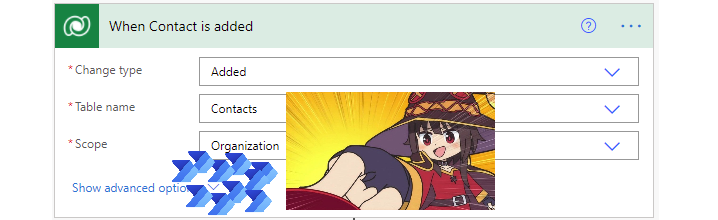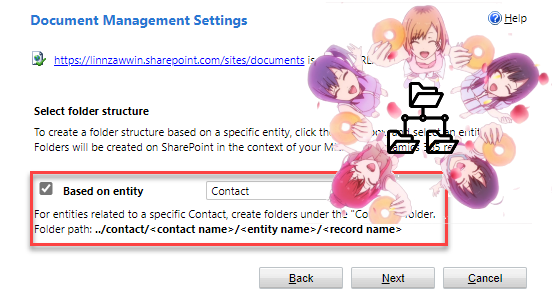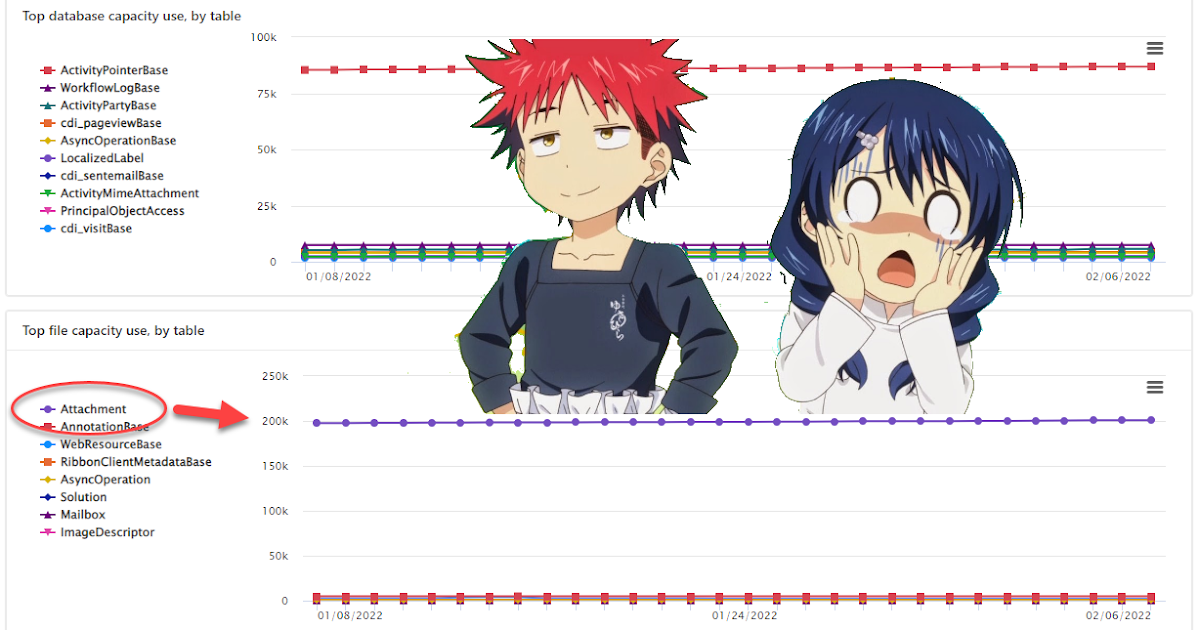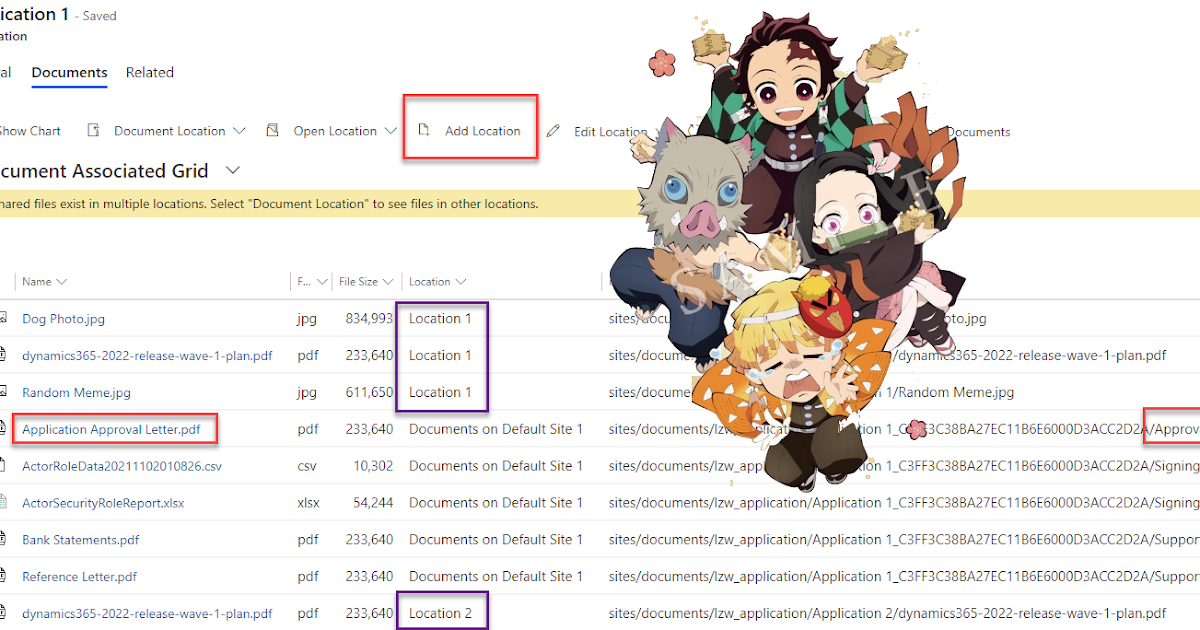
Automatically Create SharePoint Document Location for Dataverse/Dynamics 365 Using Cloud Flow (Part 1 of 8)
This is the first post in a series of Automating SharePoint Integration with Dataverse using Power Automate. You can check out ...
Stay ahead in the digital workplace with our curated collection of Microsoft 365 blogs. Explore the latest updates, tips, and best practices to leverage the full potential of Microsoft 365 tools and enhance productivity, collaboration, and innovation in your organization.
This is the first post in a series of Automating SharePoint Integration with Dataverse using Power Automate. You can check out ...
If you're looking to run the OnCreate cloud flows for existing data in Power Automate, this tutorial is for you. The post is the second one in...
This is the third post in a series of Automating SharePoint Integration with Dataverse using Power Automate. You can check out the other posts...
This is the fourth post in a series of Automating SharePoint Integration with Dataverse using Power Automate. You can check out the other ...
This is the sixth post in a series of Automating SharePoint Integration with Dataverse using Power Automate. You can check out the other p...
This is the fifth post in a series of Automating SharePoint Integration with Dataverse using Power Automate. You can check out the other p...
This is the seventh post in a series of Automating SharePoint Integration with Dataverse using Power Automate. You can check out the other...
This is the eighth post in a series of Automating SharePoint Integration with Dataverse using Power Automate. You can check out the other ...
One of the topics I get asked about frequently by those taking or exploring Microsoft certification for the first time is exam questions and w...
In this post, the author addresses a question that is frequently asked by those who are exploring Microsoft certification for the first time. ...
Azure
Microsoft 365 Sharepoint
Newsletter
A curated digest of community blogs, product news, videos, and podcasts — delivered without the noise.