Microsoft Copilot (Microsoft 365): Explain slide selection during PowerPoint Live
This feature enhances the PowerPoint Live meeting experience by using Copilot to let attendees select slide text and get explanations for the ...
Microsoft PowerPoint
This feature enhances the PowerPoint Live meeting experience by using Copilot to let attendees select slide text and get explanations for the ...
Microsoft 365 Copilot in PowerPoint will allow users to create presentations with their organization’s brand images using either an orga...
Chat in Work and PowerPoint now supports voice. Users can talk and interact with Copilot to brainstorm ideas, create content, and analyze info...
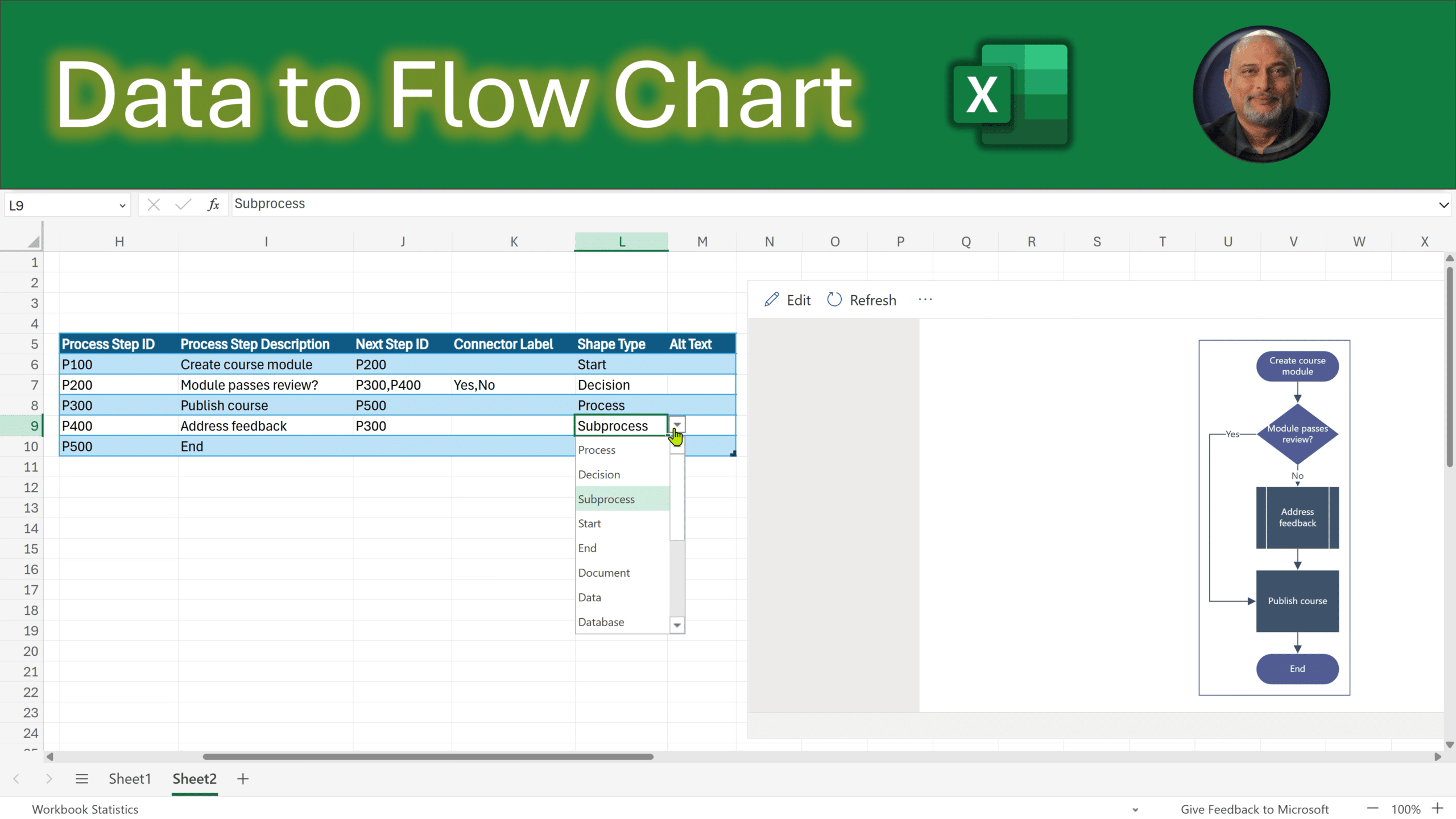
Let us explore Flowcharts in Microsoft Excel. Uainf Data to create thew Flow Chart or using Copilot to make it. Related videos Instant flowcha...
Agent Mode in PowerPoint lets you transform, polish, and edit presentations through natural conversation in chat—preserving your deck’s format...
You can now reference a Microsoft Teams meeting when you create a presentation with Copilot in PowerPoint. Product PowerPoint Release phase Ge...
Modern Business Technology Applications today give organizations the tools they need to be more productive and have access to critical busines...
Edit your images directly in PowerPoint with Copilot, no need to switch apps or interrupt your flow. Whether you’re refining visuals for...
Copilot Notebooks enables users to generate PowerPoint presentations directly from the content and references collected in a notebook. Using t...
Microsoft PowerPoint will introduce a feature allowing users to rephrase text using natural language prompts via Microsoft 365 Copilot, starti...
Azure
Microsoft 365 Sharepoint
Newsletter
A curated digest of community blogs, product news, videos, and podcasts — delivered without the noise.