How to make Read Only, show and hide and other conditions to fields in Project Operations?
If you're looking to make fields in Project Operations read-only or apply other conditions such as show and hide, then this tutorial is for yo...
Dynamics 365 Commerce
If you're looking to make fields in Project Operations read-only or apply other conditions such as show and hide, then this tutorial is for yo...
Have you been wondering how to make certain fields in Project Operations read-only or to show/hide them under certain conditions? This article...
Technical contribution: Łukasz Mirosław, Tomasz Józefiak (Microsoft), Prafulla Kulkarni and Abhishek Gaur (Hexagon) Hexagon Design &...
If you're wondering how to integrate your MS Project template into D365 Project Operations, look no further. This tutorial provides step-by-st...
If you're looking to integrate your MS Project templates into D365 Project Operations, you're in the right place. This tutorial guides you thr...
To add some style to your HTML table for an automated email notification using Power Automate, you need to create a compose action in your flo...
If you're using Power Automates to create automated email notifications, it's important to ensure that your emails are visually appealing and ...
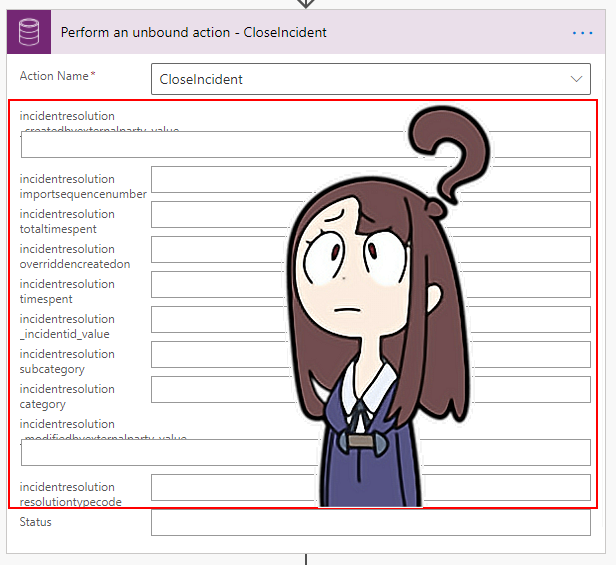
In this post, I will explain how you can populate the entity (or table) type input parameters for some of the bound/unbound actions in cloud...
Data professionals can now save money and increase the overall performance of repeat queries in their Apache Spark in Azure Synapse workloads ...
Passwordless is a popular term, and it's been a long time since it was considered acceptable to store credentials directly in code. There are ...
Azure
Microsoft 365 Sharepoint
Newsletter
A curated digest of community blogs, product news, videos, and podcasts — delivered without the noise.