How to – Delete the elastic table records (Dataverse)
Recently we wrote an SSIS package to delete the Elastic Table records using KingswaySoft’s Integration Toolkit for Dynamics 365. We had mapped...
Dataverse
Recently we wrote an SSIS package to delete the Elastic Table records using KingswaySoft’s Integration Toolkit for Dynamics 365. We had mapped...
To enable the feature, log in to Power Platform Admin Center https://admin.powerplatform.microsoft.com/environments Environment >> Set...
We always love SQL4CDS by Mark Carrington. One of its features is using the TDS (Tabular Data Stream) Endpoint for reading data. On one of the...
Below are the different out-of-the-box statecode and statuscode for the Quote table. Status (statecode) Status Reason (statuscode) 0 (Draft) 1...
Recently, I architected a solution for a client for their Microsoft Fabric data platform. The client works with Dynamics Finance & Operati...
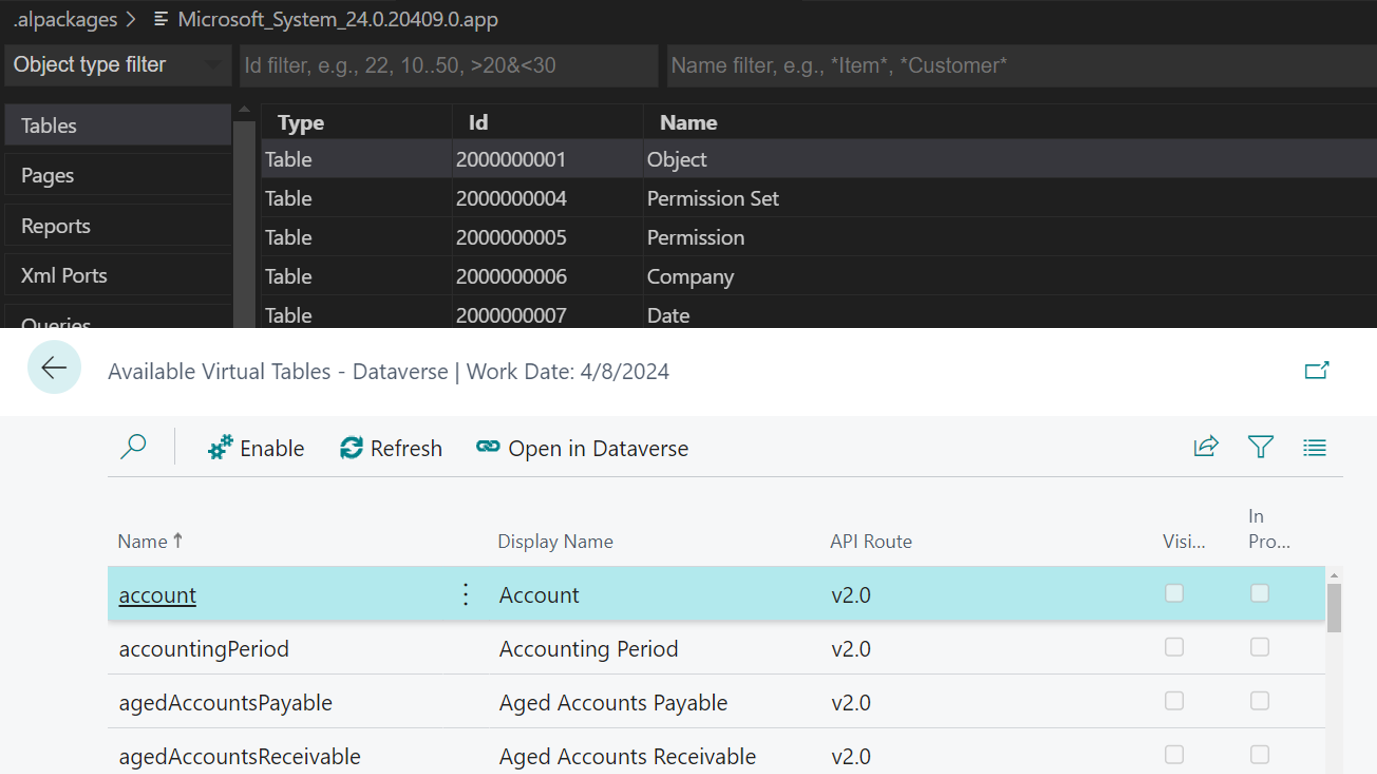
Hi, Readers.Today I would like to briefly talk about System tables, Virtual tables in Business Central and Virtual tables (entities) in Datave...
This blog post introduces Dataverse AI Functions and their capabilities in adding intelligence to your Dataverse. As AI continues to infiltrat...
Recently we had a requirement to set some of the fields in our business process flow to be enabled only if that stage is active. E.g. We want ...
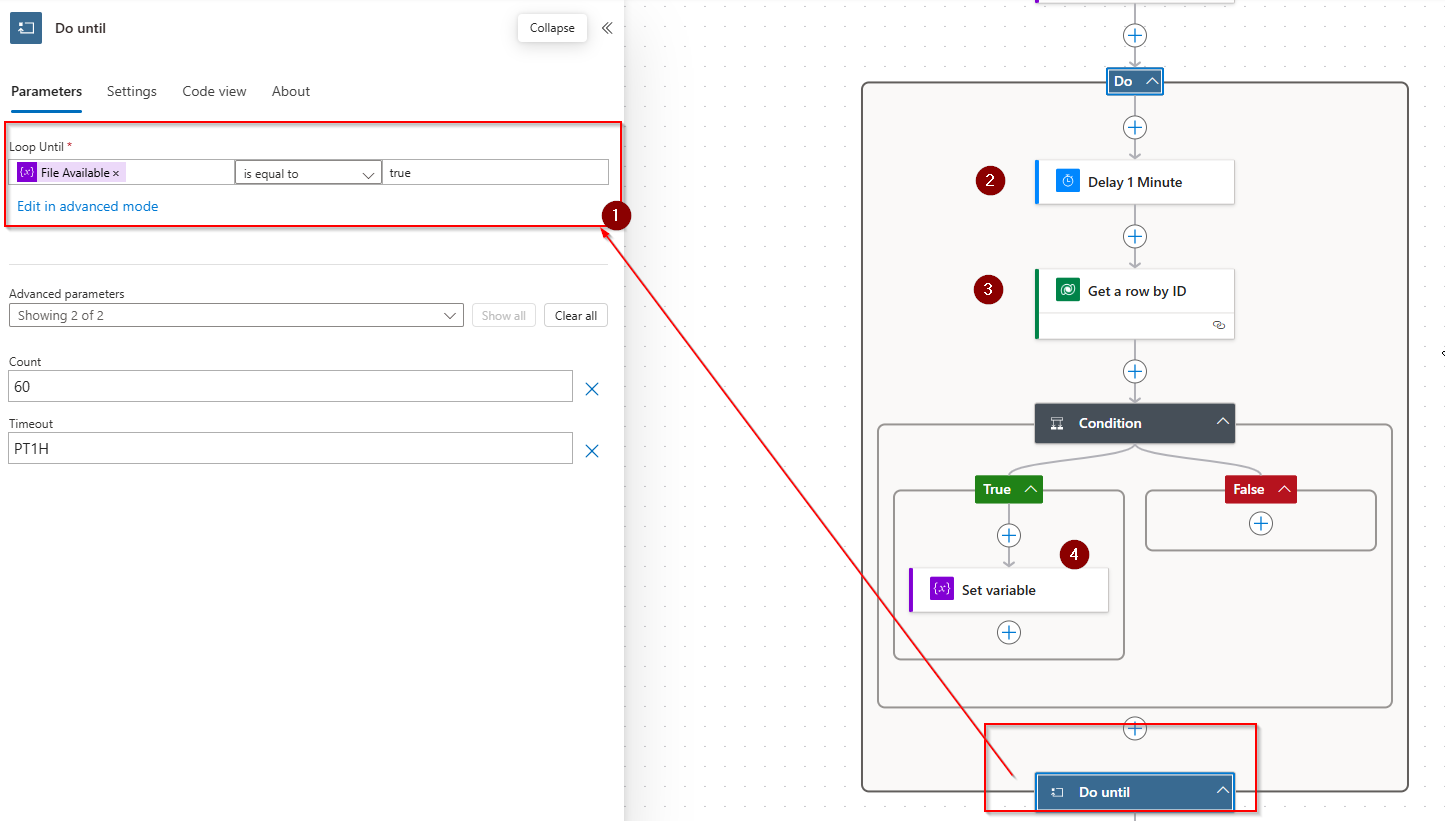
In this blog you will learn how you can configure a power automate flow to keep waiting till a file attached or uploaded in file column in a d...
Azure
Microsoft 365 Sharepoint
Newsletter
A curated digest of community blogs, product news, videos, and podcasts — delivered without the noise.