
Microsoft 365 Community Conference IT session spotlight
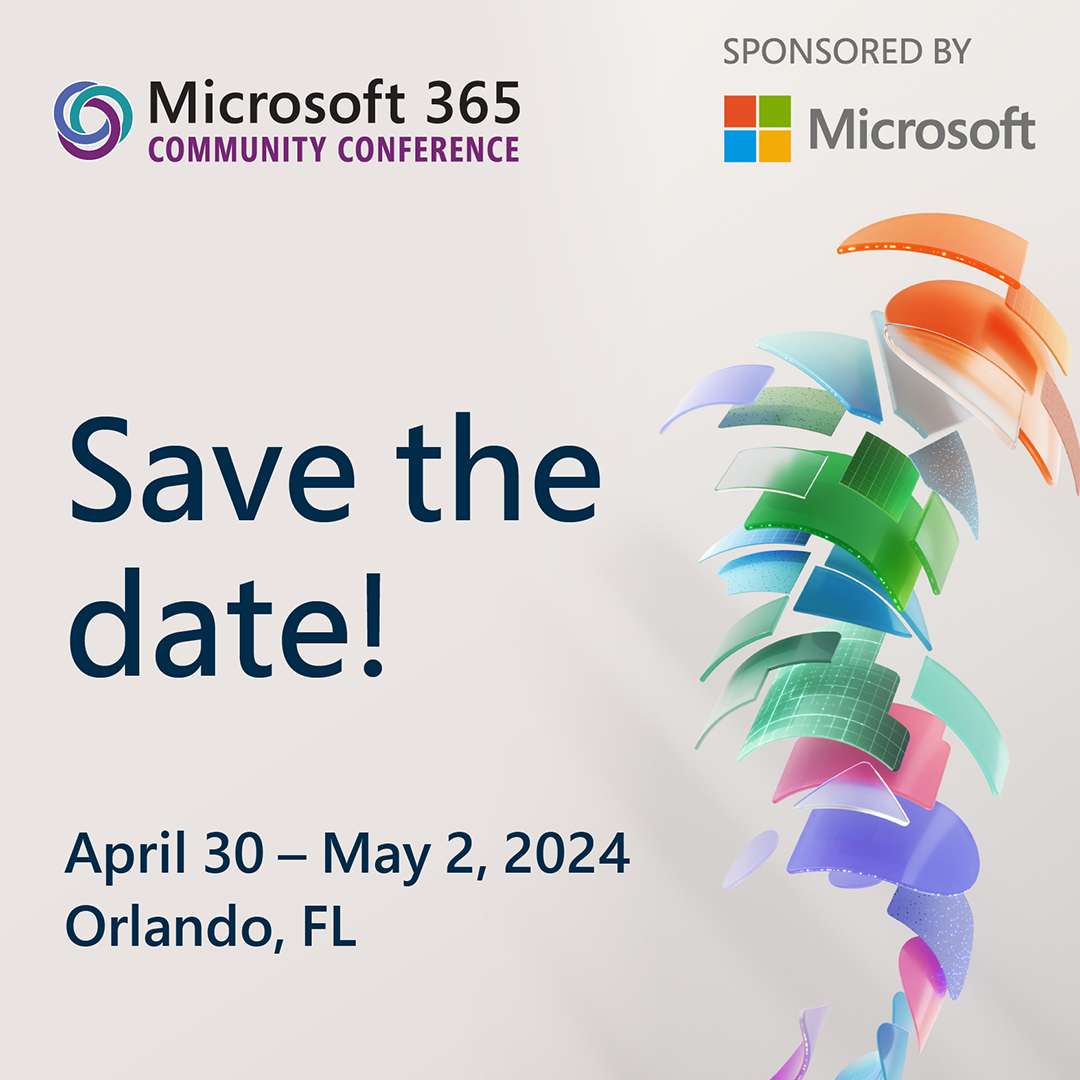
If you are an IT admin who is responsible for deploying, configuring, and securing Microsoft 365 in your organization, you don’t want to miss this year’s Microsoft 365 Community Conference in Orlando, Florida on April 30 – May 2. It’s a great opportunity to hear from Microsoft experts, MVPs (Microsoft Most Valuable Professional), and peer business leaders in the community about the latest innovations and best practices that help them thrive.
Ensuring you have the right set of productivity tools is crucial in the rapidly accelerating business climate where competition is rife and having an edge can make all the difference. Equally important is setting up your toolset so it’s secure and well-adopted to allow users to focus on being productive and drive return on investment.
The conference will feature over 100 sessions covering several topics related to Microsoft 365 and Copilot, such as security, compliance, governance, collaboration, productivity, and more. You will also be able to network with other attendees, ask questions, and share your feedback.
To help you plan your agenda, we have compiled a slate of sessions that cover some of the most impactful content for you as IT or tenant owner. We look forward to seeing you there!
Sessions on creating a well-managed tenant
Getting Ready: Copilot for Microsoft 365
Speakers: Bryan Wofford, Gabe Ho, Olga Gordon, Scott Schnoll, Yana Terukhova
A healthy, secure, and well-managed tenant significantly increases time to value for generative AI tools like Copilot for Microsoft 365. Whether or not you’ve purchased Copilot or other AI tools, this session covers best practices on how you can drive data security, privacy, and governance within Microsoft 365 so you can confidently deploy Copilot.
Content Management and Collaboration for the AI Era
Speakers: Ashu Rawat, Lincoln DeMaris, Melissa Torres, Sesha Mani, Zach Rosenfield
Creating content in the era of AI provides you with multiple opportunities to unleash your creativity and simplify large scale content management. Expand your ability to enrich your content, get insights from your store of knowledge and transform document-driven solutions with experiences across Microsoft 365.
How Microsoft does IT: Tenant governance best practices
Speaker: David Johnson
Learn from Microsoft IT what it considers to be must-do tips and best practices to govern a Microsoft 365 tenant overall? How does an enterprise deal with sprawl, oversharing and compliance while you empower your employees?
What’s New for Microsoft 365 Admins
Speaker: Gabe Ho, Yana Terukhova
Learn about what’s new and what’s coming for administrators of Microsoft 365. This session will cover the latest health and monitoring, admin experiences with Copilot for Microsoft 365, and enhancements that can help you manage your tenant.
Sessions on how to drive adoption
Create an AI-Ready Organization: Technical & User Enablement Best Practices
Speakers: Cynthia Johnson, Karuana Gatimu, Olga Gordon
AI capabilities are sweeping business but how do you ensure you are getting business value from your investment? Join this session to learn the process to set your organization up for success with Copilot capabilities. Karuana Gatimu and the team will share tools, measures, and recommended practices for driving meaningful value from Copilot for Microsoft 365 and other generative AI tools.
Customer Roundtable: How SMBs are Accelerating Productivity with Copilot for Microsoft 365
Speakers: Matt Berg, Rachel Morrow, Tom Batcheler
Join us for an interactive and engaging conversation with other SMB leaders who are using Copilot for Microsoft 365 to boost their productivity and efficiency. In this open-ended discussion, we’ll discuss how companies are using Copilot today, review best practices, and share concerns and blockers. In addition, you will also have the opportunity to share your feedback and suggestions with Microsoft on how to make Copilot even better for your business needs.
Sessions if you’re new to Microsoft 365 or thinking about it
Plan and deliver a friction-free migration to Microsoft 365
Speakers: Tony Mathew, Yogesh Ratnaparkhi
Are you considering migrating to Microsoft 365? If so, you won’t want to miss this session! Join us to learn about the latest enhancements in Microsoft 365 migrations and how you can seamlessly migrate your organization to Microsoft from current productivity stack including Google Workspace, Box, Dropbox, and on-premises networks. You will learn how to get an inventory of your source, including mail, content and other workloads and plan your migration with a few clicks, right from the Microsoft admin center, even if you only have trial subscription. Also, we will explore new and upcoming scenarios including Slack to Teams, Google Forms, and a unified Google Workspace migration.
We’re excited to have you join us at this year’s Microsoft 365 Community Conference!
Continue the conversation or start your own in the Small and Medium Businesses community, Microsoft 365 community, or the Copilot for Microsoft 365 community! Make sure to Follow or Subscribe so you don’t miss any updates!
Published on:
Learn moreWe can help you with Microsoft 365 Community Conference IT session spotlight
If you want help implementing, troubleshooting, or improving this product, contact us and we’ll point you in the right direction.
Related posts
Announcing the General Availability of the Microsoft 365 Document Collaboration Partner Program
Empowering Seamless Collaboration for Modern Workforces We are thrilled to announce the general availability of the Microsoft 365 Docume...
Favorite Microsoft 365 Copilot Prompts
(Amber Plumb interviewing Michael Morales and Allison Sweet) The power of M365 Copilot is transforming the way our support team operates...
Favorite Copilot Prompts
(Amber Plumb interviewing Michael Morales and Allison Sweet) The power of M365 Copilot is transforming the way our support team operates...
Boost digital event engagement with Voting and Archiving in Teams Q&A
Managing and delivering effective town halls is key to enabling two-way dialogue with leaders in today’s hybrid world. Microsoft Teams Q&A...
Prepare now for key end of support moments in 2025
One year from today, on October 14, 2025, support will end for all Office 2016 and 2019 suites, standalone apps, and servers. This includes:&n...
Everything you should know about Visio 2016 and Visio 2019 end of support
On October 14, 2025, Visio 2016 and Visio 2019 will reach end of support. After this date, Visio 2016 and Visio 2019 will no longer receive se...
Limit frontline worker access to Teams when off shift
We’re excited to announce that the frontline working time feature is now generally available! This feature allows admins to block or warn acce...
We are removing Feed on Microsoft 365 (Office)
As part of our ongoing efforts to streamline and enhance user experiences, we will be retiring the Feed feature (shown in figure 1 below) on t...
NOW ON DEMAND | Microsoft Loop Learning Series [Six webinars]
UPDATE | All parts of the Loop Learning Series have aired and are now available to watch on demand, playable below in this blog post. Ar...
Leveraging Partner Apps to Deliver on the Promise of AI-Led Productivity
The advent of generative AI is driving a rethink of what outcomes we deserve from our productivity software – from gains in efficiency to more...