
Microsoft OneNote now available on Apple Vision Pro
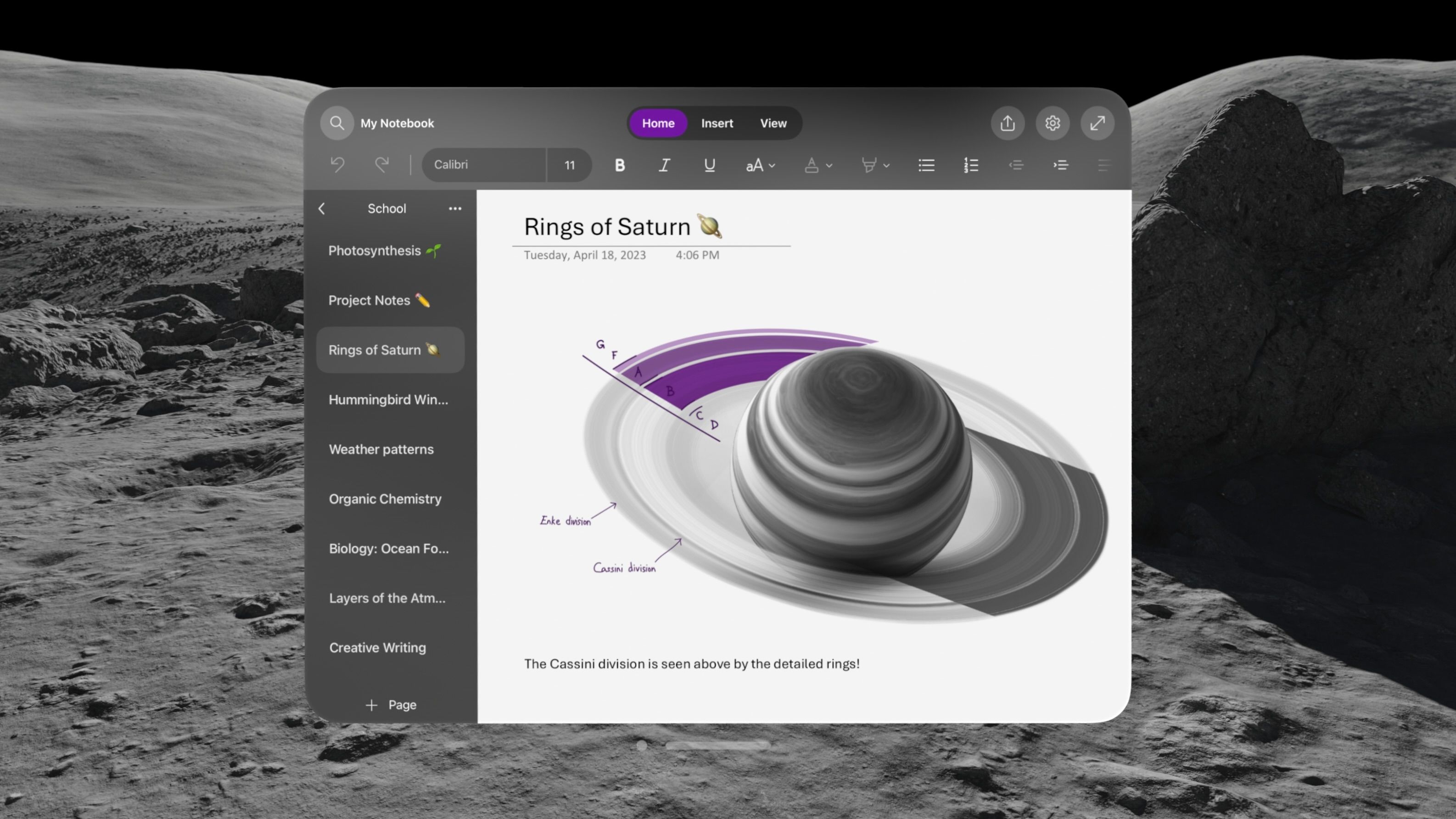
Today, we are introducing the newest member of the OneNote family, on the Apple Vision Pro. We have worked closely with Apple for many years to bring these experiences to iPhone, iPad, and Mac. Now, with Apple Vision Pro, OneNote will make use of the infinite canvas of spatial computing and can appear side-by-side with other great Microsoft apps like Word, Excel, and Teams at any scale for incredible multitasking.
You can plan trips, practice daily habits, and create/edit your task list, all in spatial reality – the OneNote experience on the Apple Vision Pro helps you stay productive, no matter where you are.
Overview
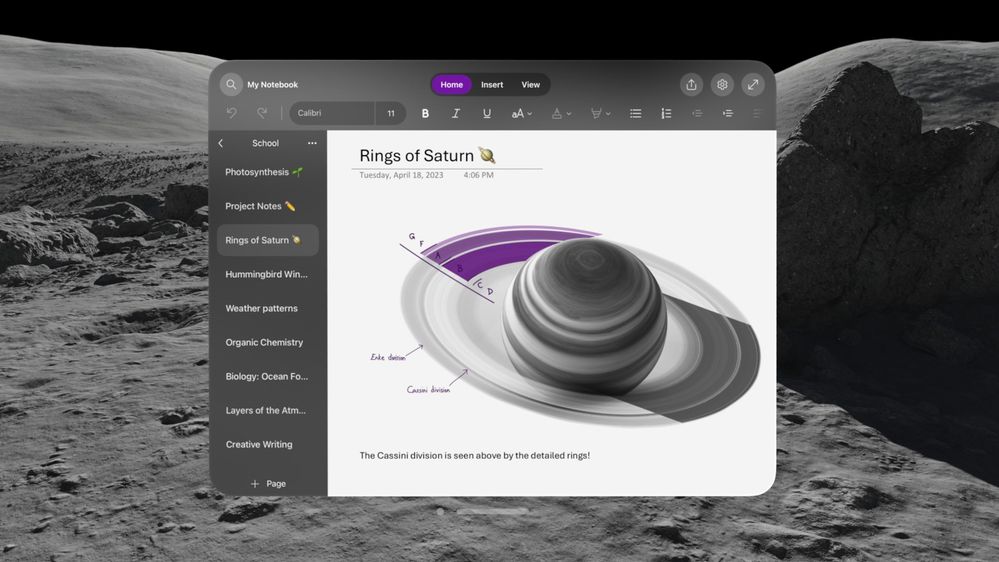
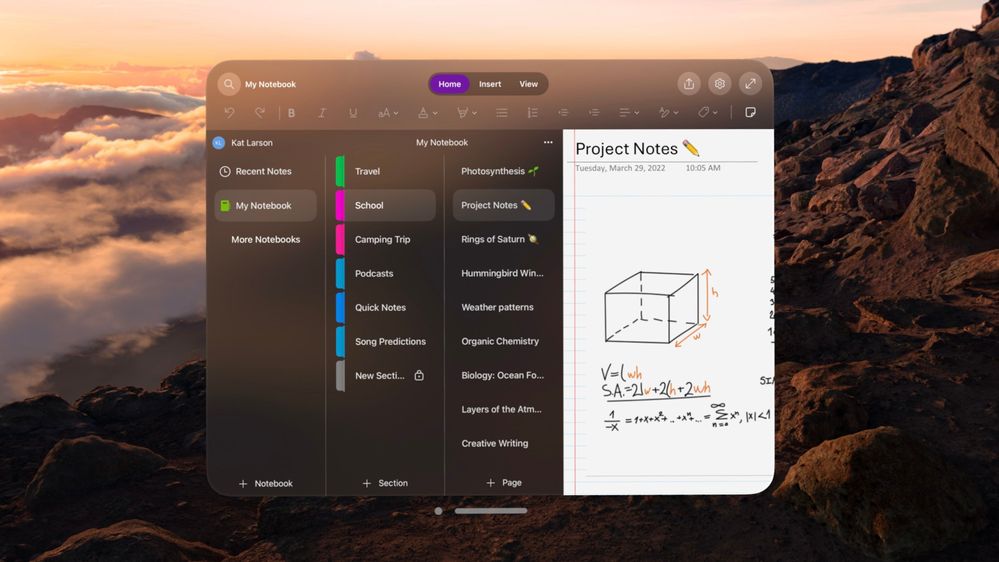
OneNote for Apple Vision Pro is a native app, that supports many of the features available on OneNote for iPad. These include:
- Write memos, make a digital notebook, or jot down notes.
- Highlight can’t-miss notes with Important and To Do tags.
- Secure your notes with a password and control permissions when sharing with others.
- Sync your notes to cloud (OneDrive, OneDrive for Business and SharePoint), making it easy to access your notes anywhere.
- Share ideas and your notes with friends and colleagues.
You can go hands-free or also use a keyboard and trackpad. If using a keyboard and trackpad, just pair them with Bluetooth.
To learn more about Apple Vision Pro, watch this video from Apple.
How to install Microsoft OneNote on Apple Vision Pro
To install OneNote on your Apple Vision Pro, follow these steps:
- From your Apple Vision Pro, go to the App Store and search for Microsoft OneNote.
- Tap Get.
- Enter your Apple ID and password, if prompted, to start the download.
- Once the app is installed, tap to launch it.
- Sign in with your Microsoft personal, work, or school account.
To update Microsoft OneNote, return to the App Store and follow the steps above.
Tip: Enable automatic updates from Settings > App Store. Under App Updates, slide the Automatic Downloads toggle to On.
Features coming soon.
Some OneNote features are not yet available on Apple Vision Pro:
- Insert from camera & photos (coming soon)
- Copilot (coming soon)
- Two-factor authentication (Microsoft Authenticator is not currently available for the Apple Vision Pro. We're working on it, though, so check back for updates soon.)
What types of accounts are supported?
OneNote for Apple Vision Pro only supports personal accounts and work accounts that are not managed by your organization. If your work account is managed by your organization, you will be unable to sign in.
Related topics
Use Microsoft Teams on Apple Vision Pro
Published on:
Learn moreWe can help you with Microsoft OneNote now available on Apple Vision Pro
If you want help implementing, troubleshooting, or improving this product, contact us and we’ll point you in the right direction.
Related posts
Announcing the General Availability of the Microsoft 365 Document Collaboration Partner Program
Empowering Seamless Collaboration for Modern Workforces We are thrilled to announce the general availability of the Microsoft 365 Docume...
Favorite Microsoft 365 Copilot Prompts
(Amber Plumb interviewing Michael Morales and Allison Sweet) The power of M365 Copilot is transforming the way our support team operates...
Favorite Copilot Prompts
(Amber Plumb interviewing Michael Morales and Allison Sweet) The power of M365 Copilot is transforming the way our support team operates...
Boost digital event engagement with Voting and Archiving in Teams Q&A
Managing and delivering effective town halls is key to enabling two-way dialogue with leaders in today’s hybrid world. Microsoft Teams Q&A...
Prepare now for key end of support moments in 2025
One year from today, on October 14, 2025, support will end for all Office 2016 and 2019 suites, standalone apps, and servers. This includes:&n...
Everything you should know about Visio 2016 and Visio 2019 end of support
On October 14, 2025, Visio 2016 and Visio 2019 will reach end of support. After this date, Visio 2016 and Visio 2019 will no longer receive se...
Limit frontline worker access to Teams when off shift
We’re excited to announce that the frontline working time feature is now generally available! This feature allows admins to block or warn acce...
We are removing Feed on Microsoft 365 (Office)
As part of our ongoing efforts to streamline and enhance user experiences, we will be retiring the Feed feature (shown in figure 1 below) on t...
NOW ON DEMAND | Microsoft Loop Learning Series [Six webinars]
UPDATE | All parts of the Loop Learning Series have aired and are now available to watch on demand, playable below in this blog post. Ar...
Leveraging Partner Apps to Deliver on the Promise of AI-Led Productivity
The advent of generative AI is driving a rethink of what outcomes we deserve from our productivity software – from gains in efficiency to more...