
Activity Monitoring in Dynamics 365 CRM Explained
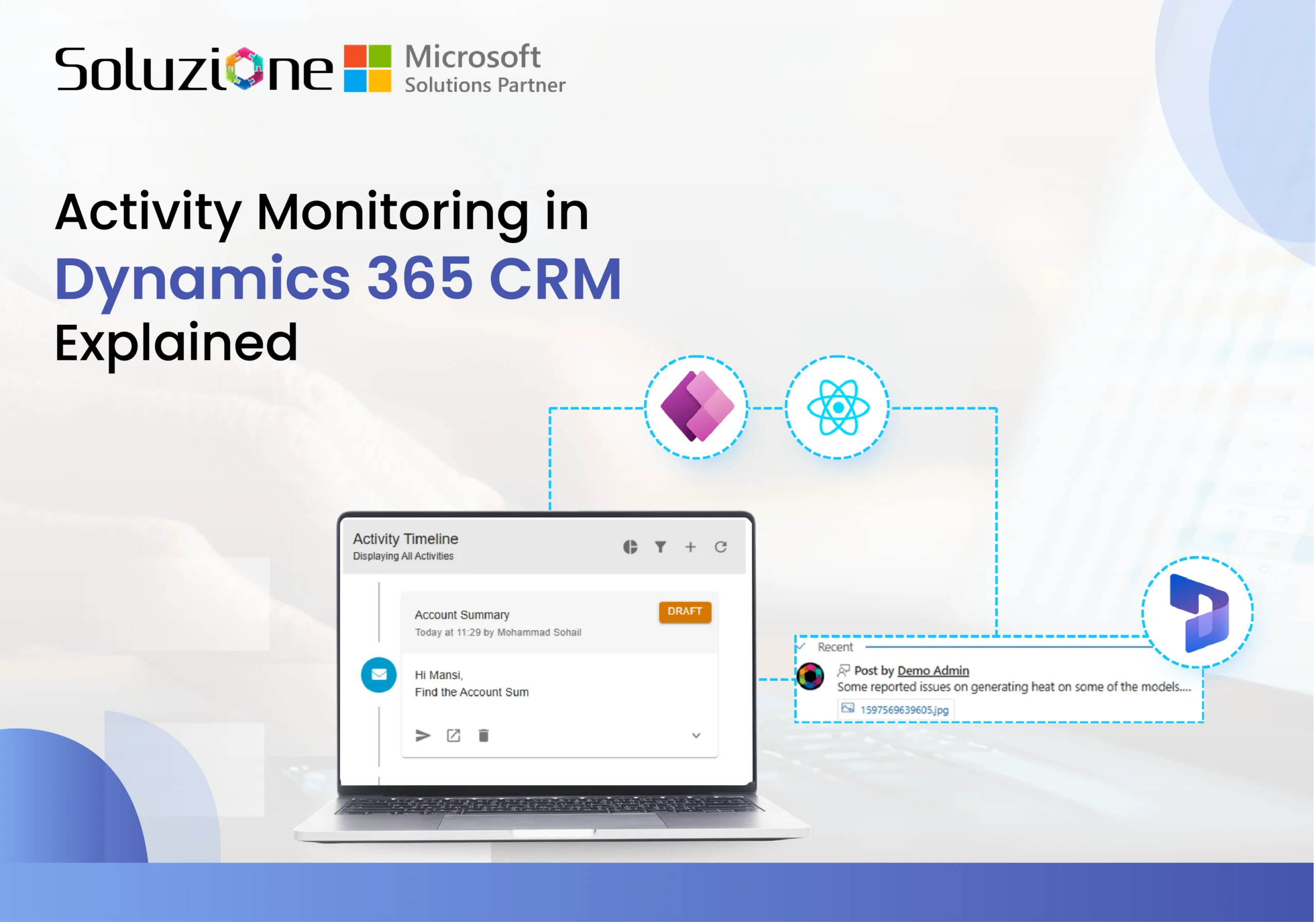
Many users of customer relationship management (CRM) solutions find it difficult to consistently log and manage activities, even with built-in features available. Also, keeping track of every interaction, task, and process is essential for driving sales, delivering exceptional service, and ensuring compliance. Microsoft timeline tool in Dynamics 365 CRM (now part of Dynamics 365 Customer Engagement apps) provides robust tools to handle this through activities—the building blocks for recording emails, phone calls, appointments, tasks, and more. Effective activity monitoring helps organizations boost productivity, improve data quality, identify underutilized features, and quickly resolve issues in automated workflows. If you’ve found it challenging to use it properly or are unable to maintain a comprehensive activity log, then this post will help you. In this blog post, “Activity Monitoring in Dynamics 365 CRM Explained”, we will show you what the Microsoft Timeline tool in Dynamics 365 CRM is capable of, and you will get a complete guide in this post. How does Activity Monitoring Empower Teams? • Comprehensive View With activity management in Dynamics CRM, users can view and analyze customer history through the intuitive timeline control on records like accounts, contacts, opportunities, cases, and leads—providing a chronological, 360-degree overview of all related interactions. • Tracking Automated Processes Users can track automated processes, such as automatic record creation rules in Dynamics 365 Customer Service, using the dedicated Activity Monitor tool to...
The post Activity Monitoring in Dynamics 365 CRM Explained appeared first on Soluzione | Microsoft Solutions Partner.
Published on:
Learn moreWe can help you with Activity Monitoring in Dynamics 365 CRM Explained
If you want help implementing, troubleshooting, or improving this product, contact us and we’ll point you in the right direction.
Related posts
Top 7 ERP Software Solutions Every Retailer Needs in 2027
Enterprise Resource Planning (ERP) software is the system that keeps modern businesses running smoothly. ERP platforms bring together critical...
The Future of Cloud Solutions: Microsoft CSP Insights
Cloud technology has become an important part of businesses. But managing it is not simple at all. From choosing the right Microso...
11 Things You Should Know Before Attending Community Summit NA 2026
Community Summit North America 2026 is just around the corner. Taking place October 11–15 at the Gaylord Opryland Resort in Nashville, it rema...
Microsoft Power Automate Pricing Plans: A Comprehensive Guide
Microsoft Power Automate has become a popular choice for organizations looking to automate workflows, connect applications, and accelerate bus...
Ganesh Festivity 2026: Celebrating Togetherness, Culture, and Team Spirit at Soluzione
Soluzione proudly continued its cherished tradition of celebrating Ganesh Festivity in 2026, bringing together employees for 11 days of devoti...
Community Summit North America 2026: What Dynamics 365 Users Should Know About
If your organization runs Dynamics 365 (or is evaluating, migrating to, or expanding it) and you haven’t registered for Community Summit North...
Soluzione’s Excellence Journey Reaches New Heights with CMMI Level 3 Certification
From more than 15 years of software excellence to CMMI Maturity Level 3 success, Soluzione IT Services has successfully taken the flexible, pa...
Microsoft Managed Services: A Comprehensive Guide
For more than three decades, Microsoft has stood as a pioneer in enterprise software, delivering solutions that have become the backbone of mo...
Everything You Need to Know About Robotic Process Automation
Every business wants to work faster, reduce operational costs, and deliver better customer experiences. Yet employees across industries still ...
How Financial Services Firms Use Power Platform for Automation
Microsoft Power Platform is a leading low-code platform that helps organizations build custom applications, automate business processes, conne...