
Applying the Power Apps Read-only Grid Control
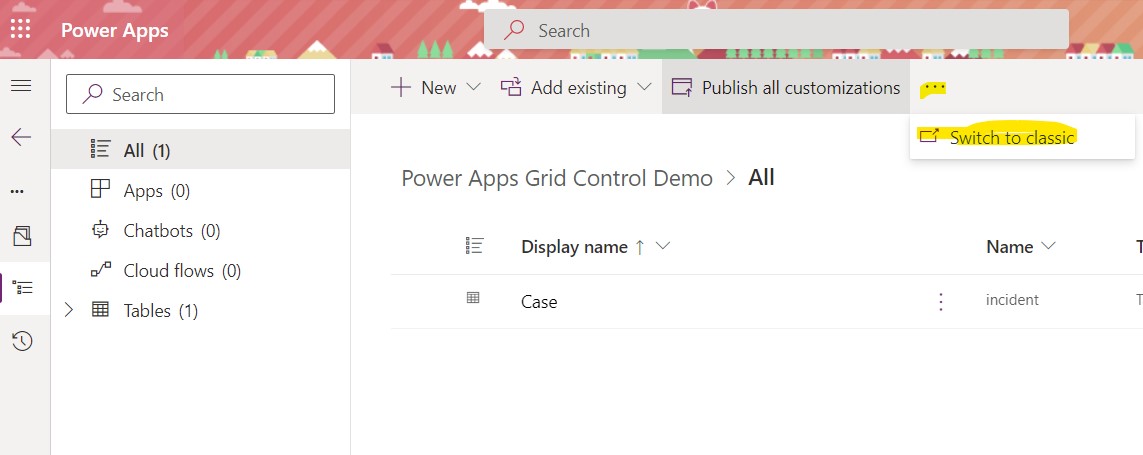
In October 2021, the new Power Apps grid (read-only) control was released to general availability. This control provides users with a number of exciting updates: Users can resize and change columns displayed on a system view. Columns can be reordered. Users can apply their own filters to views. Grid view settings are retained across a […]
The post Applying the Power Apps Read-only Grid Control appeared first on .
Published on:
Learn moreWe can help you with Applying the Power Apps Read-only Grid Control
If you want help implementing, troubleshooting, or improving this product, contact us and we’ll point you in the right direction.
Related posts
Business Process Flows in Dynamics 365 CE
Let’s look back at an oldie but a goodie in Dynamics 365 CE/CRM: Business Process Flows! These are designed to standardize how records m...
Handling Dataverse Customer Columns in Power Automate
In Dataverse, a Customer column is a special type of lookup. Unlike a standard lookup, it can reference either an Account or a Contact. That f...
Dynamics 365 CE: Known Issues Creating Word Templates
A classic feature worth revisiting, today’s focus is Word Templates in Dynamics 365 CE/CRM. This tool remains a powerful option available for ...
Types of Power Automate Flows
Welcome to Power Automate! This article focuses on differentiating the three types of Power Automate cloud flows: scheduled, instant and autom...
Condition vs. Switch in Power Automate: When to Use Each
A common question I hear from newer Power Automate users is when to use Condition vs Switch in the Control connector. Control is available in ...