
Bing Chat Enterprise now has user-level admin controls plus your data questions answered
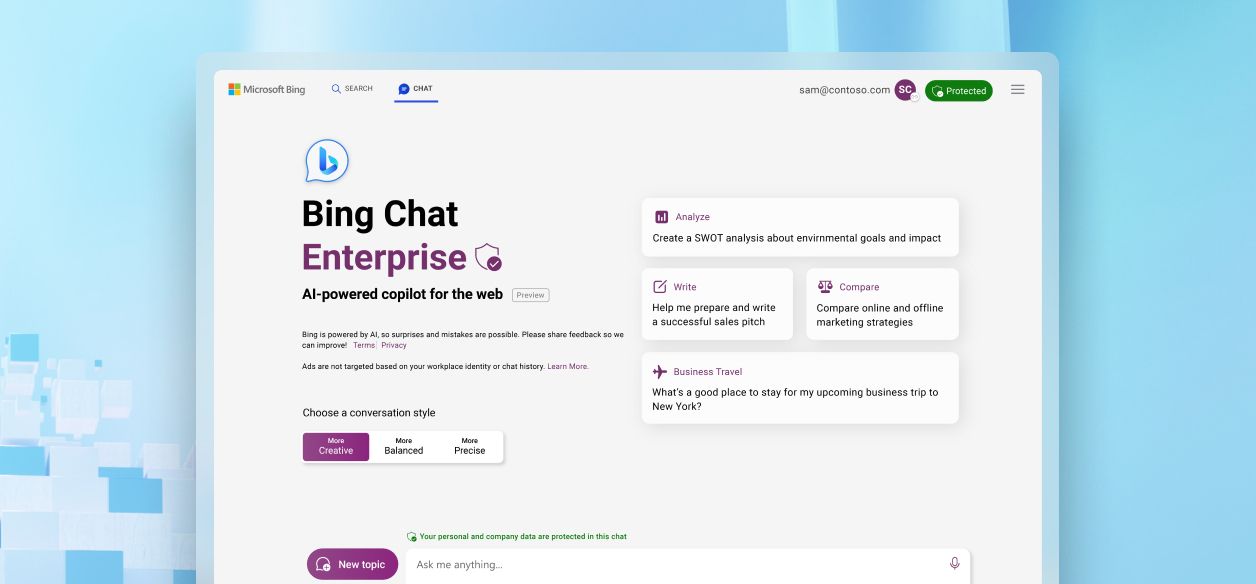
In July, we launched Bing Chat Enterprise, which offers AI-powered web chat with commercial data protection employees are using it to get answers, summarize data, create content, and learn new skills. We’ve also been listening to your feedback about wanting more user controls as well as information about how data is processed.
Today, we’re excited to share some new administrative controls, which are enabled through the Bing Chat Enterprise Service Plan, and offer more clarity on how we manage data in Bing Chat Enterprise.
Manage Bing Chat Enterprise for individual users with new admin controls
At launch, Microsoft 365 admins had the option to turn Bing Chat Enterprise on or off for all users with eligible licenses in their tenant, which made it easier to deploy Bing Chat Enterprise at scale and ensure that all users could use generative AI with built-in commercial data protection. As organizations adopted Bing Chat Enterprise, we received feedback that admins wanted the option for ring-based deployment, a common IT practice that enables you to deploy features to a smaller subset of users and get feedback.
To address this customer request, a Bing Chat Enterprise Service Plan can now choose to roll out Bing Chat Enterprise to a subset of users before deploying across the organization. Once assigned, users signed in with their work or school account (Microsoft Entra ID) can access Bing Chat Enterprise from entry points such as bing.com and the Microsoft Edge sidebar.
Note: The Bing Chat Service Plan for A3 and A5 licenses is currently unavailable and will be added later. These customers will be informed of its availability through a Message center post in the Microsoft 365 admin center.
As a reminder, turning off Bing Chat Enterprise will revert the user to the consumer Bing Chat experience. When users try to access AI-powered chat through bing.com, the Edge sidebar, or Windows Copilot, the experience will not include commercial data protection.
To provide user-level access, follow the standard process outlined at View Microsoft 365 licenses and services with PowerShell. The service plan name for Bing Chat Enterprise is Bing_Chat_Enterprise. Learn more about changing license plans for users and groups here.
No access to organizational data
As organizations continue to introduce AI-powered web chat to their employees, it’s important to understand how user and chat data is handled. If your organization is evaluating Bing Chat Enterprise, here are some important points to consider: Bing Chat Enterprise is a generative AI service grounded in data from the public web—it doesn't have access to organizational resources or content within Microsoft 365 such as documents, emails, meetings, or Microsoft Teams messages. It only has access to organizational data a user has explicitly typed or copied directly into the chat or if a user opens Bing Chat Enterprise in the Microsoft Edge sidebar and has given permission for Bing Chat Enterprise to access a document or intranet page open in the browser. In either scenario, Bing Chat Enterprise doesn't retain any of this data after the chat session is over. Learn more at Bing Chat Enterprise Privacy and Protections page.
Organizations who want a generative AI service that can access Microsoft 365 data should consider Microsoft 365 Copilot, which is currently in preview.
Microsoft as the data controller
When using Bing Chat Enterprise, user prompts leave your organization's Microsoft 365 tenant boundary to reach the Bing Chat Enterprise service and may be processed in global data centers, including ones in the United States, but this data is encrypted in transit and Microsoft doesn't retain this data beyond a short caching period for runtime purposes. Microsoft discards all prompts and responses after the browser is closed, the chat topic is reset, or the session times out. Learn more about data processing for Bing-backed connected experiences on the Bing Chat Enterprise Privacy and Protections page.
Our updated documentation
For more information, check out the updated Bing Chat Enterprise documentation. You can also find answers to common questions in our public FAQ. In response to your feedback, we’ll soon release adoption materials designed to help your employees understand how to get the most out of Bing Chat Enterprise.
Your employees are eager to explore and experience the efficiency of AI. Bing Chat Enterprise is an ideal first step to introduce generative AI to your organization—safely.
Published on:
Learn moreWe can help you with Bing Chat Enterprise now has user-level admin controls plus your data questions answered
If you want help implementing, troubleshooting, or improving this product, contact us and we’ll point you in the right direction.
Related posts
Announcing the General Availability of the Microsoft 365 Document Collaboration Partner Program
Empowering Seamless Collaboration for Modern Workforces We are thrilled to announce the general availability of the Microsoft 365 Docume...
Favorite Microsoft 365 Copilot Prompts
(Amber Plumb interviewing Michael Morales and Allison Sweet) The power of M365 Copilot is transforming the way our support team operates...
Favorite Copilot Prompts
(Amber Plumb interviewing Michael Morales and Allison Sweet) The power of M365 Copilot is transforming the way our support team operates...
Boost digital event engagement with Voting and Archiving in Teams Q&A
Managing and delivering effective town halls is key to enabling two-way dialogue with leaders in today’s hybrid world. Microsoft Teams Q&A...
Prepare now for key end of support moments in 2025
One year from today, on October 14, 2025, support will end for all Office 2016 and 2019 suites, standalone apps, and servers. This includes:&n...
Everything you should know about Visio 2016 and Visio 2019 end of support
On October 14, 2025, Visio 2016 and Visio 2019 will reach end of support. After this date, Visio 2016 and Visio 2019 will no longer receive se...
Limit frontline worker access to Teams when off shift
We’re excited to announce that the frontline working time feature is now generally available! This feature allows admins to block or warn acce...
We are removing Feed on Microsoft 365 (Office)
As part of our ongoing efforts to streamline and enhance user experiences, we will be retiring the Feed feature (shown in figure 1 below) on t...
NOW ON DEMAND | Microsoft Loop Learning Series [Six webinars]
UPDATE | All parts of the Loop Learning Series have aired and are now available to watch on demand, playable below in this blog post. Ar...
Leveraging Partner Apps to Deliver on the Promise of AI-Led Productivity
The advent of generative AI is driving a rethink of what outcomes we deserve from our productivity software – from gains in efficiency to more...