
Dynamics 365 & Teams Integration
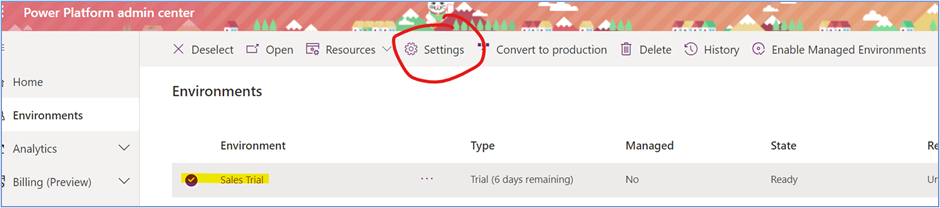
Integrating your Dynamics 365 Customer Engagement apps with Microsoft teams is a sure fire way to enhance collaboration within your organization. Required Permissions Your first stop is the Power Platform Admin Center. Note, there are permissions required to configure each area: Power Platform Admin Center: Turn on settings Video Walkthrough Check out the full video […]
The post Dynamics 365 & Teams Integration appeared first on .
Published on:
Learn moreRelated posts
Business Process Flows in Dynamics 365 CE
Let’s look back at an oldie but a goodie in Dynamics 365 CE/CRM: Business Process Flows! These are designed to standardize how records m...
Handling Dataverse Customer Columns in Power Automate
In Dataverse, a Customer column is a special type of lookup. Unlike a standard lookup, it can reference either an Account or a Contact. That f...
Dynamics 365 CE: Known Issues Creating Word Templates
A classic feature worth revisiting, today’s focus is Word Templates in Dynamics 365 CE/CRM. This tool remains a powerful option available for ...
Types of Power Automate Flows
Welcome to Power Automate! This article focuses on differentiating the three types of Power Automate cloud flows: scheduled, instant and autom...
Condition vs. Switch in Power Automate: When to Use Each
A common question I hear from newer Power Automate users is when to use Condition vs Switch in the Control connector. Control is available in ...