F#5 Set all fields to Read-Only
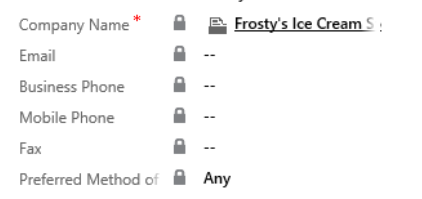
Here's a Javascript that you could add to a form in order to make all present fields as Read-Only, or to get them all back to editable:...
Explore the forefront of AI integration into business processes with our curated collection of Microsoft AI Builder blogs. Stay informed about the latest updates, tips, and best practices to harness the power of AI Builder for automating tasks, extracting insights, and optimizing workflows.
Here's a Javascript that you could add to a form in order to make all present fields as Read-Only, or to get them all back to editable:...
This month, we released new features in Microsoft 365 to help you boost teamwork, save time, and streamline your IT management. Here’s a look ...
Today, at the Enterprise Connect event in Orlando, Florida, Microsoft Teams won the Best in Show award for the second year in a row in recogni...
StyleCop is a static code analysis tool from Microsoft that checks C# code for conformance to StyleCop’s recommended coding styles and M...
I like to share Dynamics CRM plugin best practice. For improved performance, Microsoft Dynamics 365 caches plug-in instances. The plug-in’s Ex...
In order for a business rule to take action on a certain field, the field must be put on the form. In case you don't want the field to...
When we first introduced Microsoft 365 bringing together Office 365, Windows 10, and Enterprise Mobility + Security (EMS), our vision was two-...
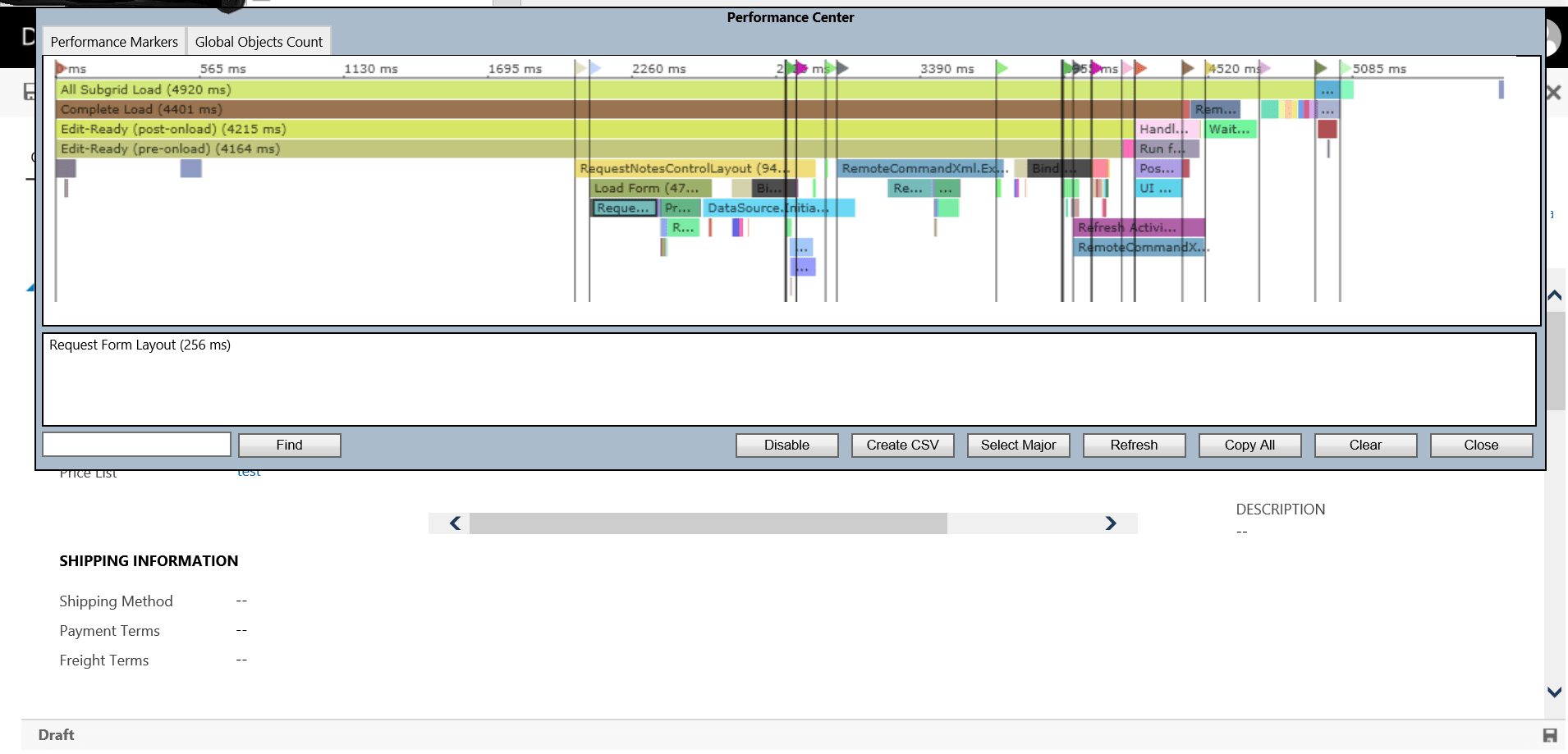
There is a keyboard shortcut to measure the performance metrics for a form. Open a record and then press CTRL+Shift+Q in keyboard. When you fi...
Are you facing the issue of an email form showing as dirty even after it has been saved? If you're using JS on save, the simplest solution is ...
Privious month (24 of Sep) Microsoft anounce new learning platform for developer, architect, and IT administrator called Microsoft Learn. Micr...
Azure
Microsoft 365 Sharepoint
Newsletter
A curated digest of community blogs, product news, videos, and podcasts — delivered without the noise.