How to create tabbed forms and navigation in Power Apps using the Tab List control
Tutorial on how using modern controls such as the Tab List makes it easy to create scalable and responsive UI designs for canvas apps.
If you're a Power Apps canvas app developer, you might have wondered how to determine if your app is running on a mobile or desktop device. In...
Canvas Apps, a pillar of Power Platform, allows users to design apps with a focus on user experience and functionality. The “Mobile Offl...
You must have seen Security Roles, Field Level Security, Access Teams etc. as a way to access records in Dynamics 365 CE (or CRM). Here’...
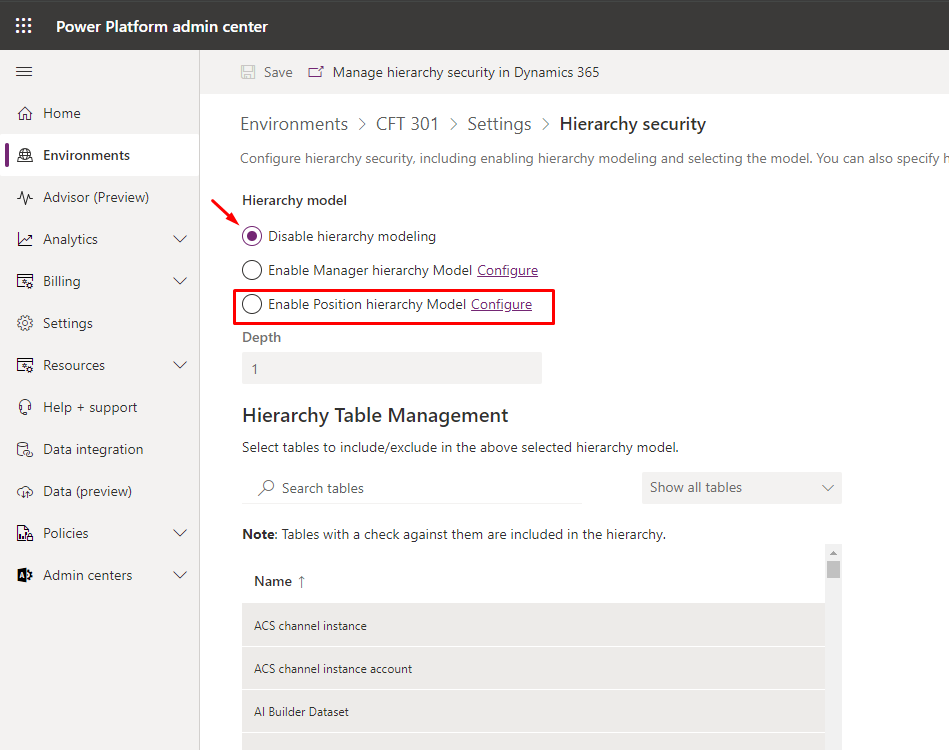
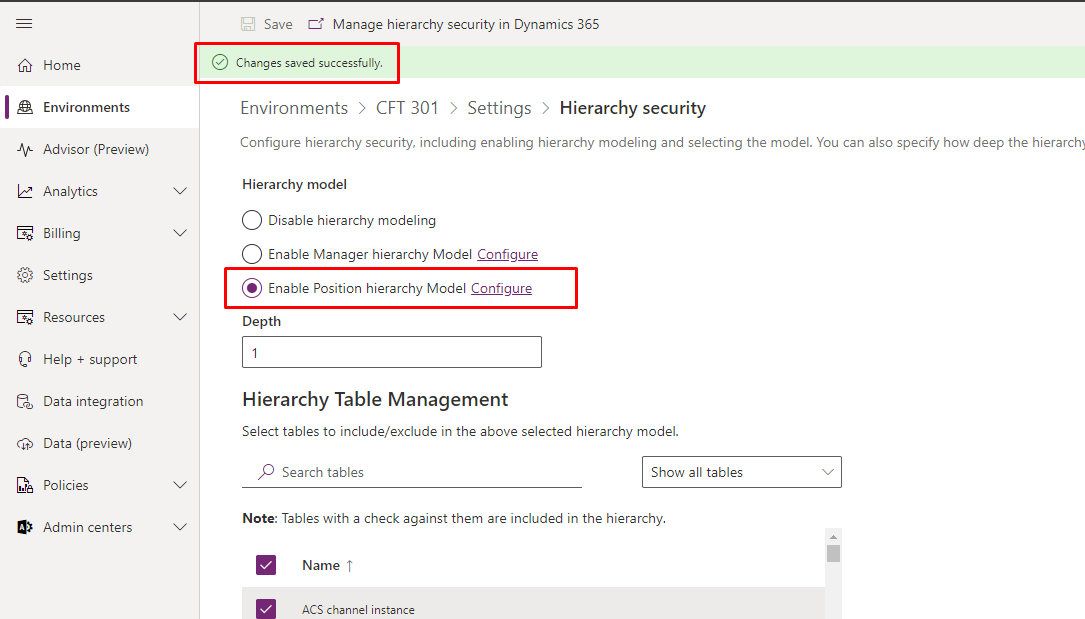
In this post, you’ll learn how to configure Position Hierarchy for Dynamics 365 CE environment – Let’s first look at the sce...
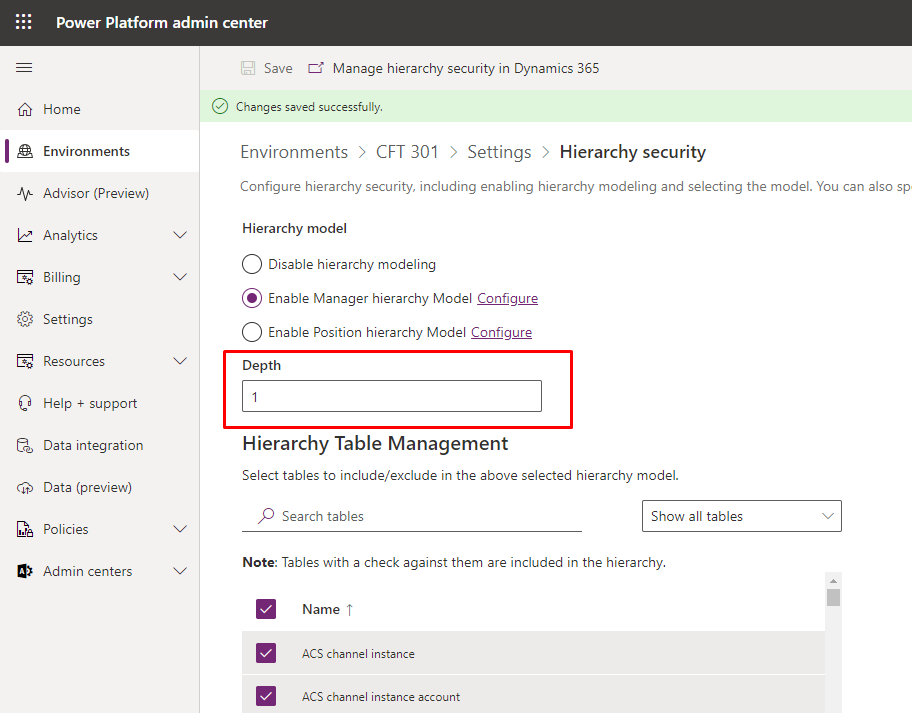
In this post, you’ll learn how to configure Manager Hierarchy for Dynamics 365 CE environment – Let’s first look at the scen...
Azure
Microsoft 365 Sharepoint
Newsletter
A curated digest of community blogs, product news, videos, and podcasts — delivered without the noise.