

Microsoft Dynamics 365 & Power Platform Posts
Video
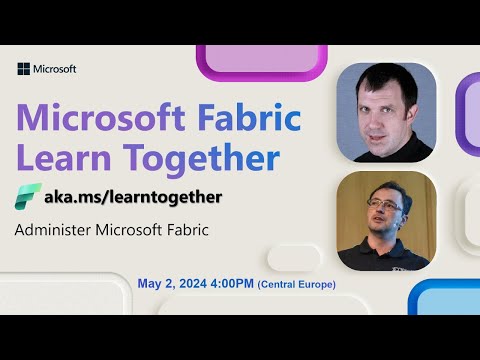
Administer Microsoft Fabric Together | Learn Live Series
If you are interested in learning how to administer Microsoft Fabric, this video is an excellent place to start. The video is part of a series...
Microsoft Power BI
2 years ago
72
Article
Preparing your Team for New Software | Change Management 101
If your team is about to implement new software, it's essential to prepare them for the transition to ensure its smooth and successful impleme...
AlphaBOLD
2 years ago
56
Article
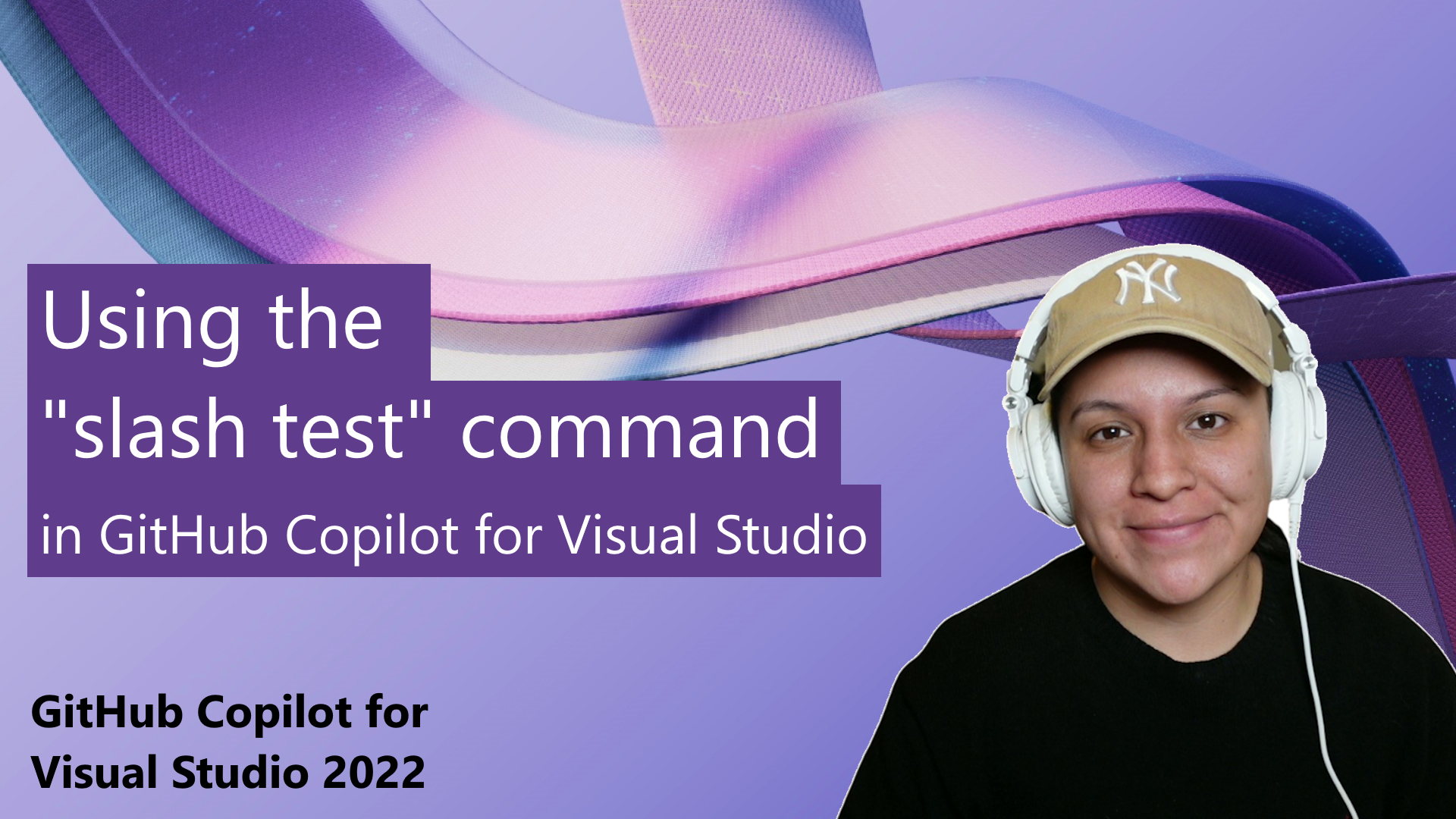
GitHub Copilot: Implement Unit Tests Quickly with Slash Commands
In this post, Gwyn Peña-Siguenza provides a practical demonstration of how to use the "slash test" command in GitHub Copilot for Visual Studio...
Azure Developer Community Blog articles
2 years ago
81

Article
Introducing organizational messages (preview) in the Microsoft 365 admin center
Effective communication plays a crucial role in empowering every person in your organization to achieve more. In the digital-first work enviro...
Office Apps Blog articles
2 years ago
52
Article
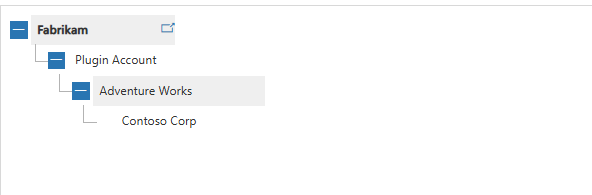
Query Hierarchical Data with Dynamics 365 SDK
Are you struggling to query hierarchical data in Dynamics 365 or DataVerse? Look no further! In this blog post, the author provides a step-by-...
Home - Debajit's Power Apps & Dynamics 365 Blog
2 years ago
178

Article
Send Updates Only to Added or Removed Attendees in Outlook | New Feature for Windows and Web
The new Outlook for Windows and web has a feature that allows organizers to send updates strictly to added or removed attendees when updating ...
M365 Admin
2 years ago
17
Article
Outlook: Meeting Details in Reading Pane for Efficient RSVP Flow
Microsoft is introducing a new and improved feature that enhances the RSVP process by incorporating a Meeting Details card directly into the R...
M365 Admin
2 years ago
19

Article
Introducing View-Only Mode in Viva Engage for Improved Content Access | Microsoft Viva
Microsoft Viva's Engage feature now allows admins to switch users to view only mode. This gives users access to the content in Engage, but the...
M365 Admin
2 years ago
23

Article
New Message Reaction Feature for Microsoft Teams right-click menu | M365 Admin
Microsoft Teams is about to roll out a new feature that will allow users to react to messages directly from the right-click menu. This feature...
M365 Admin
2 years ago
27
Sidebar
All Categories
 Azure
Azure
 Dynamics 365
 Dynamics 365 Business Central
 Dynamics 365 Commerce
 Dynamics 365 Contact Center
 Dynamics 365 Customer Service
 Dynamics 365 Customer Voice
 Dynamics 365 Field Service
 Dynamics 365 Finance
 Dynamics 365 Human Resources
 Dynamics 365 Marketing (Customer Insights)
 Dynamics 365 Order Management System
 Dynamics 365 Project Operations
 Dynamics 365 Sales
 Dynamics 365 Supply Chain Management
 Microsoft 365
 Microsoft 365 Copilot
 Microsoft 365 Graph
 Microsoft 365 Sharepoint
 Microsoft 365 Teams
 Microsoft Excel
 Microsoft OneNote
 Microsoft Outlook
 Microsoft PowerPoint
 Microsoft Word
 Power Platform
 AI Builder
 Copilot Studio
 Dataverse
 Power Apps
 Power Automate
 Power BI
 Power Fx
 Power Pages
Azure
Azure
Dynamics 365
Dynamics 365
Dynamics 365 Business Central
Dynamics 365 Commerce
Dynamics 365 Contact Center
Dynamics 365 Customer Service
Dynamics 365 Customer Voice
Dynamics 365 Field Service
Dynamics 365 Finance
Dynamics 365 Human Resources
Dynamics 365 Marketing (Customer Insights)
Dynamics 365 Order Management System
Dynamics 365 Project Operations
Dynamics 365 Sales
Dynamics 365 Supply Chain Management
Microsoft 365
Microsoft 365
Microsoft 365 Copilot
Microsoft 365 Graph
Microsoft 365 Sharepoint
Microsoft 365 Teams
Microsoft Excel
Microsoft OneNote
Microsoft Outlook
Microsoft PowerPoint
Microsoft Word
Power Platform
Power Platform
AI Builder
Copilot Studio
Dataverse
Power Apps
Power Automate
Power BI
Power Fx
Power Pages