
Design Custom Sidebar within Microsoft Power Pages
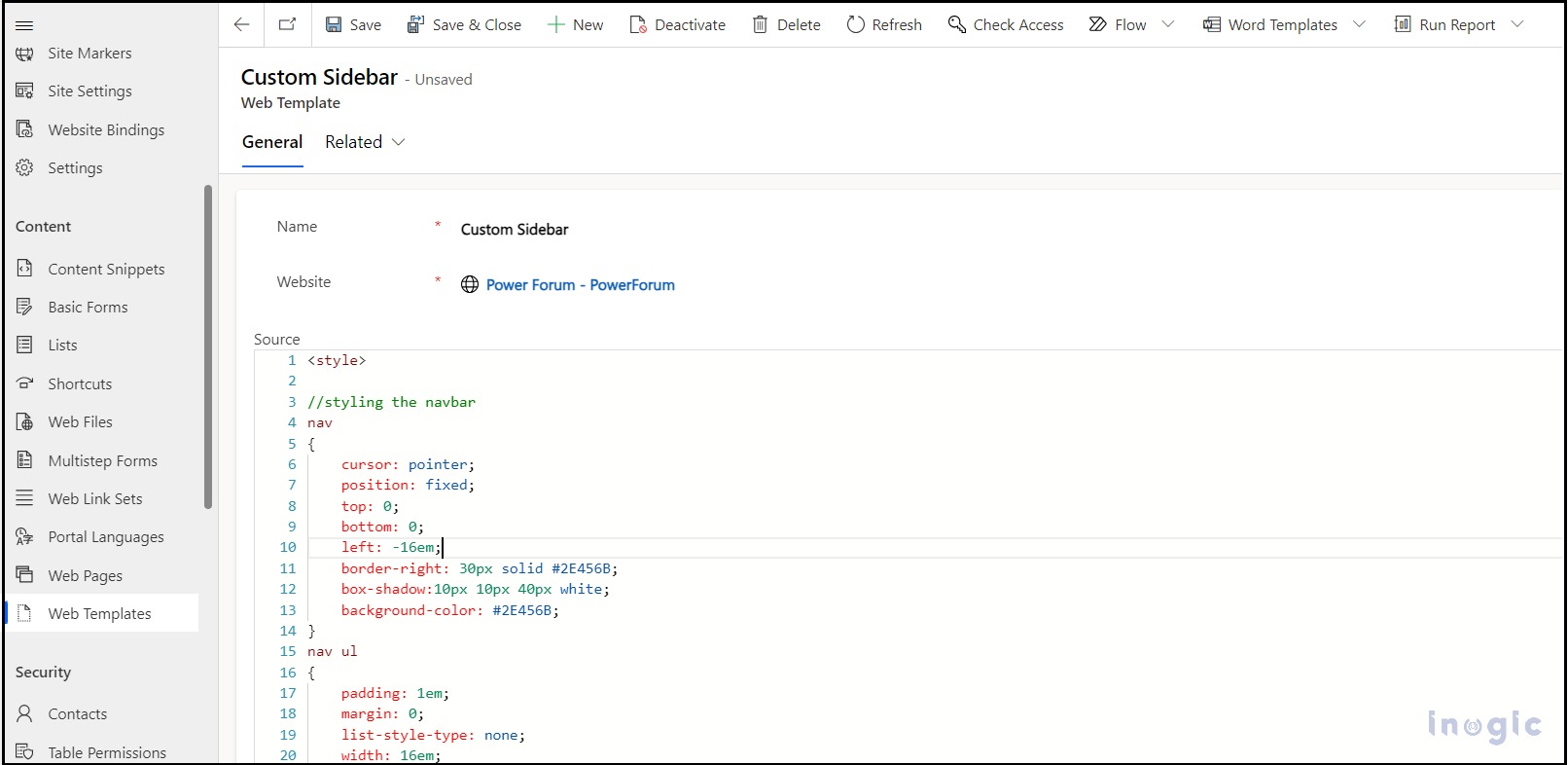
Microsoft Power Pages offer a low-code, no-code SaaS (Software as a Service) platform fortified with enterprise-level security. It simplifies the process of creating, hosting, and managing modern external-facing business websites. By default, when creating a Power Pages site, the primary navigation is positioned at the top of the header. However, there might be at times… Read More »
The post Design Custom Sidebar within Microsoft Power Pages first appeared on Microsoft Dynamics 365 CRM Tips and Tricks.
Published on:
Learn moreWe can help you with Design Custom Sidebar within Microsoft Power Pages
If you want help implementing, troubleshooting, or improving this product, contact us and we’ll point you in the right direction.
Related posts
Dynamics 365 Record Cloning Errors: Causes and How to Avoid Them
Cloning records in Dynamics 365 CRM saves time, but when done manually or with limited native tools, it often introduces errors that quietly d...
Build Dataverse Solutions Faster with a Coding Agent in Dynamics 365
Traditionally, creating a Dataverse solution involves manually creating tables, columns, relationships, and sample records through the Power A...
Your Dynamics 365 CRM Has the Connections. Mind Map Visualization Makes Them Visible.
Key Takeaways See a 360-degree Dynamics CRM relationship view instead of navigating through related records individually. Follow N-Level Relat...
How Batch Testing Prompts Helps You Build Reliable Copilot Agents
In a retail e-commerce company, the team was building an AI customer support agent to handle common queries like order status, returns, refund...
How to Integrate WhatsApp with Dynamics 365 CRM
How many customer conversations start on WhatsApp but never make it into your CRM? For many businesses, WhatsApp is where customers ask questi...
Your Existing Consent Data Shouldn’t Have to Start From Zero
When organizations move to Customer Insights – Journeys, one question often comes up immediately: what happens to the consent preferences we a...
When Dynamics CRM Development Creates a Shadow Architecture
A sales team requests one additional field in Dynamics 365. Later, an automation uses that field to send notifications. Operations begins rely...
Introducing Backup4Dynamics: Long-Term Backup and Recovery for Microsoft Dynamics 365!
What happens when an important Microsoft Dynamics 365 CRM record disappears, and you realize it weeks or even months later? For many businesse...
Power Platform Inventory: Simplify Power Platform Governance and Resource Management
As organizations increasingly adopt Microsoft Power Platform, managing hundreds of apps, flows, agents, environments, and connectors can becom...
How to Identify Duplicate Dynamics 365 Records That Don’t Look Like Duplicates
The easiest duplicate records to find are identical. The ones that create the biggest data problems often do not look like duplicates at all. ...