
How to create a Power Apps trial with onmicrosoft.com account
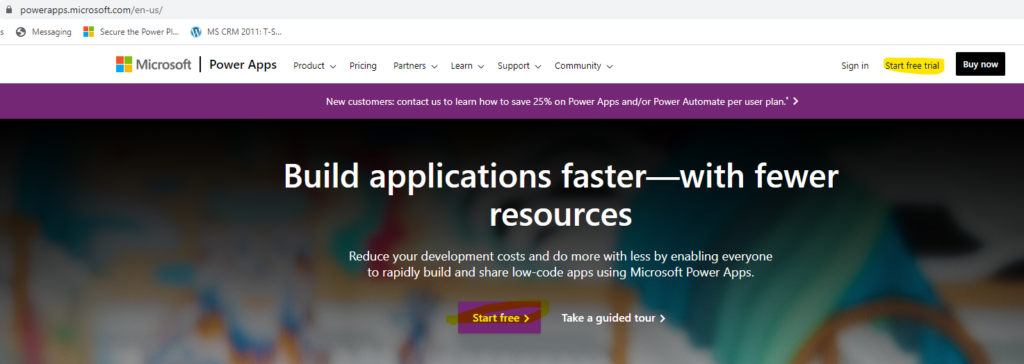
Hello everyone and welcome to my blog. In this blog I will show how you can create a trial onmicrosoft.com account and subscribe to Power Apps. I am recently into lot of Power Apps training sessions and the frequent question I get from the participants is – How do I subscribe for trial Power Apps …
How to create a Power Apps trial with onmicrosoft.com account Read More »
The post How to create a Power Apps trial with onmicrosoft.com account appeared first on Debajit's Power Apps & Dynamics 365 Blog.
Published on:
Learn moreRelated posts
Role Based views in DataVerse/ Dynamics 365
Show/ hide views in Dynamics 365 based on security roles The post Role Based views in DataVerse/ Dynamics 365 appeared first on Debajit's...
Registration is Disabled, Invalid Signin attempt – Error when logging in to Power Pages portals using Azure AD B2C
Hello everyone and welcome to my blog. In today’s blog, I will show how you can resolve the error mentioned here when you try to login t...
Improving User Experience with Delayed filter or Search in Power Apps
Hello everyone and welcome to my blog. In today’s blog, I will show how you can filter a gallery or perform a search operation only afte...
{Solved} How to clear a DatePicker control in Canvas apps
Hello everyone and welcome to my blog. In today’s blog, I will show how you can clear a DatePicker control in PowerApps. You might be wo...
How to convert a local datetime to UTC in Power Apps
Hello everyone and welcome to my blog. In today’s blog I will show how you can convert a local DateTime to UTC time. Let’s get sta...
PowerApps Tutorial: Extracting Dynamic JSON Schema Properties and Values
Hello everyone and welcome to my blog. In this blog I will show how you get the property tag names of dynamic JSON schema and the value of eac...
How to get the Power Automate flow run id
Hello everyone and welcome to my blog. In today’s blog I will show how you can get the workflow run id in power automate flow. Many a ti...
Working with Polymorphic Lookup (multi-table column) in Power Apps: AsType and IsType Functions Explained
Hello everyone and welcome to my blog. In today’s blog, I will show how you can typecast polymorphic lookup columns to specific table ty...