
Co-presence in Power Pages
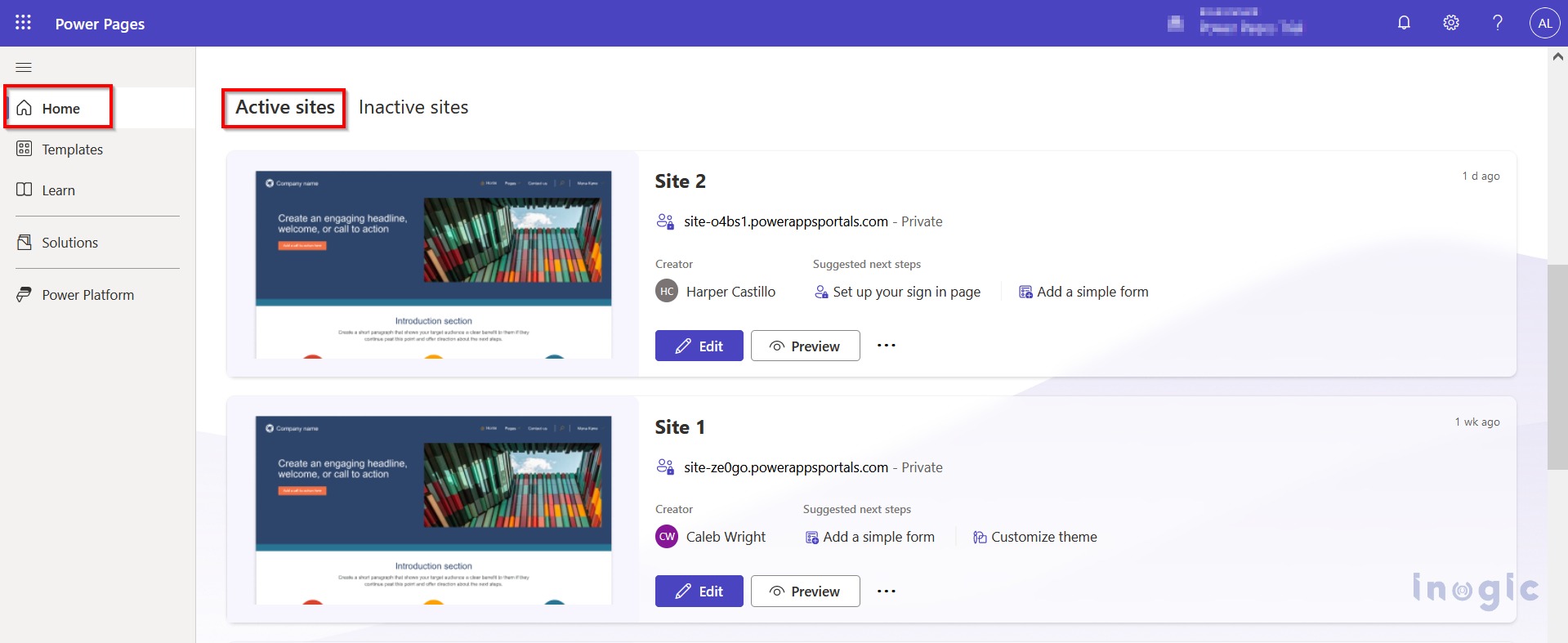
Introduction Co-presence in Power Pages is a powerful feature that optimizes collaboration and communication in the web design and development process. It provides a visual representation of users, facilitates direct communication through Microsoft Teams, and offers a streamlined overview of who is working on specific web pages. This feature promotes a more efficient and productive… Read More »
The post Co-presence in Power Pages first appeared on Microsoft Dynamics 365 CRM Tips and Tricks.
Published on:
Learn moreRelated posts
Setting Up Event Waitlists in Dynamics 365 Customer Insights – Journeys
Managing a full-capacity event can get tricky when cancellations leave seats open and new registrants have nowhere to go. Dynamics 365 Custome...
Duplicate Data in Dynamics 365: How Real Estate Teams Can Keep One Customer View!
Have you ever called a lead to ask about their property requirements, only to hear an irritated response: Your company has already called me f...
How to Add an Agent Node to an Agent Flow in Microsoft Copilot Studio
Modern Dynamics 365 applications often require intelligent automation to reduce manual effort and improve customer experience. Agent Nodes in ...
How to Fix Your Dynamics 365 Document Storage Problems Easily
You’re updating a deal in Dynamics 365, you go to attach a signed contract, and a storage warning pops up. Or maybe you’re the adm...
Configuring the Sales Opportunity Agent in Dynamics 365
Every sales pipeline eventually faces the challenge of managing increasing deal volume and complexity. As opportunities grow, sellers spend mo...
How AI Chatbots Transform WhatsApp Customer Support in Dynamics 365
A customer sends a WhatsApp message: “Where is my order?” But the bigger shift happens when WhatsApp, AI, and CRM work together. With Dynamics...
Teaching Copilot Your Business Language: A Hands-On Look at the Dataverse Semantic Model
Ever asked Copilot a perfectly reasonable business question and gotten back a shrug, even though the data was sitting right there in Dataverse...
Microsoft AI Builder: A Practical Guide to AI-Powered Power Platform Development
Learn how Microsoft AI Builder works, its AI models, business use cases, prompts, and how organizations can integrate AI with Dynamics 365 and...
How to Analyze Copilot Agent Adoption Using Microsoft 365 Insights Agent
Organizations are increasingly using Microsoft 365 Copilot agents to simplify everyday tasks and support business processes across industries ...