Power Automate: SharePoint - List folder Action
Returns the files and subfolders inside a folder. Goes one level deep and needs the folder ID, not its path.
Dive into the world of low-code development and automation with our curated collection of Microsoft Power Platform blogs. Stay informed about the latest updates, tips, and best practices to unleash the full potential of Power Platform for building custom solutions, automating workflows, and driving digital transformation.
Returns the files and subfolders inside a folder. Goes one level deep and needs the folder ID, not its path.
Hi everyone and welcome to my blog. My name is Rakesh. Im glad to see you and I want to say a few words about myself. Why am I here? Ambitious...
In this post, the author shares their experience of using the combination of LinkedIn Sales Navigator and SalesSpark to manage Sales Engagemen...
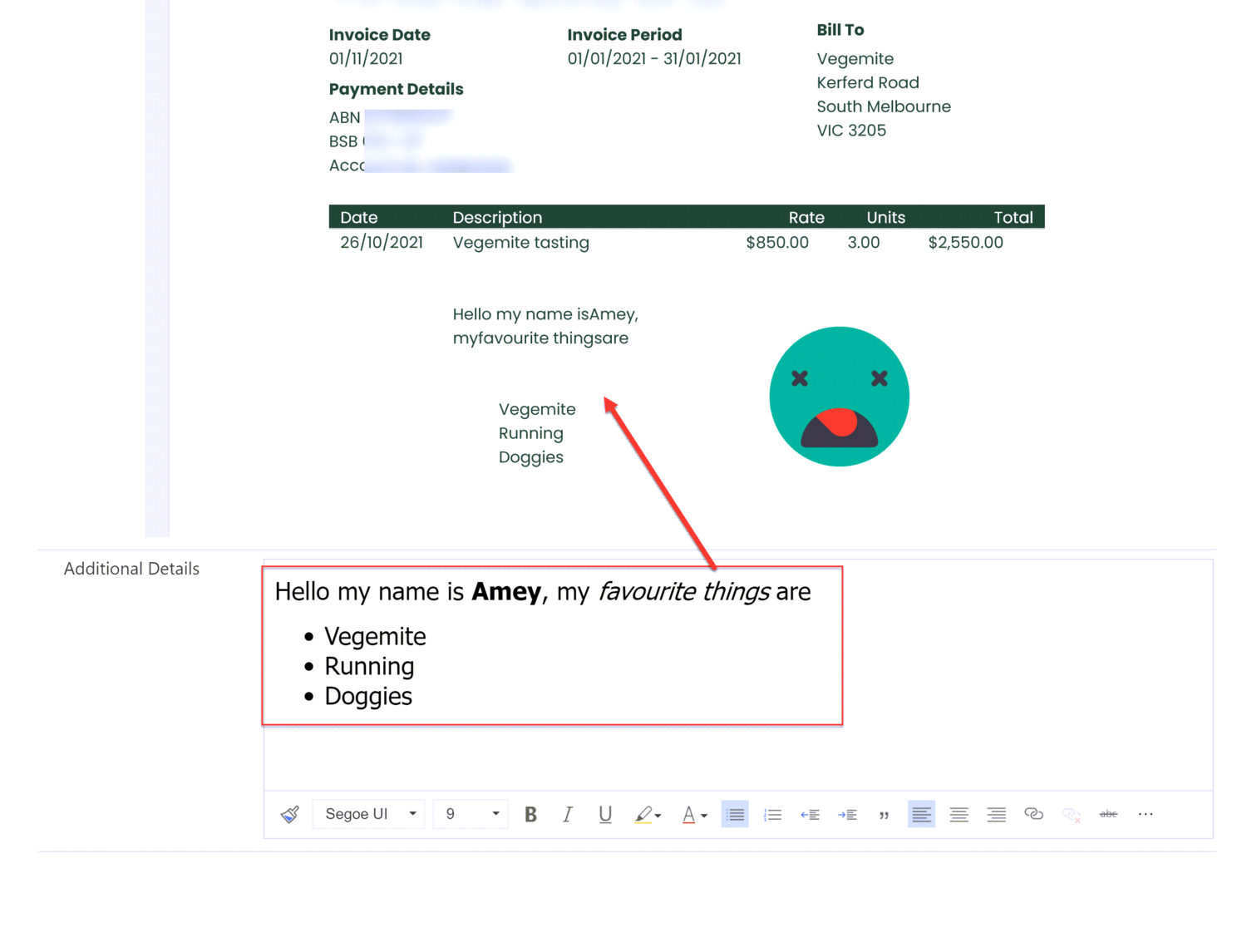
Document Templates and Rich Text Component Controls are both excellent features of Dynamics 365/Model-Driven Power Apps, but they do not work...
It’s the month of bats, pumpkins, ghosts and skeletons. MVP Alex Shlega launched a series of blog posts where he encouraged the communit...
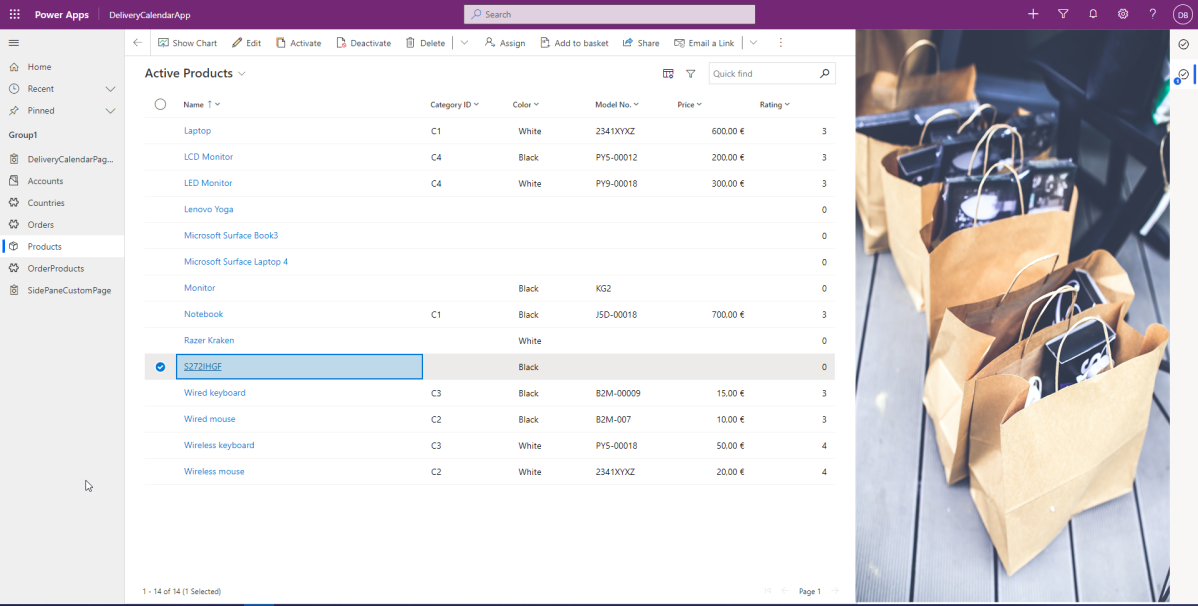
I wanted to have look to the new announced Side Panes in model-driven apps. I’ve read some blogs, but until I don’t try things out...
The introduction of role-based exams by Microsoft a few years ago marked a significant change of direction for the certification landscape and...
Microsoft's introduction of role-based exams marked a change in the certification landscape and the promise of less disruption in the years ah...
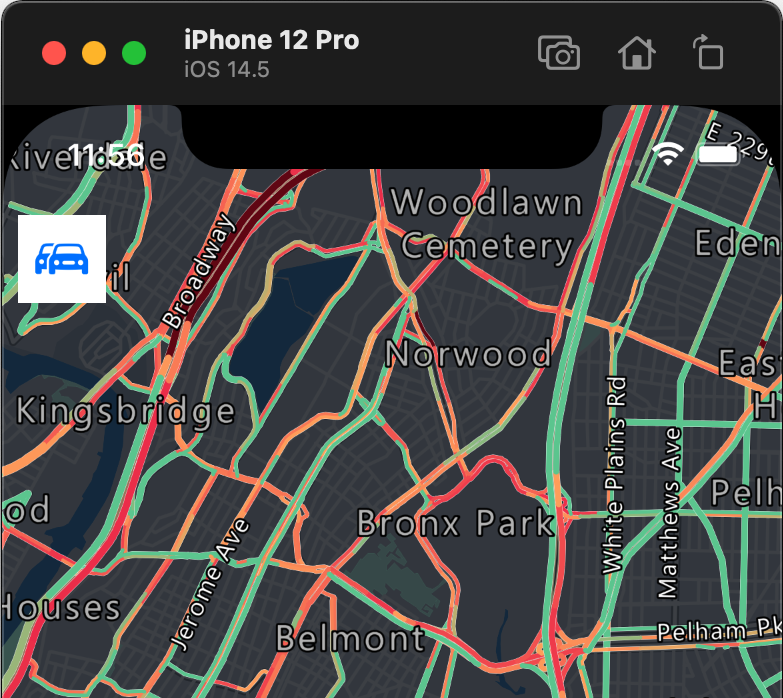
From startups to large organizations, our customers in every industry use mapping and location-aware technology in their mobile solutions and ...
Azure Resource Mover > Move across region dashboard Move across region dashboard and monitor summary of resources across regions using Azu...
Azure
Microsoft 365 Sharepoint
Newsletter
A curated digest of community blogs, product news, videos, and podcasts — delivered without the noise.