Microsoft Power Pages: Latest Power Pages
Explore the possibilities of building dynamic web pages with ease through our curated collection of Microsoft Power Pages blogs. Stay informed about the latest updates, tips, and best practices to unlock the full potential of Power Pages for creating engaging and interactive web experiences.
Episode 414 - Azure DNS
In this episode of the AzPodcast, the team has a conversation with Abhishek Tiwari regarding Azure DNS, discussing its past, present and futur...
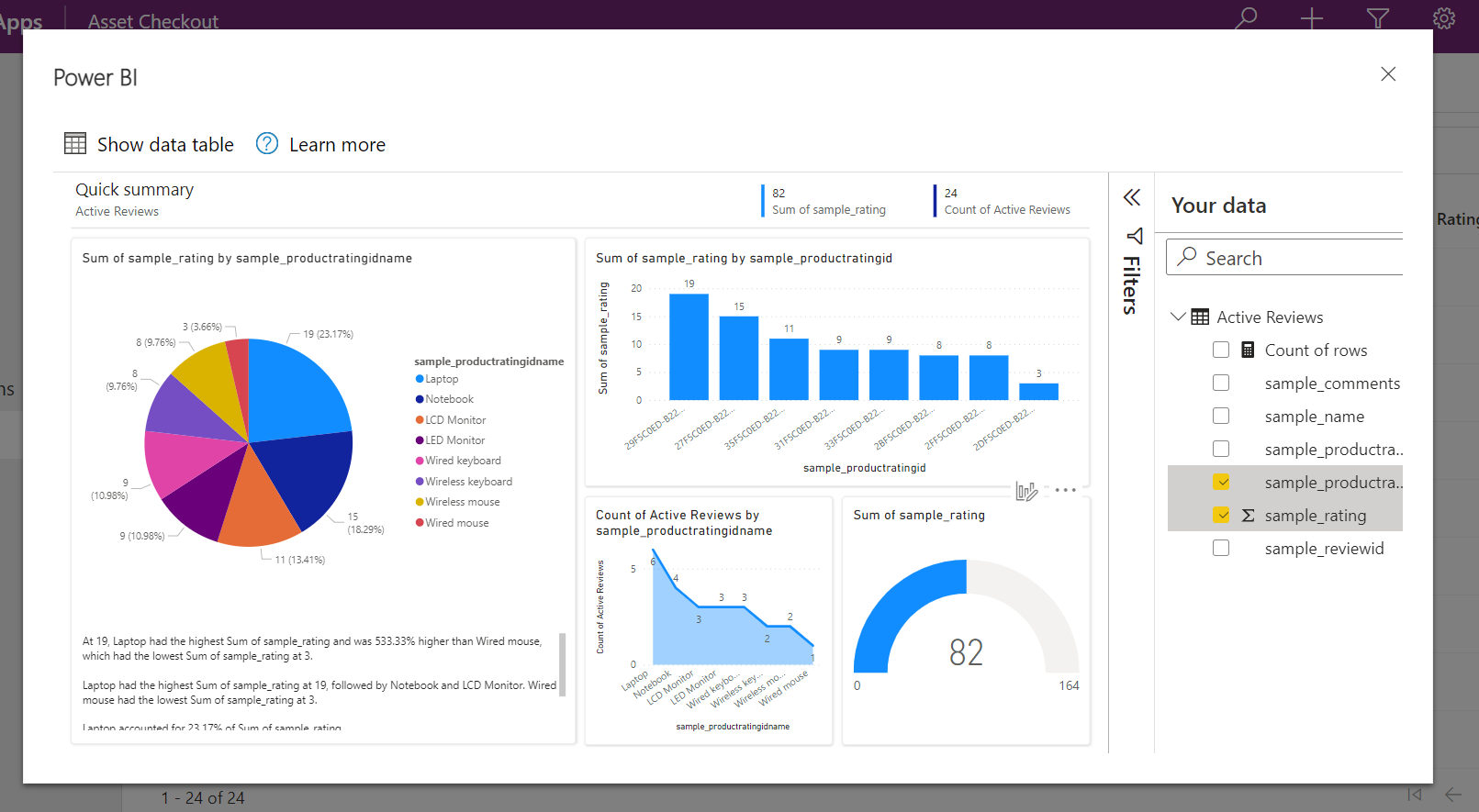
Visualize view data on button click in model-driven apps with Power BI
This feature combines the capabilities of Power Apps, Power BI and Dataverse in a seamless way to help you visualize and understand your data ...
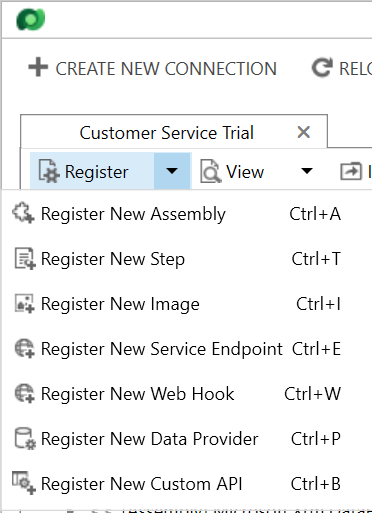
Calling an Azure Function and Power Automate with D365 Webhook
This post delves into the use of Dynamics 365 Web Hooks, or webhooks, within the Plugin Registration Tool, such that we can call out to both P...
Module 1: Access User Info by using Graph Explorer | Microsoft Graph Fundamentals for Beginners
In this video tutorial, Module 1 of the Microsoft Graph Fundamentals for Beginners course, you'll learn how to access user information by usin...
Module 1: Exercise - Test Queries with Your Own Account | Microsoft Graph Fundamentals for Beginners
Module 2: Access Tokens | Microsoft Graph Fundamentals for Beginners
If you're looking for an overview of access tokens in the context of Microsoft Graph, you've come to the right place. This video tutorial expl...
Module 3: Exercise - Use Microsoft Graph in your web | Microsoft Graph Fundamentals for Beginners
In this video tutorial, you'll dive into Microsoft Graph Fundamentals for Beginners by exploring Module 3: Exercise - Use Microsoft Graph in y...
Resolution of AADSTS500014: The service principal for resource https://dev.teams.microsoft.com is disabled issue
Quick story of how to resolve issue: AADSTS500014: The service principal for resource https://dev.teams.microsoft.com is disabled The post Res...
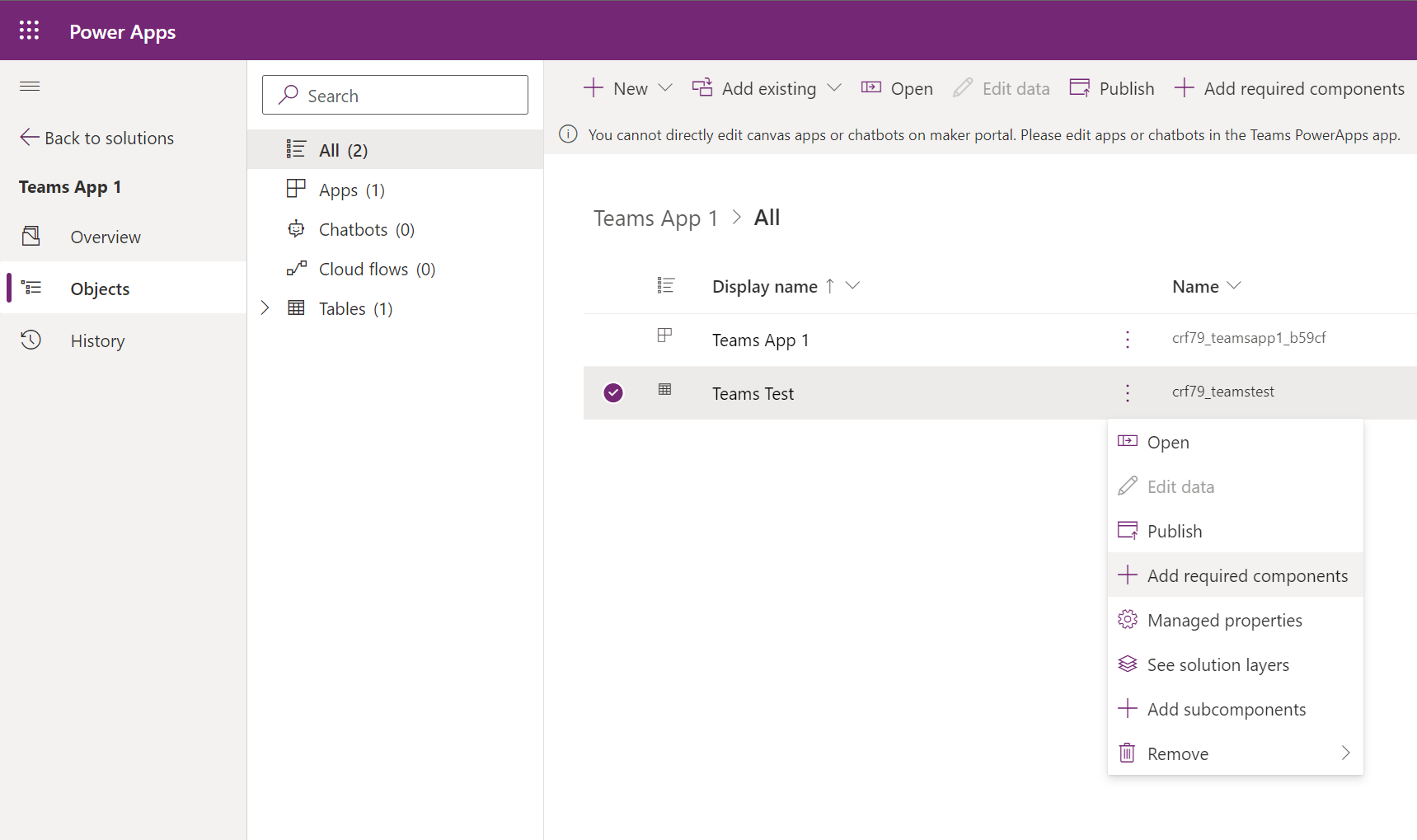
Working with solutions in Dataverse for Teams
Solutions are hidden behind the scenes when building Power Apps in a Teams environment. While you can use them, there are some gotchas to be a...
Sidebar
Azure
Microsoft 365 Sharepoint