How to make Power Apps more accessible?
Learn what is accessibility, why is it relevant in Power Apps, and how to make each control in Power Apps more accessible! The post How to mak...
Galleries are used to display records from a table in a list form. Learn how with a few simple steps, you can make galleries accessible! The p...
You can use Copilot in Microsoft Outlook for summarization, drafting an email or even learning the tonality of the email communication. We exp...
Running background services on GitHub Actions can be helpful when you want to run some tests. For instance, start up the local server before r...
HTML controls are used to show text and convert HTML tags to formatting. Learn how accessible they are and how to improve accessibility! The p...
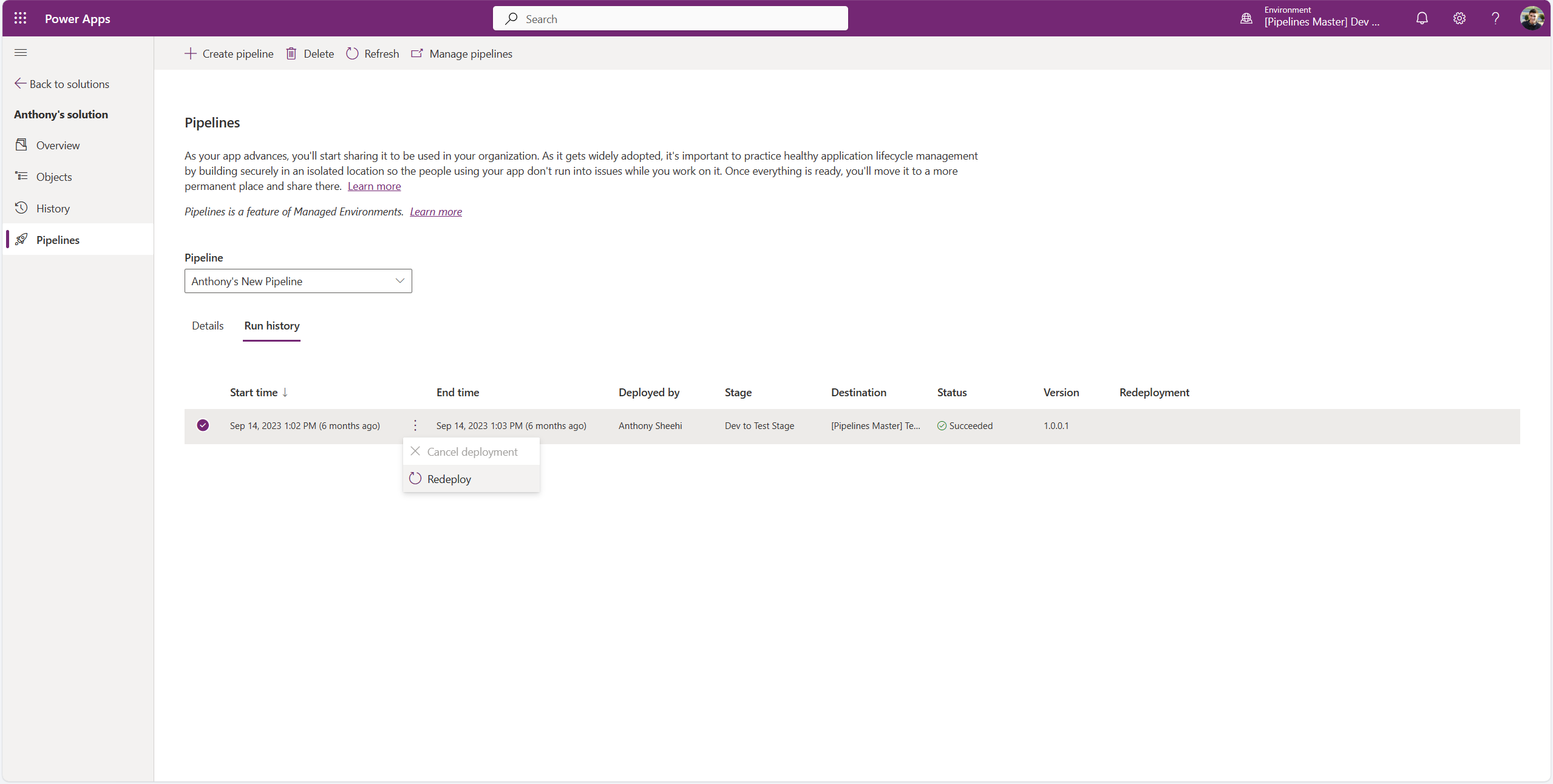
If you need to revert to a previous solution version in your production environment, pipelines have got you covered! In this post, learn how p...
Timers are used to record times in an app to perform actions when the set time ends. Learn how to make timers in Power Apps accessible! The po...
Icons are used to represent shapes, actions etc.. Learn a few simple steps to make icons in Power Apps accessible! The post How to make a Powe...
Message center notification MC734281 explains that Copilot for Microsoft 365 will get better grounding for Word, Excel, PowerPoint, and OneNot...
Add picture controls are used to allow users to click new or upload existing pics. Learn how to make add pictures in Power Apps accessible! Th...
Azure
Microsoft 365 Sharepoint
Newsletter
A curated digest of community blogs, product news, videos, and podcasts — delivered without the noise.