New Power Query experience in Power BI Desktop (Preview)
Authored by: Sara Lammini Rodriguez - Product Manager II, and Miguel Escobar - Senior Product Manager
Author: Katie Murray, Senior Program Manager - Power BI continues to evolve with updates that make it easier to explore data, generate insight...
As organizations evaluate Microsoft Dynamics 365 Customer Insights capabilities, a common question keeps emerging: Are we still designing camp...
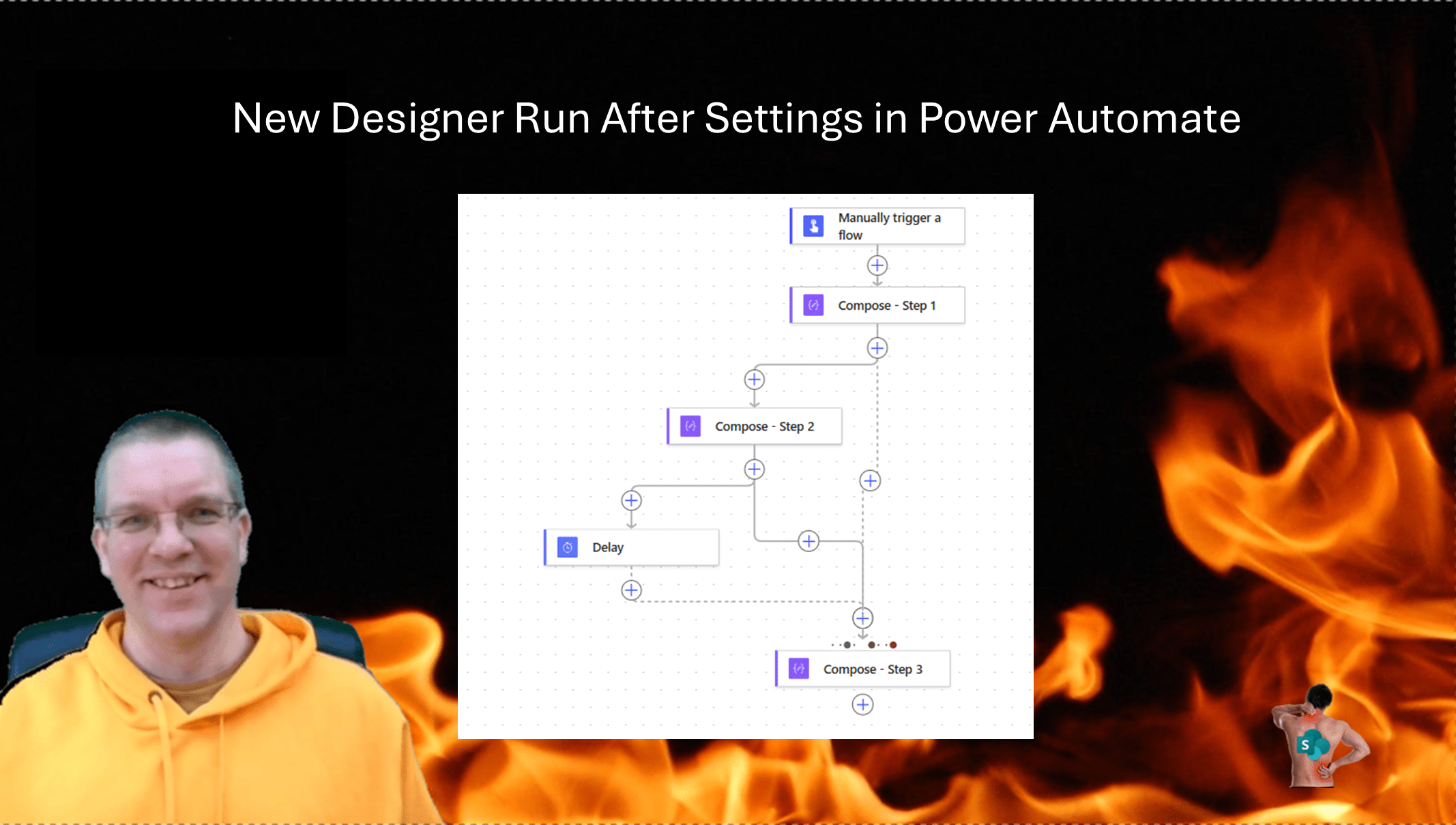
I will start this post with a warning about the New Designer Run After settings. The steps described in this post do not make it easier to und...
Fabric Insider Series | Episode 2 | Interview with Zoe Douglas, Feature PM at Microsoft If you have been following Power BI for a wh...
The 'range' function in Power Automate creates arrays of consecutive integers. Use it to replace counter variables and skip the count-vs-end t...
If you are working with a custom Lead or Contact form, you may have noticed that your marketing interactions in Customer Insights-Journeys do ...
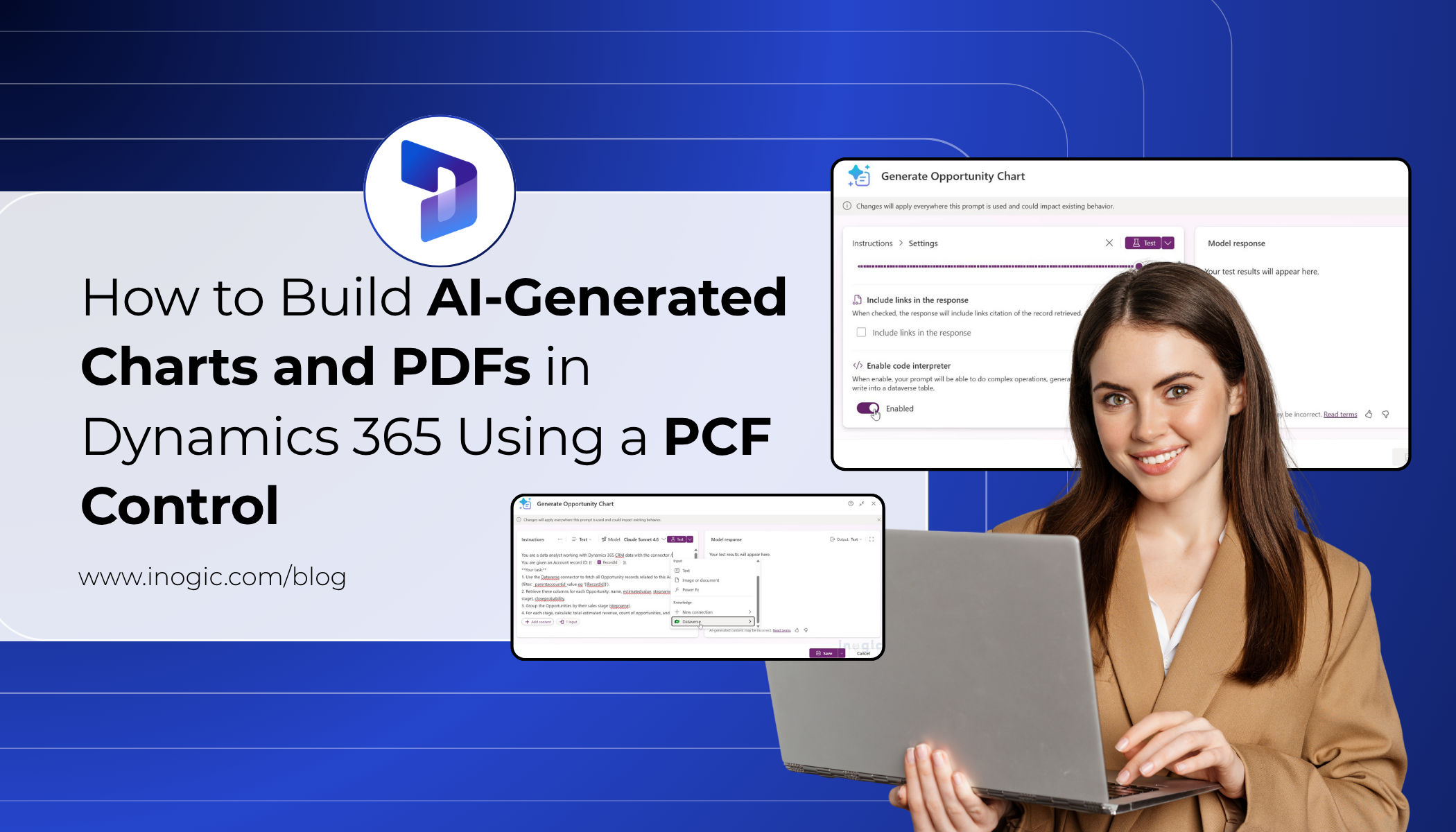
We spend a lot of time working inside Dynamics 365 CRM forms. Accounts, Opportunities, Cases and other commonly used entities. One area that a...
Managing documents in a Dynamics 365 SharePoint integration environment can quickly become difficult as files grow across sales, service, comp...
Azure
Microsoft 365 Sharepoint
Newsletter
A curated digest of community blogs, product news, videos, and podcasts — delivered without the noise.