Power Automate: Error “The gateway is either offline or could not be reached.”
We will discuss the error “The gateway is either offline or could not be reached.” when we use an On-premises
Appending ribbondebug=true to the record’s URL adds the new Command checker button in the command bar, which could help us in troublesho...
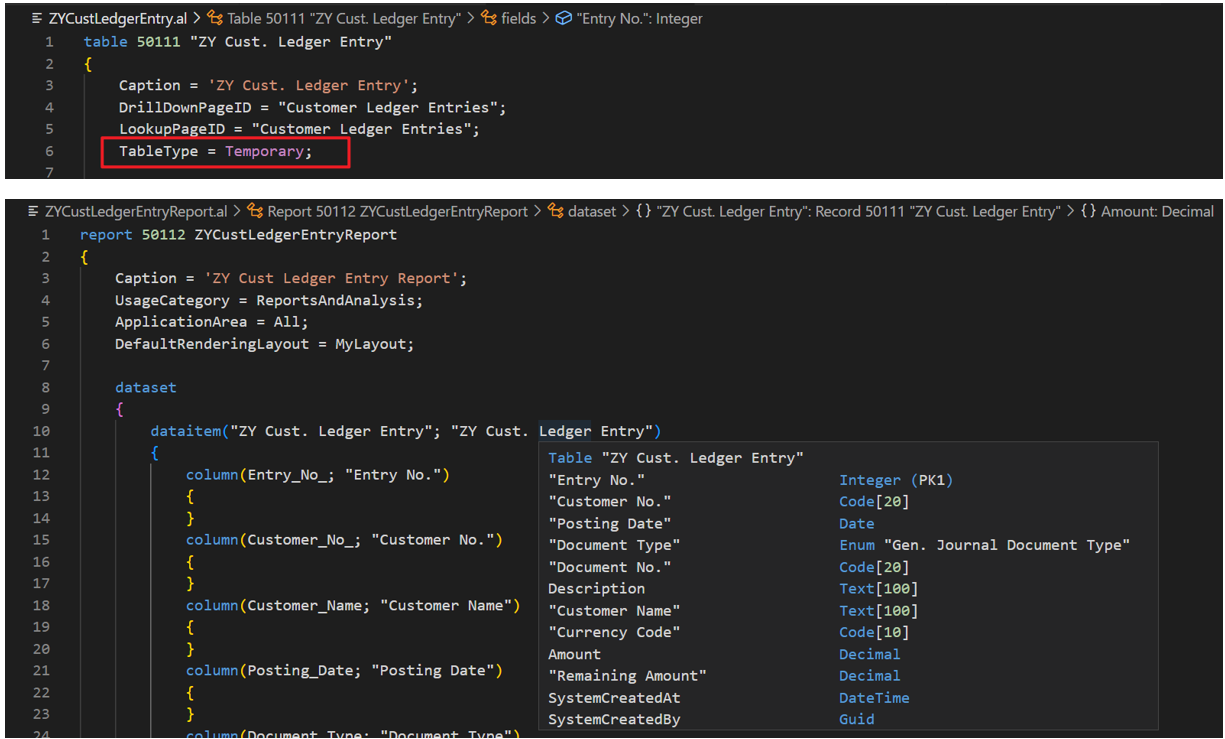
Hi, Readers.Today I would like to talk about how to create Report with temporary table in Business Central.For experienced developers, this is...
The latest beta release of the Text Analytics client libraries includes some exciting new NLP features like abstractive summarization, dynamic...
Room mailboxes are still heavily used for in-person meetings. It's good to know how often and when rooms are used, which is why we have the ro...
The Powerful Devs Conference is an informative event tailored to developers seeking to enhance their skills and deepen their understanding of ...
In this blog post I am going to detail how to create a schedule, test and confirm that the backup for the Power BI Premium dataset is successf...
In this tutorial, the focus is on creating and managing workspaces for Power BI and Analyst Hub, with a view to achieving consistency across b...
I’ve written an introductory article on Command Bar when the feature was in preview state. Now that the Command Bar evolved with Power F...
We are pleased to announce the public preview of symmetric NAT support for RDP Shortpath. This feature is the extension of the GA RDP Shortpat...
Azure
Microsoft 365 Sharepoint
Newsletter
A curated digest of community blogs, product news, videos, and podcasts — delivered without the noise.