
Introducing QR Watchface: Your wrist’s new best friend
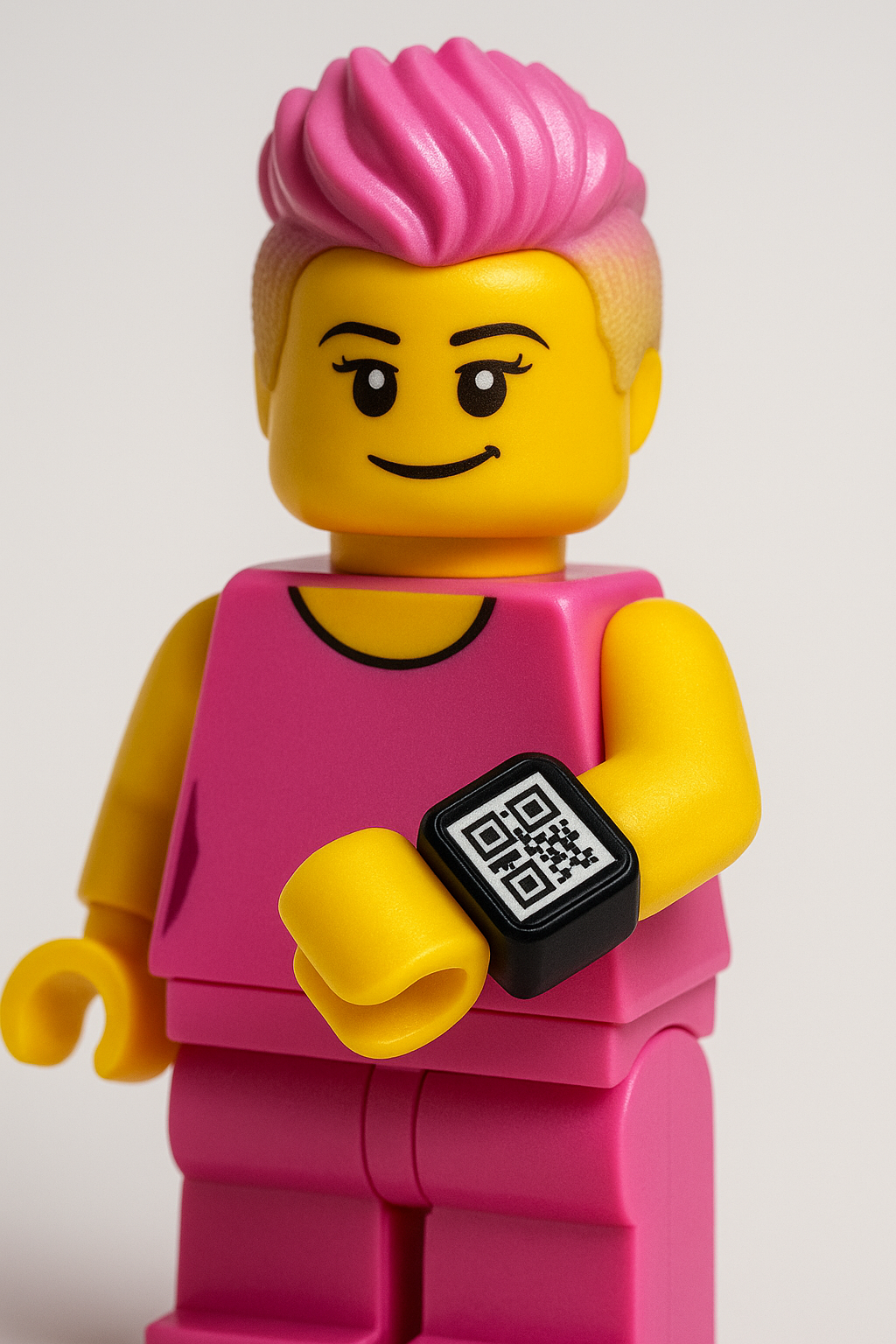
Ever wanted to share your LinkedIn profile straight from your Apple Watch, without fumbling for your phone? I’ve built something that makes it simple: QR Watchface, a sleek web app that turns any URL into a perfectly sized, scannable QR code for your watch face.
Why QR Watchface?
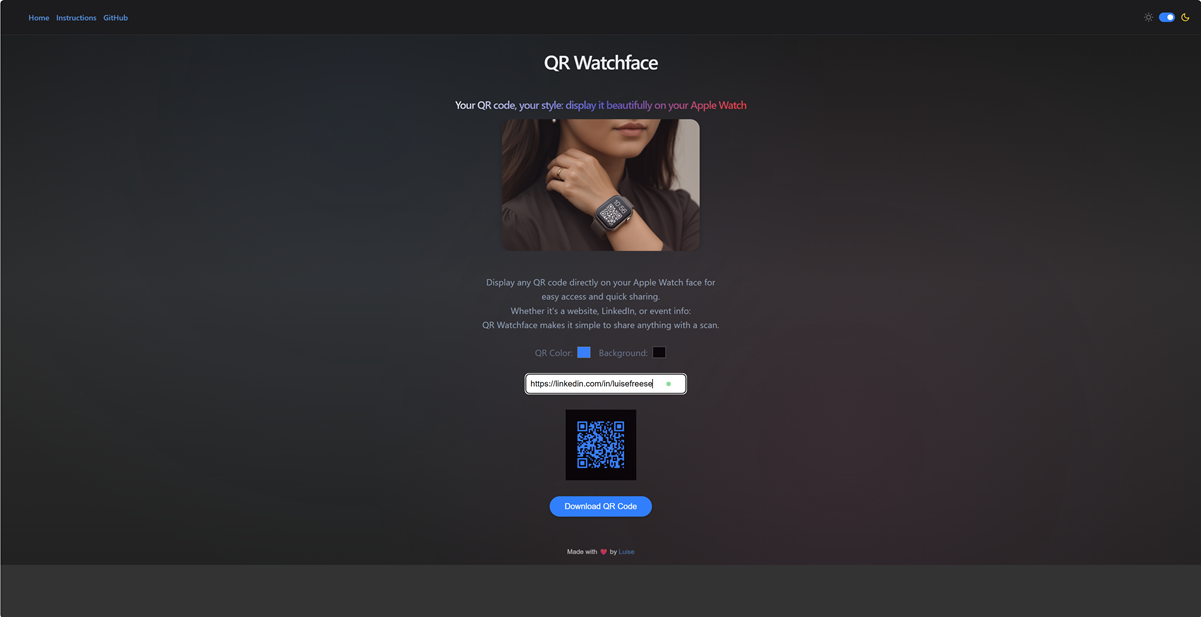
Imagine this: You’re at a conference, or maybe a coffee meet-up, and you want to share your LinkedIn profile, but pulling out your phone and opening the app just isn’t fast enough. With QR Watchface, you get an instant, one-click solution. It generates a clean QR code, adds extra margin for visibility around your watch’s clock, and lets you download a polished image optimized for your Apple Watch face.
And the best part? You can personalize it: Match the event’s color scheme or use your favorite colors. You get a QR code that looks good and works well.
Here’s the magic in a nutshell
- Choose your QR code and background colors, see the updates live, and get a quick warning if the contrast isn’t up to accessibility standards.
- Rounded corners, gradients, and a minimal pill-shaped download button. It’s sleek, polished, and feels right at home on iOS.
- The app exports a 4:5 aspect ratio PNG with your QR code at 70% scale, positioned perfectly at the bottom so your clock doesn’t interfere.
- Full support for dark mode and built-in contrast checks to meet WCAG standards, ensuring your QR code is always easy to scan, day or night.
How it works
The app checks the WCAG 2.1 contrast ratio in the background, so if your color choices fall below the minimum 4.5:1 contrast ratio, you’ll get a warning. Once you’re satisfied, hit Download and get a crisp, watch-ready PNG.
Accessibility matters (and it makes scanning easier!)
Accessibility isn’t just about making sure everyone can read your QR code, it’s about ensuring a better scanning experience for everyone. By enforcing high-contrast colors, not only do we make sure it’s easy to read for people with visual impairments, but we also make scanning faster and more reliable for anyone. Low-contrast codes can lead to failed scans, but with clear, high-contrast combinations, your code will be read in one go—no more awkward “Can you try again?” moments.
Give QR Watchface a try!
Let me know what you think! I’d love to hear your feedback: https://qrwatchface.netlify.app/
Published on:
Learn moreWe can help you with Introducing QR Watchface: Your wrist’s new best friend
If you want help implementing, troubleshooting, or improving this product, contact us and we’ll point you in the right direction.
Related posts
You are holding GitHub Copilot Wrong!
Most developers think that one can’t really use GitHub Copilot wrong. There is a chat interface that lets you also choose a model, so th...
You are holding GitHub Copilot Wrong!
Part 0 showed why constant prompting, re-prompting, and steering GitHub Copilot feels fragile. Not because Copilot is unreliable, but because ...
Building a Multi-Hierarchy Ticket Classification System (Because Keywords Aren't Enough)
Look, I love a good keyword-based system as much as the next developer. They’re fast, predictable, and when your user says “VPN,&r...
Secretless cross-tenant dataverse access
Client secrets are like hiding your house key under the mat; easy to grab and impossible to audit. Certificates are just slightly better, beca...
How Azure CLI handles your tokens and what you might be ignoring
Running az login feels like magic. A browser pops up, you pick an account, and from then on, everything just works. No more passwords, no more...
How Dev Proxy teaches you to make your apps more resilient
I added Microsoft Dev Proxy to my Mermaid → Dataverse converter, because I wanted to test how it handled rate limits and API errors. What I go...
Building Azure functions that never store secrets — ever
What if your function could hit Microsoft Graph with no client secrets, no certs, and no Key Vault entries? That is exactly what a Managed id...
Introducing Mermaid to Dataverse Converter
Why diagrams matter (and why they usually fail us) Entity-Relationship Diagrams (ERDs) are the universal shorthand for talking about data mode...
It’s OK to be seen trying
It’s OK to be seen trying Somewhere along the way, we started believing that you’re only allowed to speak after you’ve figured everything out....
Stuck in pilot - Part 1: no foundations, no future
“We just need to test the AI. We’ll figure out the data later.” That sentence has quietly killed more AI pilots than any model failure ever ...