
How to Use Code Interpreter in Microsoft Copilot Studio to Analyze CSV and Excel Data
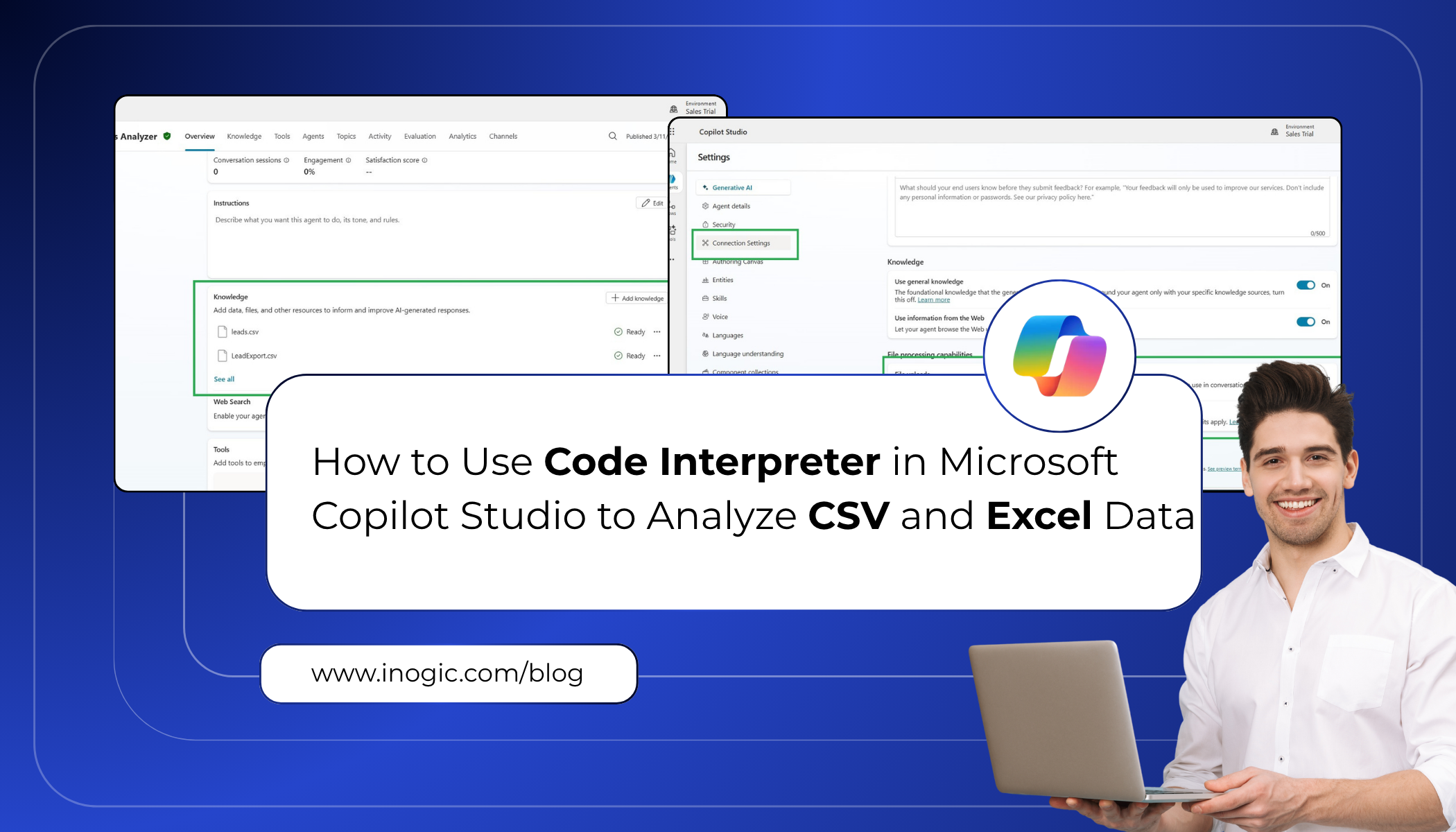
Microsoft Copilot Studio introduces Code Interpreter, a powerful capability that enables agents to generate and execute Python code to analyze structured data. With this feature, agents can perform tasks such as: Data aggregation Statistical analysis Forecasting Table joins Chart generation Code Interpreter allows agents to work with structured file formats such as CSV and Excel,… Read More »
The post How to Use Code Interpreter in Microsoft Copilot Studio to Analyze CSV and Excel Data first appeared on Microsoft Dynamics 365 CRM Tips and Tricks.
Published on:
Learn moreWe can help you with How to Use Code Interpreter in Microsoft Copilot Studio to Analyze CSV and Excel Data
If you want help implementing, troubleshooting, or improving this product, contact us and we’ll point you in the right direction.
Related posts
Field Sales Nightmares Haunting Your Reps & the Dynamics 365 App That Exorcises Them
Every industry has its ghost stories. In field sales and service, they don’t involve haunted houses. Instead, they have haunted territor...
How to Use a Kanban Board in Dynamics 365 CRM to Visualize Opportunities and Manage Workflows
A sales pipeline rarely stands still. Some opportunities are newly qualified, others are waiting for proposals, and some are approaching closu...
Transferring Ownership of a Power Pages Site: Step-by-Step Guide
When the person responsible for a Power Pages site moves to another role or leaves the organization, ownership should be transferred to someon...
Azure Communication Services WhatsApp Retirement: Your ACS Migration alternative
Attention, Dynamics 365 users: your WhatsApp countdown has begun. Microsoft has announced that Azure Communication Services (ACS) Advanced Mes...
Enhancing Customer Service Automation with AI Agents in Dynamics 365 CRM – Part 1
When a customer service team grows, they often face a big problem. Their shared support inbox fills up with noise. Real customer complaints ne...
Microsoft Dynamics 365 Backup: Is Native Backup Enough for Your Business?
Microsoft Dynamics 365 provides native backup capabilities to help protect your CRM environment. But businesses often need more than a basic b...
Web API Plugin for Declarative Agents in Microsoft 365 Copilot
Sales and business users often need quick access to CRM information such as customer names, telephone numbers, revenue, location, and account ...
Clone vs. Copy vs. Duplicate Records in Dynamics 365 CRM: What’s the Difference?
Quick answer: In Dynamics 365, cloning deliberately creates a new record from an existing one, including its child records. Copying moves sele...
The 2026 Guide to Power Platform Offshore Development: How to Build a Scalable Dynamics 365 Delivery Team
Key Takeaways Power Platform offshore development helps businesses extend their technical capacity without building every specialized skill in...
How Aligned Are Your Dynamics 365 and SharePoint Permissions? Take This Quick Audit
Quick Answer: Managing Dynamics 365 security and SharePoint document access manually creates administrative bottlenecks and security risks whe...