
How to Backup a Microsoft Power Pages (Power Apps Portals) Website
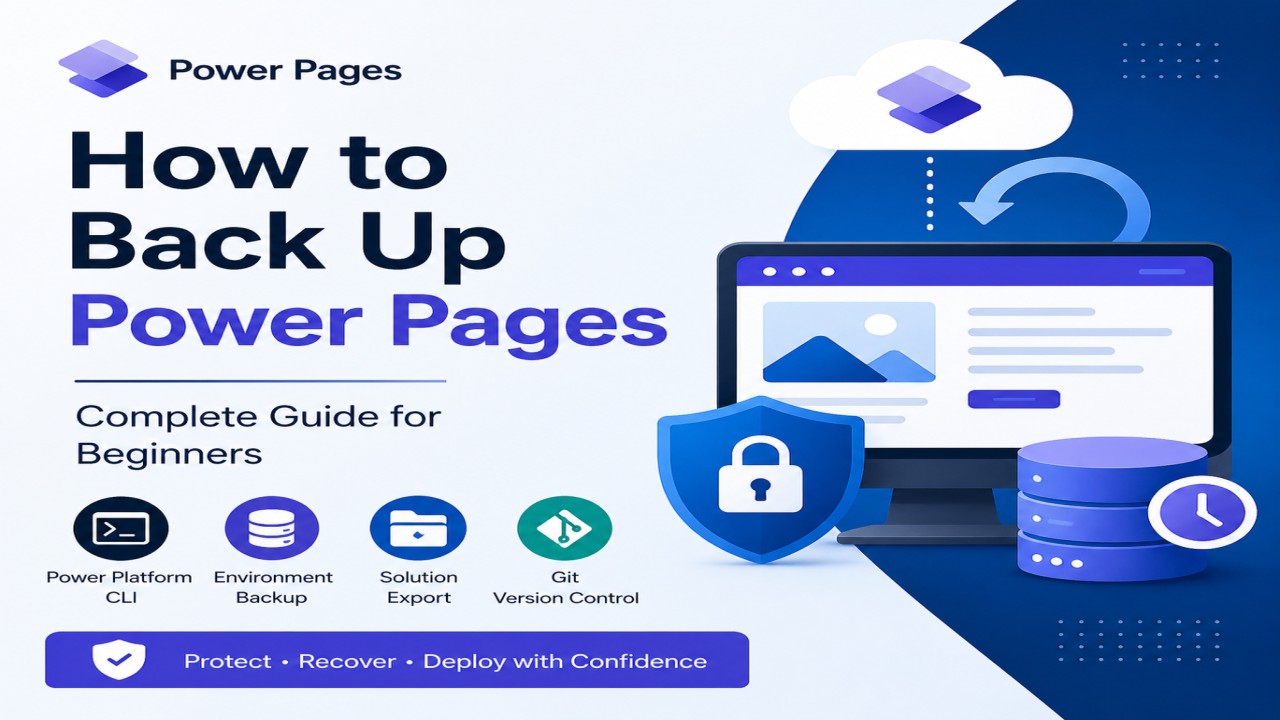
Microsoft Power Pages (formerly known as Power Apps Portals) is a low-code platform for building secure, external-facing websites that integrate with Microsoft Dataverse. Whether you’re a developer, administrator, or beginner, taking regular backups of your Power Pages website is essential before: Many users believe that Export Solution provides a complete backup of a Power Pages […]
The post How to Backup a Microsoft Power Pages (Power Apps Portals) Website appeared first on Tech Masala.
Published on:
Learn moreWe can help you with How to Backup a Microsoft Power Pages (Power Apps Portals) Website
If you want help implementing, troubleshooting, or improving this product, contact us and we’ll point you in the right direction.
Related posts
What Is Power Pages (Power Portal) and How to Use It with Dataverse?
Modern businesses need secure websites where customers, partners, or employees can interact with company data and services. Microsoft Power Pa...
How to Send Automated Emails from Dynamics 365 CRM Using Email Templates and Power Automate
Microsoft Dynamics 365 CRM provides robust email capabilities through Email Templates, enabling organizations to maintain consistent and profe...
What Is Dual-Write and How to Integrate It with Microsoft Dynamics 365 CRM?
Dual-write is an out-of-the-box framework that provides near real-time, bidirectional data synchronization between Microsoft Dynamics 365 Fina...
How Record Creation and Update Rules (RCUR) Simplify Automation in Microsoft Dynamics 365 CRM?
In a customer-focused organization, handling incoming inquiries quickly and efficiently is important. Microsoft Dynamics 365 includes a featur...
How to Integrate Azure Service Bus with Microsoft Dynamics 365 CRM Step by Step with Example?
Keeping data flowing between applications is critical in today’s connected business world. Organizations using Microsoft Dynamics 365 CR...
How to Build Low-Code Plug-Ins for Microsoft Dynamics 365 (Step-by-Step Guide)
What Are Low-Code Plug-Ins? In Microsoft Dynamics 365, a plug-in is a piece of custom logic that executes when certain events occur in the Dat...
What is Azure Key Vault and How It Secures Microsoft Dynamics 365 CRM Systems?
Azure Key Vault is a service by Microsoft Azure that helps securely store and manage sensitive information such as API keys, connection string...
How to Develop and Deploy a PCF (PowerApps Component Framework) Controls in PowerApps?
What is PCF? PowerApps Component Framework (PCF) lets you build custom UI components for model-driven apps, canvas apps, and portals in Power ...
Top 50 Dynamics 365 CRM Interview Questions and Answers PDF
Top 50 Dynamics 365 CRM Interview Questions and Answers is a helpful blog post for anyone preparing for a Dynamics 365 CRM interview. Whether ...
Top Scenario-Based Questions and Answers on Plugins vs Workflows in Dynamics 365 CRM
It’s important to know when and how to use plugins and custom workflows to build smart and easy-to-manage solutions in Microsoft Dynamic...