
Disable Click Through on Lookup Values in Forms
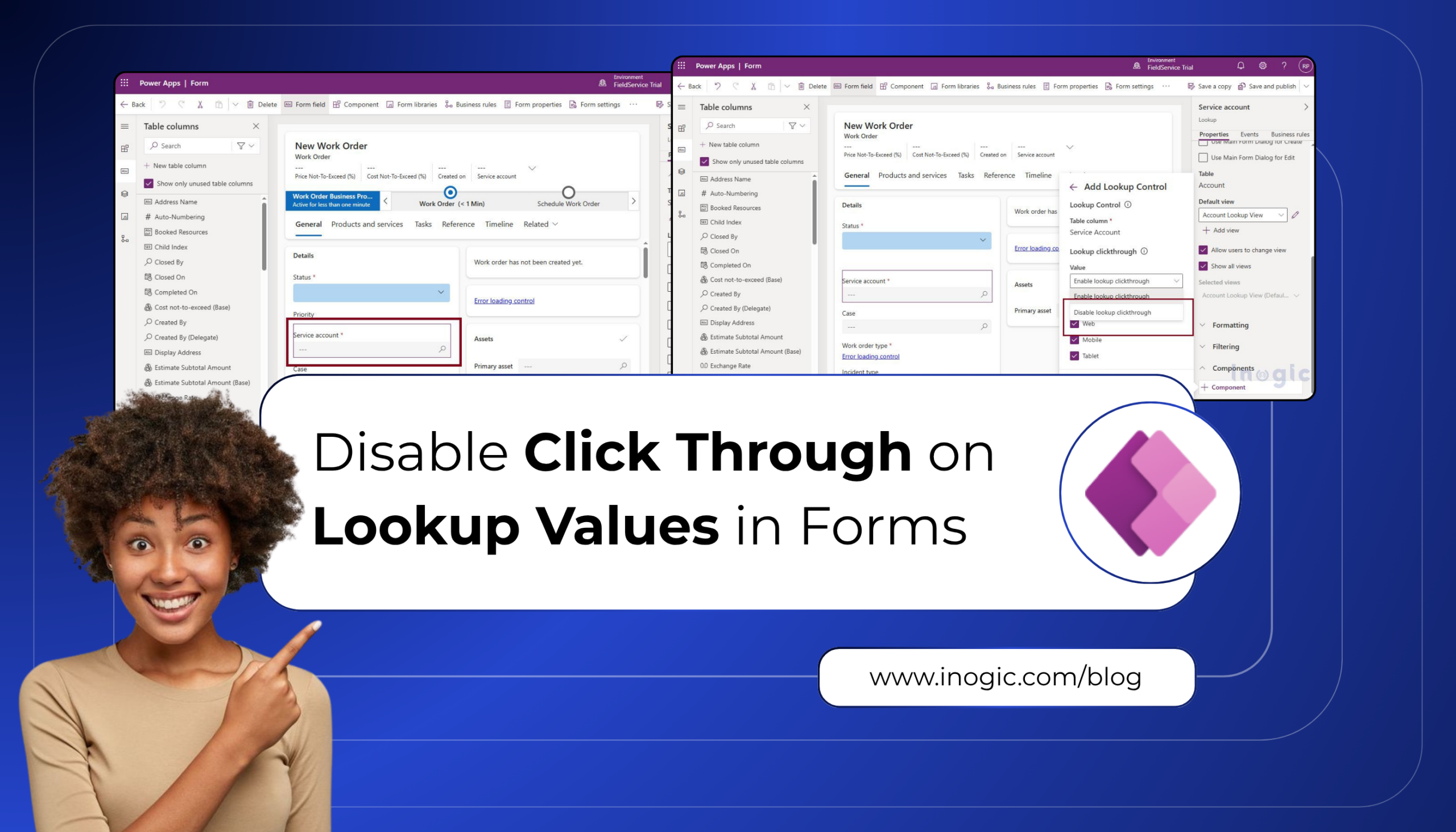
Microsoft has introduced the Disable Click-Through on Lookup Values in Forms feature in Dynamics 365 Field Service, giving administrators greater control over how lookup fields behave on model-driven forms. With this enhancement, lookup values can be displayed as plain text instead of clickable hyperlinks. This helps prevent accidental navigation to related records, allowing users to… Read More: Disable Click Through on Lookup Values in Forms »
The post Disable Click Through on Lookup Values in Forms first appeared on Microsoft Dynamics 365 CRM Tips and Tricks.
Published on:
Learn moreWe can help you with Disable Click Through on Lookup Values in Forms
If you want help implementing, troubleshooting, or improving this product, contact us and we’ll point you in the right direction.
Related posts
Your Dynamics 365 CRM Has the Data. Can AI Turn It Into the Next Action?
Dynamics 365 CRM captures customer conversations, sales activities, opportunities, and service cases. Yet employees often spend valuable time ...
Managing Dataverse Attachments Without a Form Using the Modern Attachments Control in Canvas App
The modern Attachments control in canvas apps lets users add, download and remove files on a record, and unlike the classic control, it no lon...
Dynamics 365 QuickBooks Integration: What Disconnected Data Really Costs You
Why does your sales pipeline never match your finance team’s revenue report? If reps work in Dynamics 365 while accountants work in Quic...
Introducing new Power Pages site setting for Web API
We have a custom PCF control on our Power Pages site that loads employee details along with their locations on the Active Employees view. For ...
Mailchimp Dynamics 365 Integration vs. No Integration: 5 Ways It Changes Marketing Workflows
Email marketing performance is about more than opens, clicks, and campaign reports. Businesses also need to connect those interactions with cu...
Duplicate Contacts in Dynamics 365: What to Do When a Customer Changes Jobs
It is 8:40 on a Tuesday. A sales rep is sitting in a contractor’s parking lot, minutes away from a renewal meeting for a rooftop unit order. H...
From Prompt to Pro-Code: Converting a Power Apps Vibe CRM App into a Code App
What happens when a sales team’s AI-generated lead tracker needs to graduate to a developer-owned codebase, including the CLI gotchas no...
Field Sales Nightmares Haunting Your Reps & the Dynamics 365 App That Exorcises Them
Every industry has its ghost stories. In field sales and service, they don’t involve haunted houses. Instead, they have haunted territor...
How to Use a Kanban Board in Dynamics 365 CRM to Visualize Opportunities and Manage Workflows
A sales pipeline rarely stands still. Some opportunities are newly qualified, others are waiting for proposals, and some are approaching closu...
Transferring Ownership of a Power Pages Site: Step-by-Step Guide
When the person responsible for a Power Pages site moves to another role or leaves the organization, ownership should be transferred to someon...