
Copilot Studio: Part 5 - From tool to capability – making Copilot Studio strategic
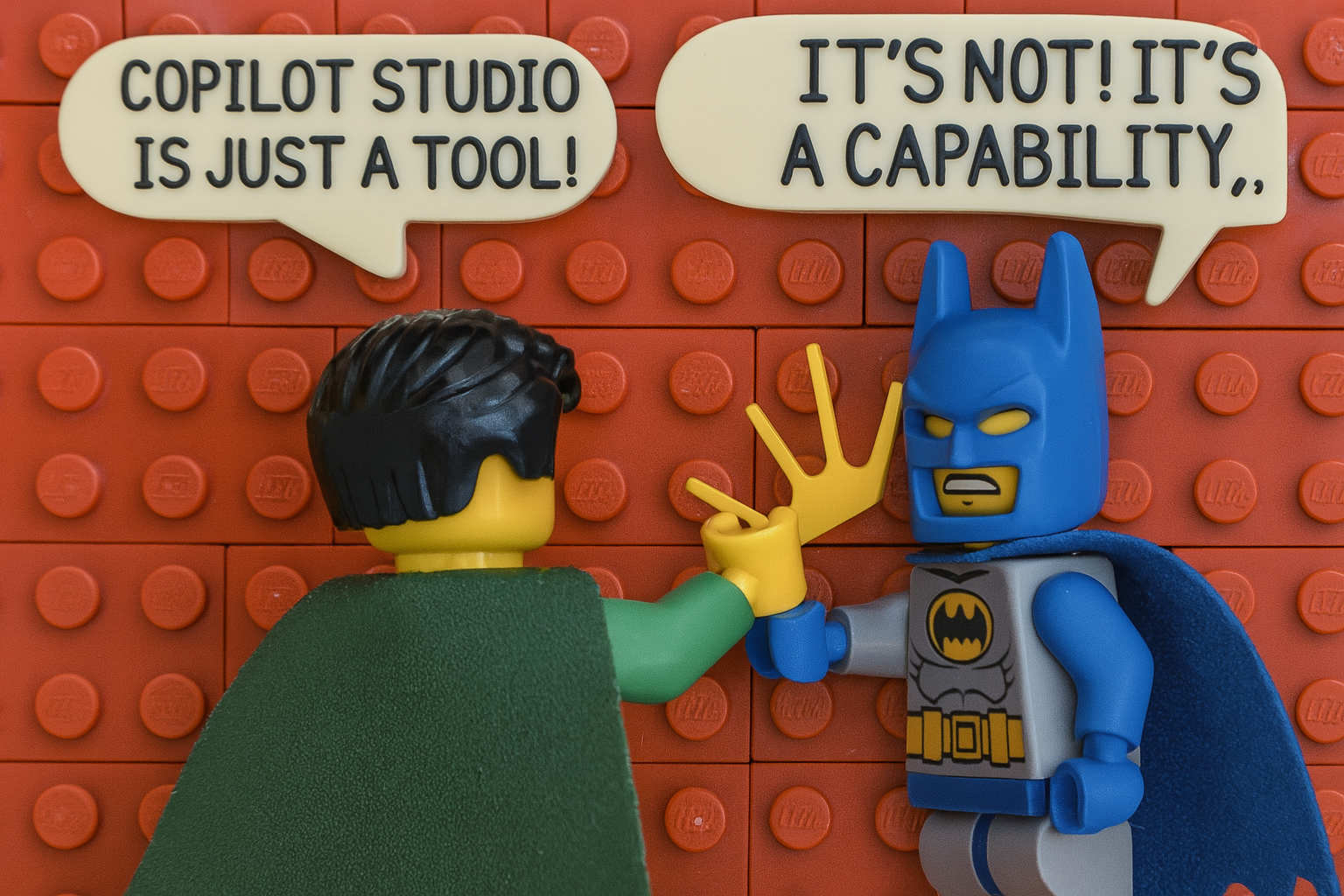
If you made it this far in tis series, you’ve seen the messy middle: the risks, the lifecycle debt, the cost of inaction. Now let’s zoom out.
Copilot Studio isn’t just another way to automate tasks, but a design surface for how your organization thinks, acts, and responds. But only if you treat it like a capability, not a tool.
The real value isn’t in building faster but in thinking better
Most organizations ask the wrong first question: “What use cases can we build with Copilot Studio?”
They should be asking: “What kinds of agents should we be able to build, reliably, at scale?”
Because building one agent isn’t hard. Building twenty that share knowledge, escalate consistently, reuse logic, and don’t rot after Q1? That’s capability. You don’t need a library of bots. You need an ecosystem.
“One per team” is not a strategy
If your roadmap is “every department gets a chatbot”, congratulations, you’ve reinvented the silo. Now every agent has its own personality, logic, and tone. None of them are connected. All of them are partial.
Capabilities are horizontal.
They support multiple processes, flex across domains, and evolve with the org.
Instead of one bot per team, ask:
- Which core tasks show up across teams?
- Which decisions are low-stakes but high-volume?
- Where do people get blocked, not because the work is hard, but because it’s inconsistent?
Build for those. Build once, use many times. And please stop making FAQ-Bots.
Composition over control
Most agent deployments start centralized. One team. One environment. One “AI initiative”. That works for a pilot. But it doesn’t scale. Because real-world needs shift fast. Autonomy matters. Context matters. So instead of controlling every agent from the center, design for composition
- Shared knowledge sources
- Reusable skills
- Composable response blocks
- Plug-and-play escalation flows
Let teams build what they need, but give them building blocks that don’t reinvent the basics.
Capability maps > use case catalogs
A use case catalog tells you what you’ve built. A capability map tells you what you could build, where it fits, how it integrates, and what it depends on. It includes:
- Agent types (retrieval, task, autonomous)
- Triggers (user-initiated, system signals, cross-agent)
- Behaviors (respond, decide, act, escalate)
- Ownership (who governs, who maintains, who measures success)
- Boundaries (what this agent should not do)
It’s not documentation (although docs are still necessary). It’s design intent. It helps you scale without duplicating effort or creating invisible risk.
Workforce design, not tech deployment
Every agent you deploy takes over a task your people used to own. That’s not just automation, but workforce shift. Treat it that way and ask
- What kind of decisions are we delegating?
- What kind of work do we want to automate or augment?
- Where should humans stay in the loop?
- Where should the loop disappear entirely?
If you don’t ask these questions, Copilot Studio becomes another dashboard, something that demos well, but changes nothing. (If you feel that your org is stuck at that level… lets have a chat, I will help you get out of pilot-jail)
Wrap-up: This wasn’t about bots
This whole series? It wasn’t really about Copilot Studio, but about clarity, ownership, intent. Because that’s what agents reflect. Not just what you told them to do, but how clearly, how carefully, and how repeatably you told them.
Tools come and go. Capabilities compound.
Build the latter.
You can still catch up on the previous blog posts in this series

- Part 0: Everything is an agent, until it isn’t
- Part 1: When automation bites back – autonomy ≠ chaos
- Part 2: Copilot Studio: Part 2 – Copilot Studio agents: the ALM reality check
- Part 3: The cost of (in)action – what you’re really paying for with Copilot Studio
- Part 4: Agents that outlive their creators – governance, risk, and the long tail of AI
- Part 5: From tool to capability – making Copilot Studio strategic [📍 You are here]
Published on:
Learn moreWe can help you with Copilot Studio: Part 5 - From tool to capability – making Copilot Studio strategic
If you want help implementing, troubleshooting, or improving this product, contact us and we’ll point you in the right direction.
Related posts
You are holding GitHub Copilot Wrong!
Most developers think that one can’t really use GitHub Copilot wrong. There is a chat interface that lets you also choose a model, so th...
You are holding GitHub Copilot Wrong!
Part 0 showed why constant prompting, re-prompting, and steering GitHub Copilot feels fragile. Not because Copilot is unreliable, but because ...
Building a Multi-Hierarchy Ticket Classification System (Because Keywords Aren't Enough)
Look, I love a good keyword-based system as much as the next developer. They’re fast, predictable, and when your user says “VPN,&r...
Secretless cross-tenant dataverse access
Client secrets are like hiding your house key under the mat; easy to grab and impossible to audit. Certificates are just slightly better, beca...
How Azure CLI handles your tokens and what you might be ignoring
Running az login feels like magic. A browser pops up, you pick an account, and from then on, everything just works. No more passwords, no more...
How Dev Proxy teaches you to make your apps more resilient
I added Microsoft Dev Proxy to my Mermaid → Dataverse converter, because I wanted to test how it handled rate limits and API errors. What I go...
Building Azure functions that never store secrets — ever
What if your function could hit Microsoft Graph with no client secrets, no certs, and no Key Vault entries? That is exactly what a Managed id...
Introducing Mermaid to Dataverse Converter
Why diagrams matter (and why they usually fail us) Entity-Relationship Diagrams (ERDs) are the universal shorthand for talking about data mode...
It’s OK to be seen trying
It’s OK to be seen trying Somewhere along the way, we started believing that you’re only allowed to speak after you’ve figured everything out....
Stuck in pilot - Part 1: no foundations, no future
“We just need to test the AI. We’ll figure out the data later.” That sentence has quietly killed more AI pilots than any model failure ever ...