
Azure Communication Services at DEVintersection & Microsoft Azure + AI Conference

This week, DEVintersection and the Azure + AI conference is bringing together technology enthusiasts from around the world, and it's shaping up to be the must-attend event for all things tech. Whether you're a developer, an IT professional, or a business leader, this conference offers a unique opportunity to dive deep into the latest industry trends.
If you're attending and eager to discover how you can elevate your B2C communications or line of business apps with the transformative capabilities of intelligent communications through Azure, look no further. We've lined up a series of enlightening sessions that will empower you with the knowledge and insights you need.
Check out our sessions below and make sure to add them to your conference agenda –
Workshop
Integrate OpenAI, Communication, and Organizational Data Features into Line of Business Apps
Dec 4, 9:00 a.m. – 4:00 p.m. | By Dan Wahlin
Communication and collaboration are more important than ever in today’s world. Customers and employees are accustomed to having access to audio/video calling, chat, and other real-time collaboration features. In this session, Dan Wahlin will show you how you can integrate services across the Microsoft Cloud to add audio/video communication capabilities into your custom apps and enable a user to call from your app into a Microsoft Teams meeting. Technologies covered in the session include:
• React
• Azure Communication Services
• Azure Functions
• Microsoft Graph
• Microsoft Teams
After the session, you’ll have the opportunity to go through a hands-on tutorial that will walk you through the process of integrating these services across the Microsoft Cloud!
One-hour sessions
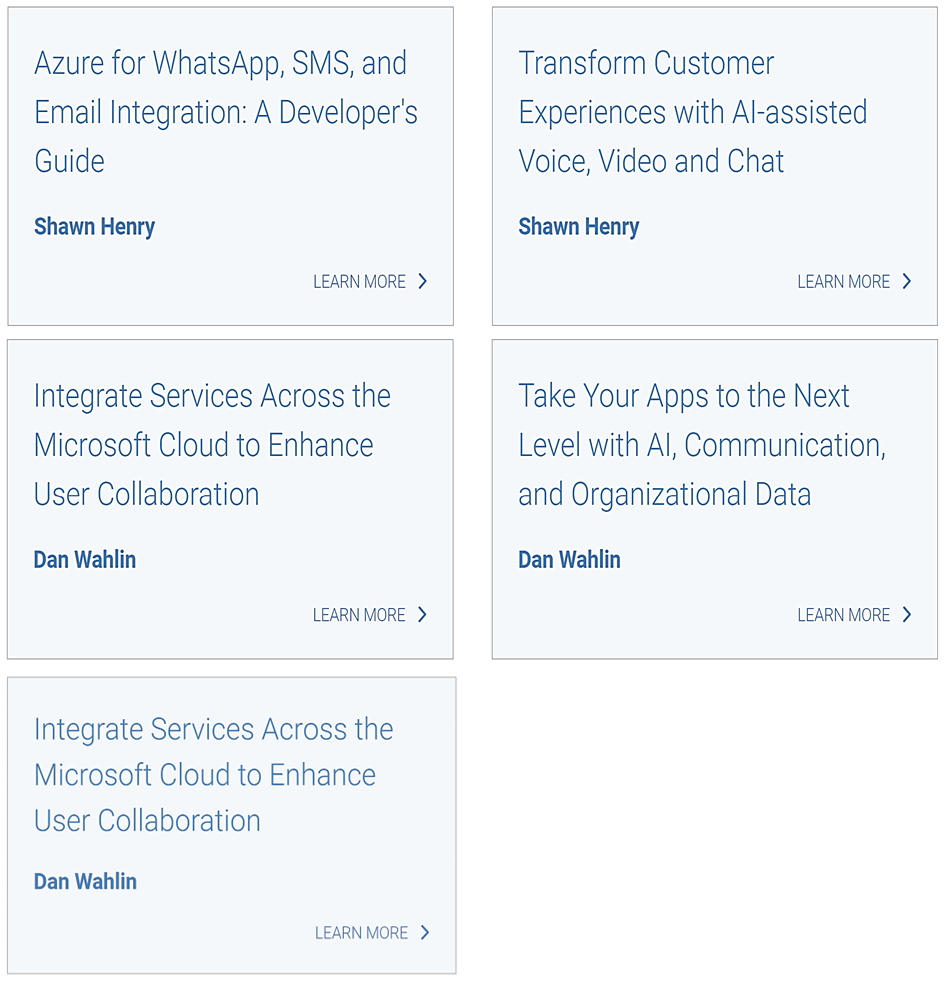
Transform Customer Experiences with AI-assisted Voice, Video and Chat
Dec 6, 3:15 – 4:15 p.m. PST | By Shawn Henry
Your communications platform is the front door for customers reaching out to your business. Are you using a traditional one-size fits-all Interactive Voice Response (IVR) and chatbot? Learn how to use Azure to elevate and transform your customer interactions with AI. Get faster and informed human-like responses – whether text-based through BOTs – or through integrated voice channels – all while providing a seamless escalation path for your agents, with the contextual information they need to respond to escalations rapidly and effectively.
Azure for WhatsApp, SMS, and Email Integration: A Developer's Guide
Dec 7, 9:15 – 10:15 a.m. | By Shawn Henry
Join us for a session on leveraging Azure for seamless messaging. We'll focus on integrating key channels like WhatsApp, SMS, and Email. Learn how to set up resources in the Azure portal and use Azure Communication Services APIs or no-code connectors for these communication channels.
Take Your Apps to the Next Level with AI, Communication, and Organizational Data
Dec 5, 10:45 – 11:45 a.m. | By Dan Wahlin
Many of us are building Line of Business (LOB) apps that can integrate data from custom APIs and 3rd party data sources. That’s great, but when was the last time you sat down to think through how you can leverage the latest technologies to take the user experience to the next level? In this session, Dan Wahlin will introduce different ways to enhance the user experience by adding calling and SMS, integrating organizational data to minimize user context shifts, and leveraging the power of AI to enhance user productivity and take your LOB apps to the next level.
Integrate Services Across the Microsoft Cloud to Enhance User Collaboration
Dec 6, 10:15 – 11:15 a.m. | By Dan Wahlin
Communication and collaboration are more important than ever in today’s world. Customers and employees are accustomed to having access to audio/video calling, chat, and other real-time collaboration features. In this session, Dan Wahlin will show you how you can integrate services across the Microsoft Cloud to add audio/video communication capabilities into your custom apps and enable a user to call from your app into a Microsoft Teams meeting. Technologies covered in the session include:
- React
- Azure Communication Services
- Azure Functions
- Microsoft Graph
- Microsoft Teams
After the session, you’ll have the opportunity to go through a hands-on tutorial that will walk you through the process of integrating these services across the Microsoft Cloud!
About our speakers

|

|
|
Shawn Henry is a Principal Product manager at Azure Communication Services. Feel free to reach out to him on LinkedIn. |
Dan Wahlin is a Principal Cloud Developer Advocate at Microsoft focusing AI and Copilot experiences across the Microsoft Cloud. Connect with Dan on LinkedIn or follow him on X at x.com/danwahlin |
Looking forward to meeting you in Orlando this week.
Published on:
Learn moreWe can help you with Azure Communication Services at DEVintersection & Microsoft Azure + AI Conference
If you want help implementing, troubleshooting, or improving this product, contact us and we’ll point you in the right direction.
Related posts
Azure Communication Services Ideas Board: Share your feedback with the product team
Innovation is not a solitary pursuit, and we recognize that some of the best ideas come from you, our Azure Communication Services community. ...
Engage with the Azure Community Services Ideas Board: Your Voice Matters
Innovation is not a solitary pursuit, and we recognize that some of the best ideas come from you, our Azure Communication Services community. ...
Part 2 - Multichannel notification system using Azure Communication Services and Azure Functions
In the first part of this topic, we setup all the Azure resources like the Azure Communication Services for Email, SMS, WhatsApp for...
Part 1 - Multichannel Notification System with Azure Communication Services and Azure Functions
In the interconnected digital era, it's crucial for businesses and services to communicate effectively with their audience. A robust notificat...
Building a WhatsApp AI bot for customer support
Building a WhatsApp AI Bot for customer support In this blog post, we’ll explore how to build a customer support application that integ...
Azure Communication Services September 2024 Feature Updates
The Azure Communication Services team is excited to share several new product and feature updates released in August 2024. (You can view previ...
Azure Communication Services at the DEVIntersection Conference
Join us for the DEVintersection Conference from September 10 to 12, 2024, in Las Vegas, Nevada. This event gathers technology enthusiasts from...
Azure Communication Services June 2024 Feature Updates
Data Retention with Chat threads Developers can now create chat threads with a retention policy between 30 and 90 days. This feat...
Azure Communication Services August 2024 Feature Updates
The Azure Communication Services team is excited to share several new product and feature updates released in July 2024. (You can view previou...
Anywhere365 integrates Azure Communication Services into their Dialogue Cloud Platform
Every day, companies aim to help their customers realize the most value from their products and services. They do this by providing ef...