
Use Governance Controls to Disable Anonymous Access in Power Pages
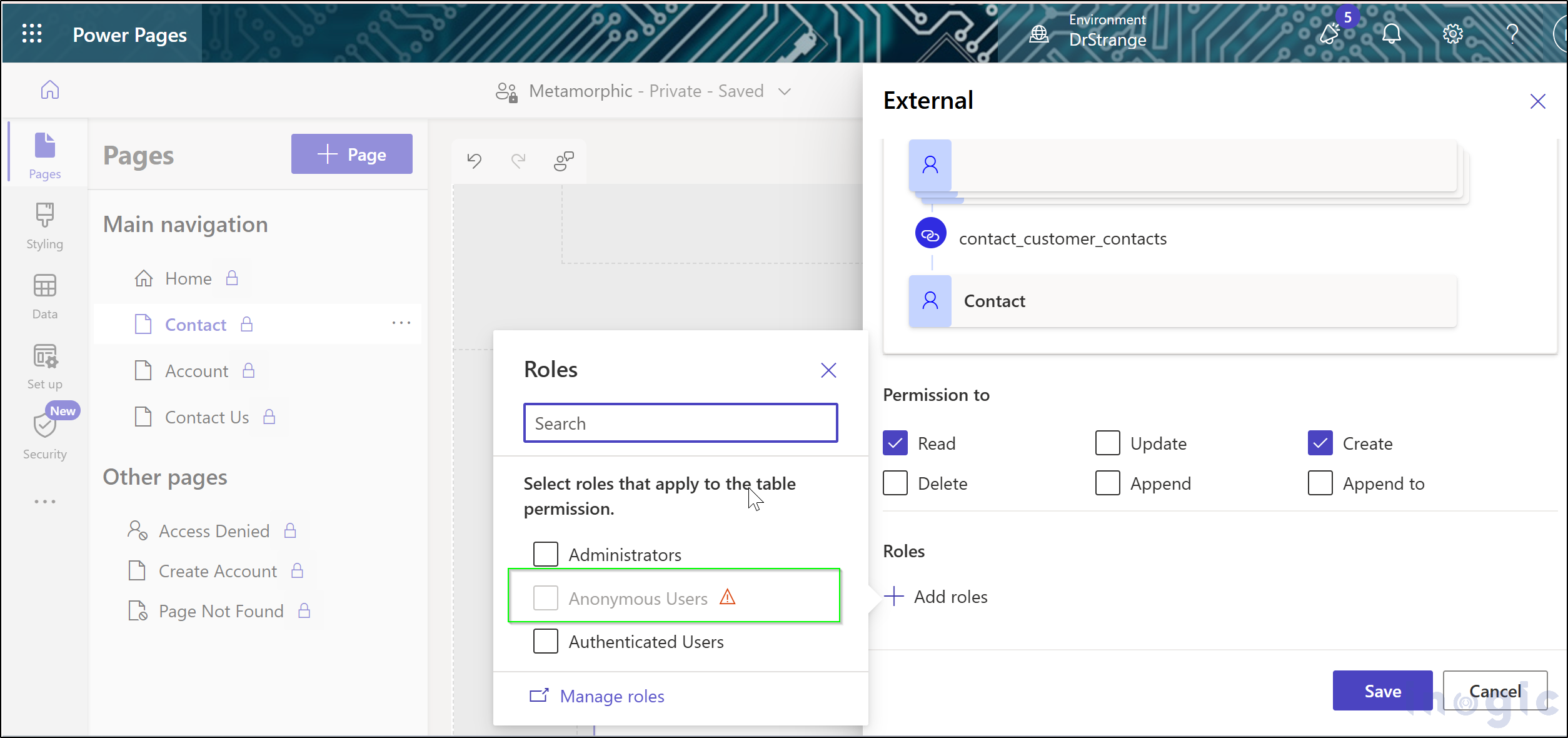
In today’s digital world, most businesses and organizations prioritize protecting sensitive data. Power Pages gives administrators the power to disable anonymous access to their websites, which ensures that only authenticated users can view sensitive information. This entry covers how one can define anonymous access, explain its importance, and explore governance controls that can effectively eliminate… Read More »
The post Use Governance Controls to Disable Anonymous Access in Power Pages first appeared on Microsoft Dynamics 365 CRM Tips and Tricks.
Published on:
Learn moreWe can help you with Use Governance Controls to Disable Anonymous Access in Power Pages
If you want help implementing, troubleshooting, or improving this product, contact us and we’ll point you in the right direction.
Related posts
How Aligned Are Your Dynamics 365 and SharePoint Permissions? Take This Quick Audit
Quick Answer: Managing Dynamics 365 security and SharePoint document access manually creates administrative bottlenecks and security risks whe...
Team Inogic Is Heading to Community Summit Nashville. Will You Be There?
Every year, thousands of Microsoft business applications professionals, CRM admins, IT leaders, finance managers, Dynamics developers, and Pow...
Web tracking and personalization overview (Customer Insights Data) – (Preview)
Web tracking and personalization in Dynamics 365 Customer Insights – Data (Preview) enables organizations to track website interactions ...
Dynamics 365 Reporting: 7 Tasks to Automate for the Next Quarter
With Q4 around the corner, now is a good time to look at how your team handles Dynamics 365 reporting. If the last quarter involved repeatedly...
Microsoft Copilot vs. Copilot Cowork: Is AI Ready to Do More Than Assist?
Key Takeaways Copilot assists, while Copilot Cowork moves toward executing multi-step tasks. AI is shifting from answering to acting, with use...
From Topics to Skills: The Evolution of Copilot Studio Agents
The Microsoft Copilot Studio is revolutionizing the design and construction of conversational agents. Normally, developers-built agents around...
Backup4Dynamics Is Live: Dynamics 365 Backup and Recovery Solution
Backup4Dynamics is now live! A purpose-built backup and recovery solution for Microsoft Dynamics 365 CRM and Dataverse that combines automated...
Enhancing Power Apps Grids with Custom Column Visualizations
Displaying data in a Power Apps or Dataverse grid is one of the most common ways for users to work with business information. However, when a ...
Never Miss a Session, Never Miss a Deal: What Community Summit Can Teach Us About Dynamics 365 Notifications
Community Summit North America 2026 brings more than 600 education sessions, Academy classes, networking events, and activities across the Gay...
SQL Meets Dataverse Web API: Query Microsoft Dataverse Data Using SQL
Microsoft Dataverse provides several ways to retrieve data, including OData and FetchXML. While these approaches are well suited to Dataverse...