
How to Automatically Sync Dynamics 365 Security Roles to SharePoint Permissions (Step-by-Step)
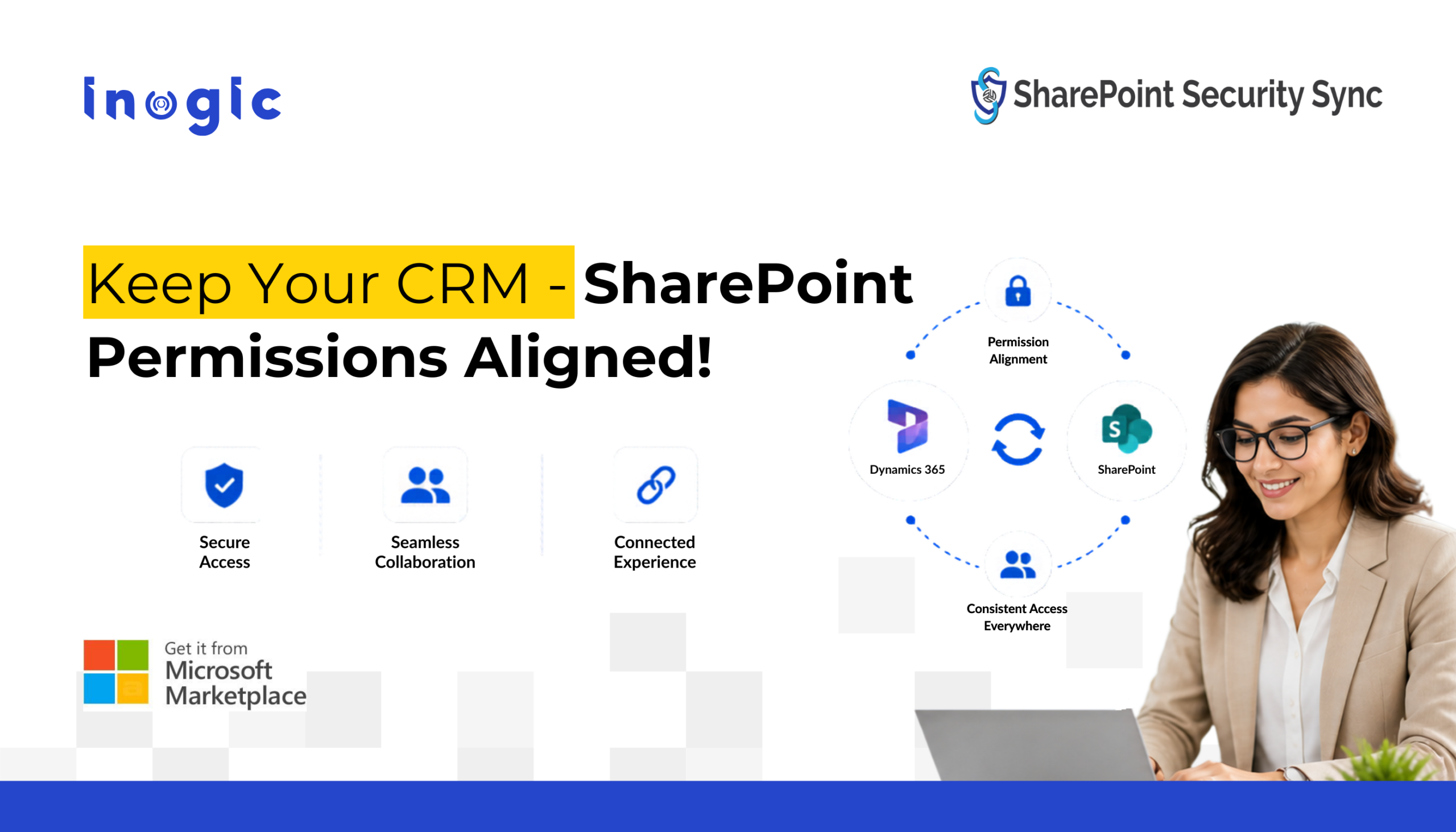
You’ve carefully configured security roles in Dynamics 365 CRM, controlling who can access what, down to the record level. But when you enable SharePoint for document storage, that security model doesn’t follow. Suddenly, users who shouldn’t have access can view sensitive documents directly in SharePoint. This isn’t a bug – it’s a structural gap. And… Read More »
The post How to Automatically Sync Dynamics 365 Security Roles to SharePoint Permissions (Step-by-Step) first appeared on Microsoft Dynamics 365 CRM Tips and Tricks.
Published on:
Learn moreWe can help you with How to Automatically Sync Dynamics 365 Security Roles to SharePoint Permissions (Step-by-Step)
If you want help implementing, troubleshooting, or improving this product, contact us and we’ll point you in the right direction.
Related posts
Dynamics 365 Disaster Recovery: How to Protect and Restore Your CRM Data
It begins with a single phished password. Within hours, an attacker with admin rights exports your customer database, bulk deletes open opport...
Build Cleaner KPI Tiles in Canvas Apps with the New Metrics Card Modern Control
Imagine building a sales dashboard where managers need to track key figures like Total Revenue, Open Opportunities, and Pending Requests brief...
Why Replicate Dynamics 365 Security Model in SharePoint
Dynamics 365 uses security roles, teams, ownership, and record-level privileges to control who can access business data. However, these...
Deploying a React Single-Page Application to Power Pages with PAC CLI
Microsoft Power Pages provides a platform for building business websites and portals with minimal coding. However, when developers need to bui...
What Happens to Mailchimp Tags When a Contact Is Deleted from Dynamics 365 CRM?
Deleting a Contact or Lead from Dynamics 365 CRM doesn’t necessarily mean all information associated with that record disappears from co...
Dynamics 365 Record Cloning: How a Marine Insurer Reduced Renewal Rework!
Most marine insurance policies renew year after year on largely unchanged data. Yet in many underwriting teams, every renewal still starts wit...
How to Add File Upload to Customer Insights – Journeys Forms Using Power Automate
Customer Insights – Journes Forms work well for capturing lead and contact information, but handling document uploads can require additi...
7 Ways Dynamics 365 Maps Save Time and Miles
Seven everyday field problems. One working week. One map. Rather than list features, we follow an imaginary team through a typical week in Dyn...
Dynamics 365 Backup: How Much Should You Pay for Data Protection?
You have invested in Dynamics 365 to manage your business data. But have you considered how much it would cost to protect that data if somethi...
Preventing CSS Conflicts in Model-Driven Apps using Shadow DOM
The Blueprint: Researching PCF Best Practices Before Coding Every PCF developer knows the urge: run pac pcf init and start coding. One develop...