
Adding Native Confirmation Dialogs with Power Fx function
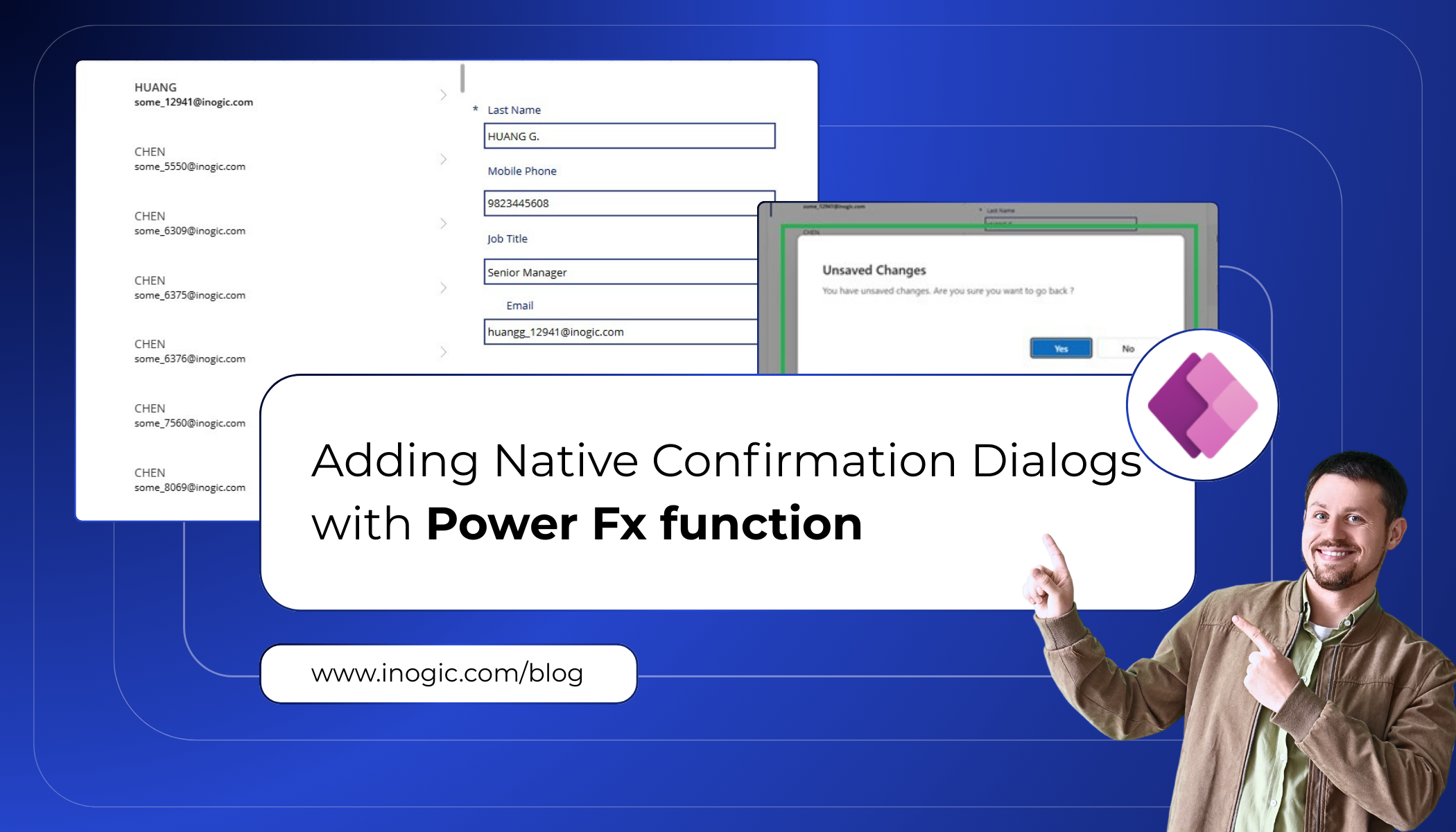
Before the built-in Confirm() function existed, adding a simple yes/no confirmation in Power Apps required significant manual effort. In canvas apps, developers typically had to create overlay screens, place message text and action buttons, and manage visibility and state with variables and formulas, similar behavior often demanded custom JavaScript or other workaround techniques. These bespoke… Read More »
The post Adding Native Confirmation Dialogs with Power Fx function first appeared on Microsoft Dynamics 365 CRM Tips and Tricks.
Published on:
Learn moreWe can help you with Adding Native Confirmation Dialogs with Power Fx function
If you want help implementing, troubleshooting, or improving this product, contact us and we’ll point you in the right direction.
Related posts
How to Use Protected Fields When Creating Segments in Customer Insights – Journeys
Every marketer knows the tension: the most relevant audiences are often built on the most sensitive data. Income bands, account balances, heal...
ACS WhatsApp Is Retiring: Your 10-Step Dynamics 365 Migration Playbook
Your customers don’t care which pipe carries their WhatsApp messages. Your CRM team should. If your Dynamics 365 conversations flow through Az...
Building Secure Power Apps Code Apps for Dynamics 365 with Dataverse
If you’ve built business apps on the Power Platform, you’ve probably hit this wall. Canvas apps and model-driven apps are great for getting so...
Free Trial of Kanban Board for Dynamics 365 CRM: What to Test Before You Buy
Key Takeaways A free trial shows whether a Kanban app for Dynamics 365 fits your CRM workflows before you invest. Testing with your own record...
Build a React Native Mobile App with an AI Agent Using Power Apps Native Apps
It’s 6 pm. Ravi has just finished inspecting a site with no mobile signal. His notes are scribbled on paper, his photos are sitting on his per...
Dynamics 365 Disaster Recovery: How to Protect and Restore Your CRM Data
It begins with a single phished password. Within hours, an attacker with admin rights exports your customer database, bulk deletes open opport...
Build Cleaner KPI Tiles in Canvas Apps with the New Metrics Card Modern Control
Imagine building a sales dashboard where managers need to track key figures like Total Revenue, Open Opportunities, and Pending Requests brief...
Why Replicate Dynamics 365 Security Model in SharePoint
Dynamics 365 uses security roles, teams, ownership, and record-level privileges to control who can access business data. However, these...
Deploying a React Single-Page Application to Power Pages with PAC CLI
Microsoft Power Pages provides a platform for building business websites and portals with minimal coding. However, when developers need to bui...
What Happens to Mailchimp Tags When a Contact Is Deleted from Dynamics 365 CRM?
Deleting a Contact or Lead from Dynamics 365 CRM doesn’t necessarily mean all information associated with that record disappears from co...