Copilot Studio Articles
Embark on your journey of creating powerful chatbots effortlessly with our curated collection of Microsoft Power Virtual Agent blogs. Stay informed about the latest updates, tips, and best practices to leverage Power Virtual Agent for building intelligent and efficient conversational experiences.
The Support Layer Your Dynamics 365 License Doesn’t Include
Every Dynamics 365 license comes with the same silent assumption: that your team will figure out training, that someone will notice if a workf...
Copilot Cowork First Month: How Admins Should Check July Consumption
Your first month of Copilot Cowork is a baseline, not a verdict. Here is the practical admin guide to checking July Copilot Credit consumption...
Sept.15 Webinar: How Copilot in D365 Sales Reduces CRM Busywork
Sales reps should spend their time building relationships and advancing opportunities, not losing hours to CRM administration. Copilot inside ...
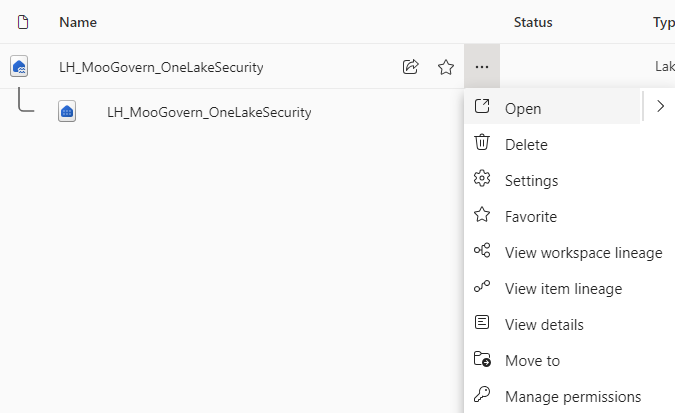
A Practical Guide to use OneLake Security for OneLake Object, Row, and Column Security
In this blog post, I will show you how to configure OneLake security for a Microsoft Fabric Lakehouse. We will remove the default broad-access...
Re: Monitor and Explore your Stripe data in Power BI
It's a pretty basic version of stripe data in Power BI and unfortunately you can't edit it. Check out this Stripe Power BI dashboard as well -...
Graph Explorer API for retrieving Agent Identity and Agent Blueprint
Power Automate: Teams - When a new chat message is added Trigger
Fires when a message is posted in any chat the connected user is in. Returns IDs only, not content.
Teaching Copilot Your Business Language: A Hands-On Look at the Dataverse Semantic Model
Ever asked Copilot a perfectly reasonable business question and gotten back a shrug, even though the data was sitting right there in Dataverse...
The Inbox Is Not a Ticketing System: Email-to-Case with Automatic Record Creation
Every support team I have ever met has, at some point, run its entire operation out of a shared mailbox called something like support@company....
Sidebar
Azure
Microsoft 365 Sharepoint