Dynamics 365 Field Service – Explore Dataverse data with Microsoft 365 Copilot
We are announcing the ability for service managers, dispatchers, and back-office teams to query work orders, bookings, service history, and as...
Explore the latest in SharePoint expertise with our curated collection of blogs. Stay informed about updates, tips, and best practices to maximize your use of SharePoint for collaboration, content management, and productivity within your organization.
We are announcing the ability for service managers, dispatchers, and back-office teams to query work orders, bookings, service history, and as...
We are introducing new Power Automate integration capabilities for forms in SharePoint, enabling customers to create automated workflows based...
Previously customers would have system files either included or excluded manually configured. With this feature there is now a capability to p...
We are introducing a new dedicated License Requests page in the Microsoft 365 Admin Center to help admins more easily discover, review, and ma...
The Microsoft365CopilotChatIconEnabled policy is becoming the standard for configuring Copilot Chat. Extension and sidebar policies will no lo...
Getting your data job done just got easier with composite semantic models, mixing Direct Lake tables with import tables, now available in publ...
Microsoft’s FY26 Q3 results produced $54.5 billion revenue for the Microsoft Cloud, the segment that includes Microsoft 365, Azure, LinkedIn, ...
Power Platform Dataflow: A Practical Replacement for Power BI Dataflow Gen1 Microsoft has announced that Power BI Dataflow Gen1 (analytical da...
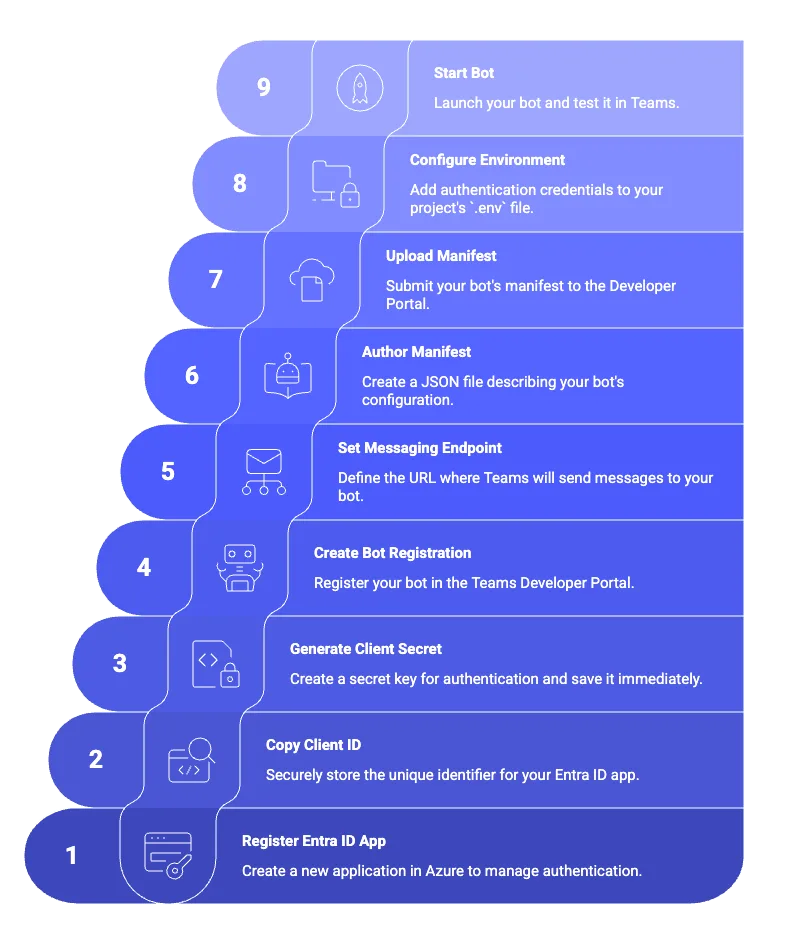
Learn how to use a coding agent to register and agent with Teams. The post From prompt to production: Teams agent setup, simplified appeared f...
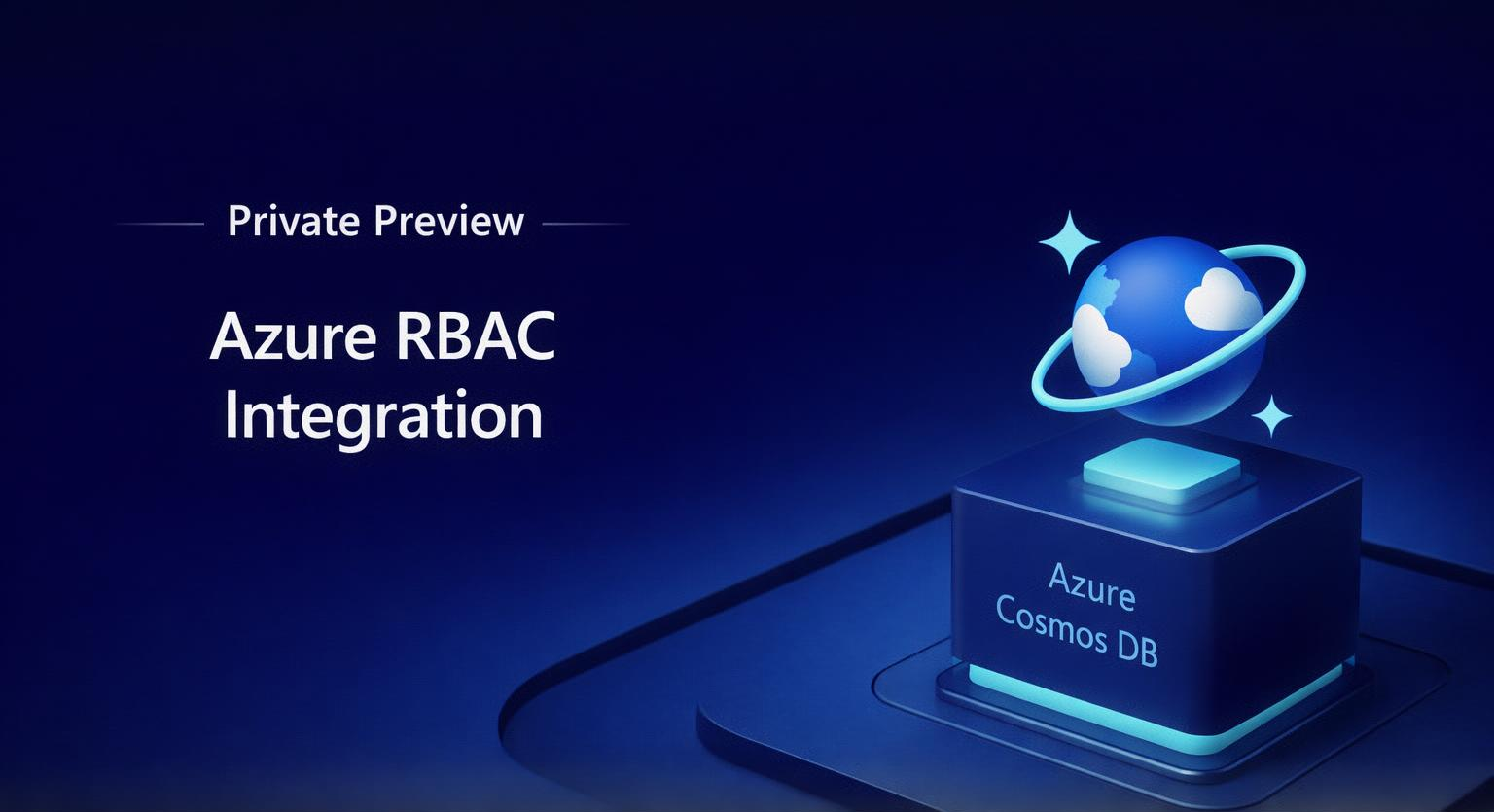
Introduction Managing access to Azure resources often means dealing with two separate permission models: one for management operations and ano...
Azure
Microsoft 365 Sharepoint
Newsletter
A curated digest of community blogs, product news, videos, and podcasts — delivered without the noise.