Microsoft Dynamics 365 & Power Platform Articles
How to add a title and description when uploading an attachment in canvas apps
Uploading attachments through model-driven apps allows you to specify title & description but canvas app doesn't. Learn how you can! The...
How to show a combined gallery of notes and attachments
Attachments and notes are related to each other. But can you display them both in one gallery? Learn how to do it using a few tricks! The post...
Control what agents can access in real time. #MicrosoftEntra #AIAgents #ZeroTrust #CloudSecurity
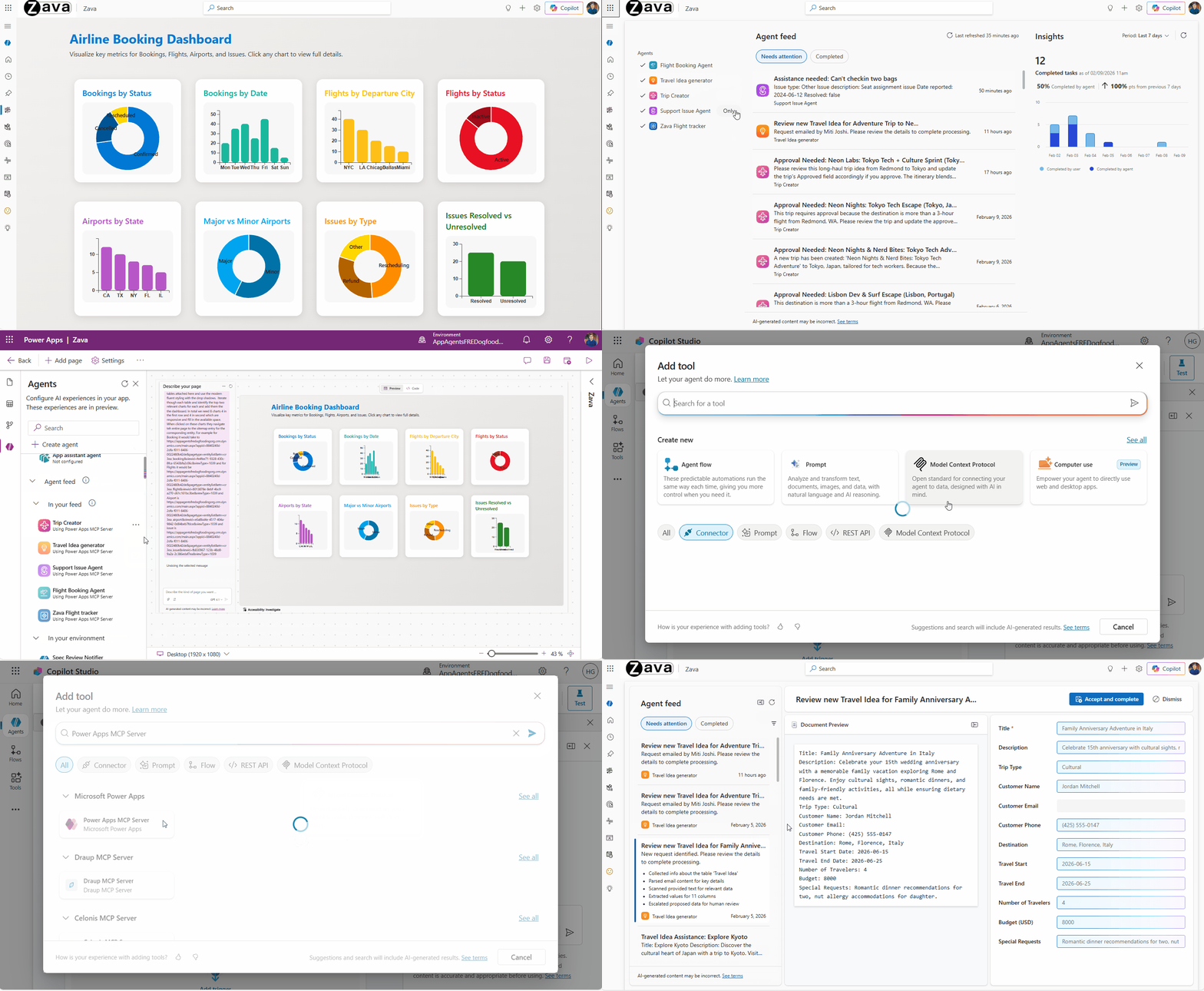
Public preview: Power Apps MCP and enhanced agent feed for your business applications
The Power Apps MCP Server (Public Preview) introduces a new era of human‑agent collaboration, enabling AI agents to automate repetitive app ta...
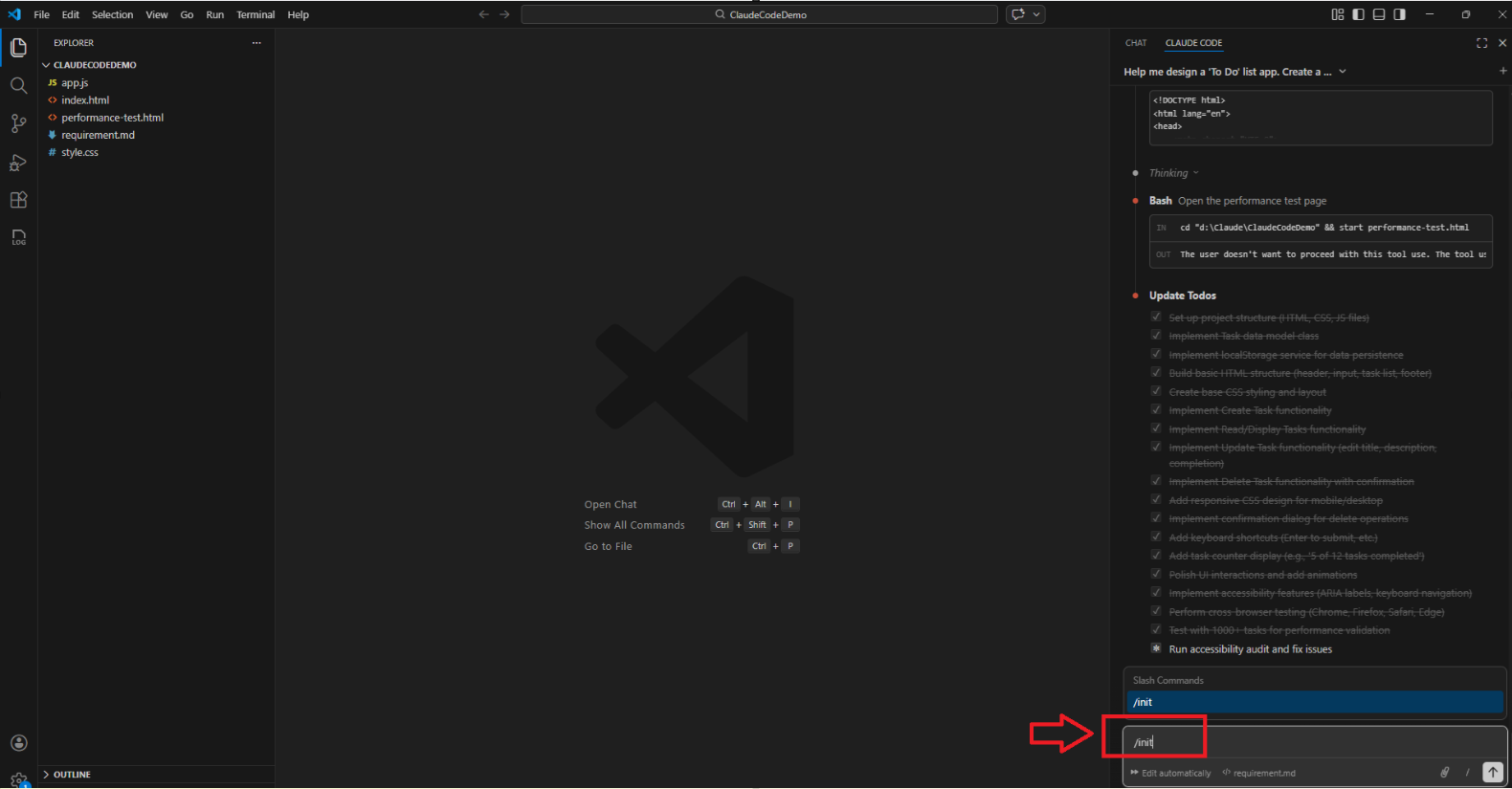
Claude Code | Organize Your Project Using CLAUDE.md
In my previous blog post Create a ‘To-Do List’ App in VS Code using Claude Code ,I explained how to build a simple app from scratc...
Deploy to Azure App Service deployment slots with azd
azd now supports direct deployments to Azure App Service slots—quick, clear, and slot-aware for the first time. The post Deploy to Azure App S...
Maximize Azure Cosmos DB Performance with Azure Advisor Recommendations
In the first post of this series, we introduced how Azure Advisor helps Azure Cosmos DB users uncover opportunities to optimize efficiency and...
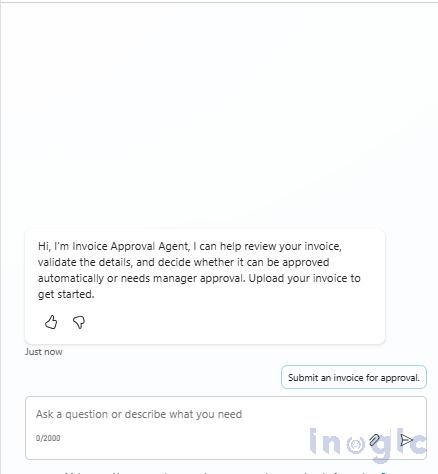
Multi-Stage AI Invoice Approval in Dynamics 365 Using Copilot Agents
In many organizations, invoice approvals are still manual, slow, and inconsistent. Small invoices don’t need human intervention, while high-va...
Building your own MCP Server with .NET and connecting it to Copilot Studio
The Model Context Protocol (MCP) is quickly becoming a key building block for extending AI agents with powerful, domain‑specific capabilities....
Sidebar
Azure
Microsoft 365 Sharepoint