
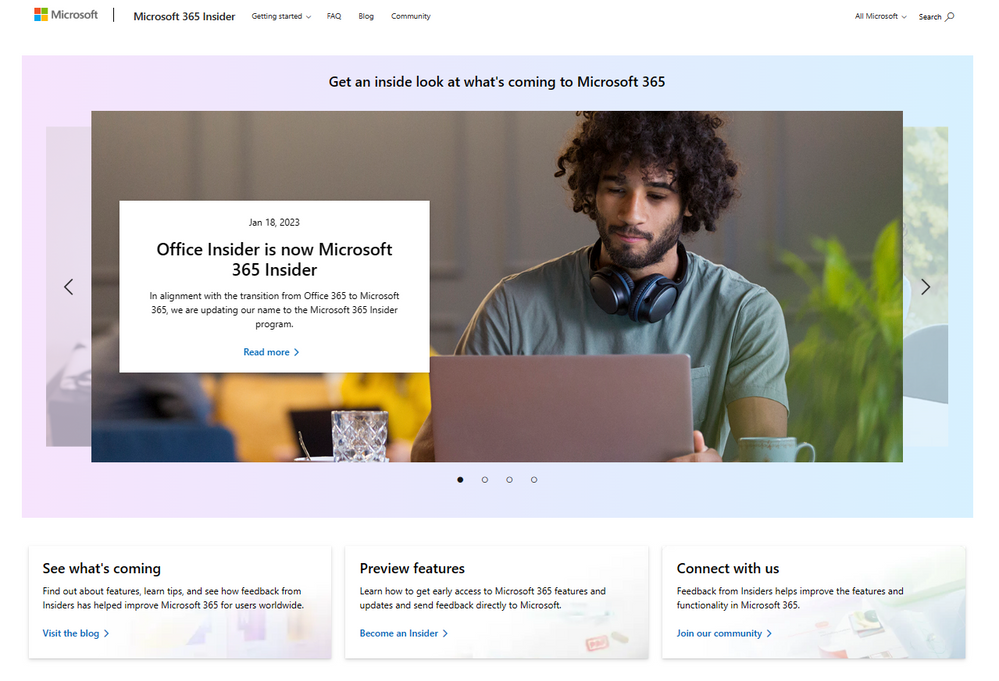
Office Insider is now Microsoft 365 Insider!

The Office Insider program is now the Microsoft 365 Insider program, in alignment with the transition from Office to Microsoft 365. This program provides all the info you need to know about preview features for Microsoft 365 products.
What has changed?
- Our name. We’ve updated our name on our website, here on Microsoft Tech Community, and our Twitter handle – you’ll find us @MSFT365Insider on Twitter.
- The program purview. You may have noticed that we've been adding topics beyond the traditional Office apps, like Teams and Forms. We will continue to expand our blog to include features, apps, and services under the Microsoft 365 umbrella.
- Release notes have moved to Learn.microsoft.com.
How do I sign up to be a Microsoft 365 Insider?
Go to our Join page and follow the simple steps!
If I was already an Office Insider, do I need to do anything to remain a Microsoft 365 Insider?
No, there will be no impact to Insider updates. Apps in Current Channel (Preview) and Beta Channel will continue to receive Insider updates automatically.
Note: Some Microsoft 365 apps may release features through a different preview channel, and we will note that under the Availability section on our blog posts. Unless otherwise noted, Insider updates are delivered through Beta Channel and Current Channel (Preview).
Helpful resources
Check out our Microsoft 365 Insider Handbook to find out everything you need to know about being a Microsoft 365 Insider.
Continue the conversation in the new Microsoft 365 Insider discussion space! Share best practices, discuss latest trends and stay updated on news and announcements for the Microsoft 365 Insider program.
Published on:
Learn moreWe can help you with Office Insider is now Microsoft 365 Insider!
If you want help implementing, troubleshooting, or improving this product, contact us and we’ll point you in the right direction.
Related posts
Announcing the General Availability of the Microsoft 365 Document Collaboration Partner Program
Empowering Seamless Collaboration for Modern Workforces We are thrilled to announce the general availability of the Microsoft 365 Docume...
Favorite Copilot Prompts
(Amber Plumb interviewing Michael Morales and Allison Sweet) The power of M365 Copilot is transforming the way our support team operates...
Favorite Microsoft 365 Copilot Prompts
(Amber Plumb interviewing Michael Morales and Allison Sweet) The power of M365 Copilot is transforming the way our support team operates...
Boost digital event engagement with Voting and Archiving in Teams Q&A
Managing and delivering effective town halls is key to enabling two-way dialogue with leaders in today’s hybrid world. Microsoft Teams Q&A...
Prepare now for key end of support moments in 2025
One year from today, on October 14, 2025, support will end for all Office 2016 and 2019 suites, standalone apps, and servers. This includes:&n...
Everything you should know about Visio 2016 and Visio 2019 end of support
On October 14, 2025, Visio 2016 and Visio 2019 will reach end of support. After this date, Visio 2016 and Visio 2019 will no longer receive se...
Limit frontline worker access to Teams when off shift
We’re excited to announce that the frontline working time feature is now generally available! This feature allows admins to block or warn acce...
We are removing Feed on Microsoft 365 (Office)
As part of our ongoing efforts to streamline and enhance user experiences, we will be retiring the Feed feature (shown in figure 1 below) on t...
Leveraging Partner Apps to Deliver on the Promise of AI-Led Productivity
The advent of generative AI is driving a rethink of what outcomes we deserve from our productivity software – from gains in efficiency to more...
What’s new in FLW shared devices
Discover the Latest Enhancements in Shared Device Mode (SDM) We are excited to announce a series of new features in Shared Device Mode ...