
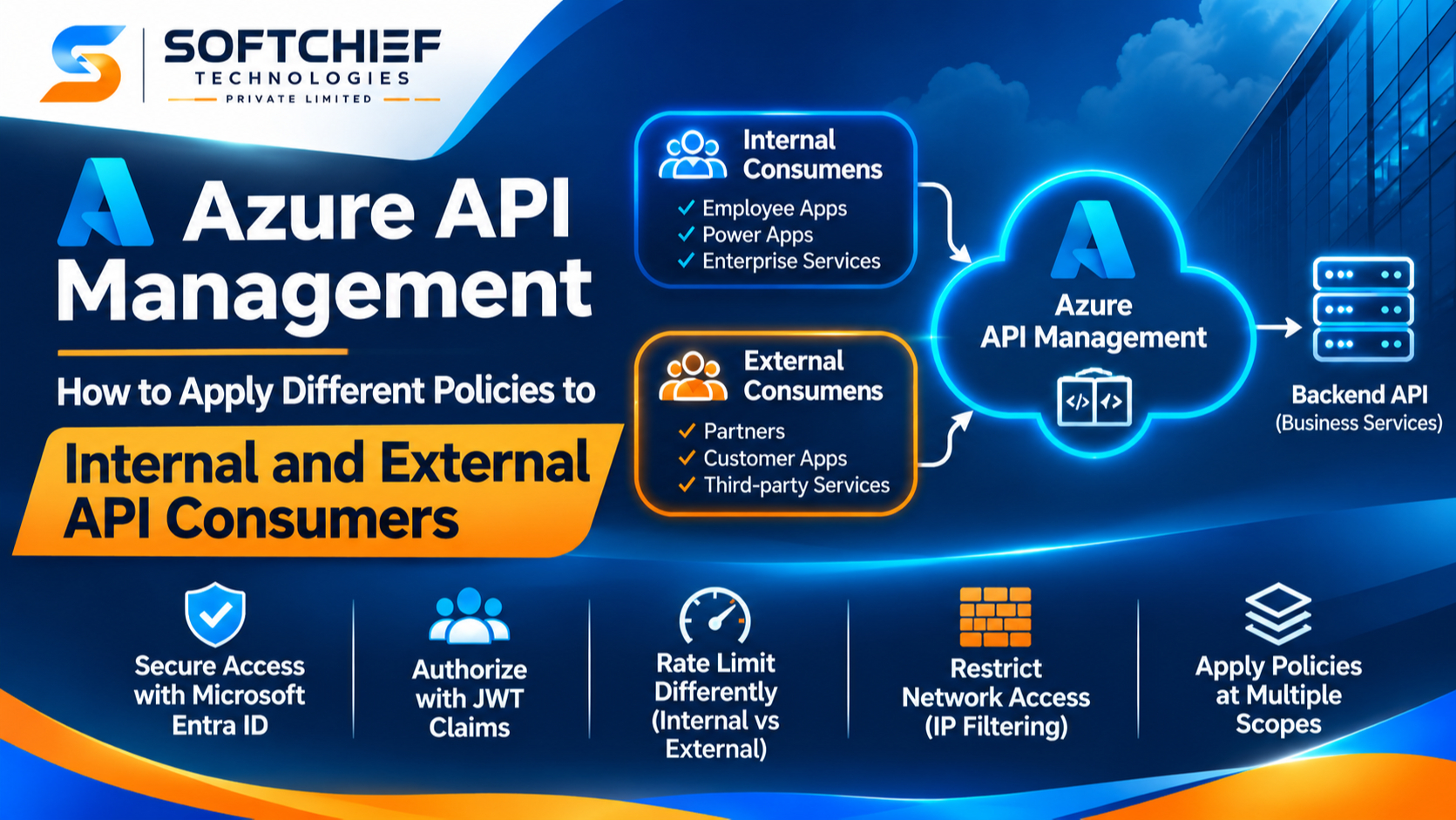
Azure API Management: How to Apply Different Policies to Internal and External API Consumers
Read more
Published on:
Learn moreWe can help you with Azure API Management: How to Apply Different Policies to Internal and External API Consumers
If you want help implementing, troubleshooting, or improving this product, contact us and we’ll point you in the right direction.
Related posts
Copilot Studio: How to Design Topic Routing When Users Ask Multiple Questions in One Conversation
Copilot Studio topic routing is an important part of designing intelligent conversational agents that can understand and handle multiple user ...
MICROSOFT DEVELOPER CAREER RADAR 2026
Skills. Specializations. Certifications. Job Opportunities. The Road Ahead. Softchief Learn | November 2026 Career Intelligence Edition T...
C# Full Stack: How to Prevent Stale Browser Data After a Successful Backend Update
Introduction Consider a business application where an employee updates a customer’s contact information. The user changes the phone numb...
Azure Functions Cold Start: How to Diagnose and Fix Delays in Business-Critical Workloads
Introduction The impact of an Azure Functions cold start depends on the hosting plan, application initialisation process, and the workloadR...
Power BI: How to Design a Report Validation Process Before Releasing It to Business Users
Introduction A Practical Guide to Data Accuracy, DAX Testing, Security Validation, Performance, and Enterprise BI Release Management A Power B...
Power Platform: How to Plan a Controlled Rollback When a New Release Disrupts Business Operations
A well-defined Power Platform Rollback Strategy helps organisations recover safely when a new release disrupts business operations. It provide...
Business Central: How to Investigate a Failed Scheduled Task Without Repeating Completed Operations
Introduction A scheduled process in Microsoft Dynamics 365 Business Central can run successfully for several minutes, process hundreds of reco...
Power Pages: How to Test External User Registration, Authentication, and Account Linking
Introduction When a Power Pages website allows customers, suppliers, partners or other external users to sign in, successful authentication is...
Power BI Reports Work for the Author but Fail for Other Users: Find the Cause
Introduction A Power BI report looks perfect on your screen, but a colleague gets an access error, blank visuals, missing rows, or a failed re...
Power Platform Release Checklist for Solutions with Multiple Dependencies
Introduction A Power Platform release can import without errors and still fail at runtime. A missing connection, wrong environment value, deni...