
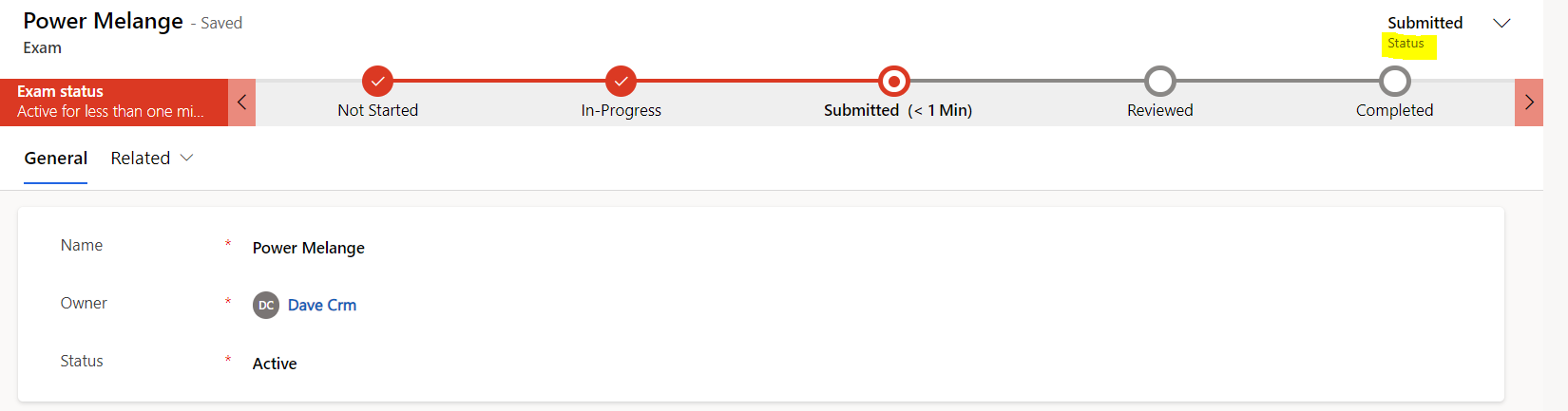
Update field value on change of Stage in Business Process Flow using Power Automate.
Published on:
Learn moreWe can help you with Update field value on change of Stage in Business Process Flow using Power Automate.
If you want help implementing, troubleshooting, or improving this product, contact us and we’ll point you in the right direction.

Related posts
How to list down shares done for a Dynamics 365 record?
Business Requirement: We often encounter situations where a record has been shared with multiple users, but later we need to revoke that acces...
Tips to Export Data To Data Lake From MS Dynamics 365 CE And Use It In Power BI.
Integrating Dynamics 365 with Azure Data Lake allows you to continuously sync operational data for cost-effective big data analytics, AI workl...
Power Automate & One Drive – Part 2: To list Files in a desired dynamic folder via name
Business Requirement: To List files in a desired dynamic folder Problem Statement: If you have the folder name{dynamic} stored in a variable, ...
Power Automate & One Drive – Part 1: Creating Folders
Business Statement: To create a folder in OneDrive with a desired name Solution: If you look at the actions for “OneDrive for Business&#...
How to list related records of a table with N:N relationship in Power Automate
Business Requirement: We have two tables- Cluster Identifier & Primary Skills having N:N relationship between them. The requirement was as...
How to place Option Set values as Legends on Power Apps Charts
Problem Statement: The client had to show how many people are attending the conference from their office locations in India. Table Structure: ...
Handling Special Characters in Power Automate while using Fetch XML
Hi Amazing people!Today i have got one of the recent requirements i came through. Business Requirement: We had a string coming from a source w...
Steps to Customize Opportunity Close Forms in D365 Sales
Hello everyone!In this blog, we will learn how to customize the “Opportunity Close form” in Dynamics 365. Business Requirement: Many times our...
How to automatically get Month Name & Number from a Date field in D365
Business Scenario: Well we have all used Excel to get columns of Month name from a Date and then we can count and have a pivot around it. If w...
How to call Child Flows & find the respective Parent Flow from it!?
So, we have earlier learnt about the workflow() function in Power Automate. Today, let me tell you one of the other use case of it. Business R...