
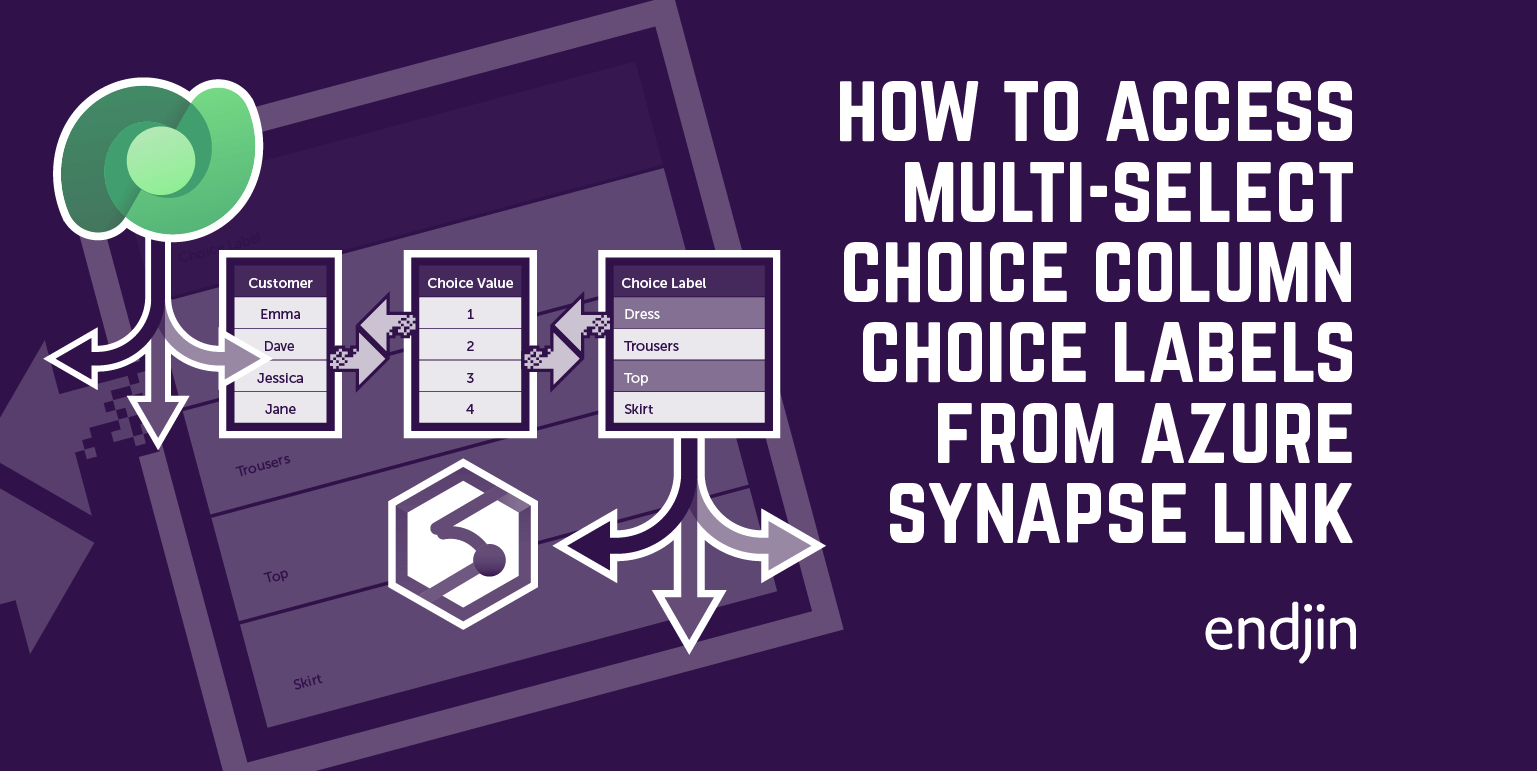
How to access multi-select choice column choice labels from Azure Synapse Link for Dataverse with PySpark or SQL
Published on:
Learn moreRelated posts
Providing comparative context with DAX Calculated Tables under Row Level Security
Row Level Security in Power BI solves one problem (who sees what) but introduces another - comparisons across the full dataset become impossib...
How to Implement Generation in RAG
Understand the generation step of RAG: how LLMs use augmented context to produce grounded responses, how to enforce structured outputs with Py...
How to Implement Augmentation in RAG
Understand the augmentation step of RAG: how retrieved documents are structured into prompts, how metadata and citations improve response qual...
How to Implement Retrieval in RAG
Understand the retrieval step of RAG: Learn how database queries, keyword search, vector search, and hybrid approaches find the right informat...
TypeDeclaration: An Abstraction for Understanding JSON Schema
The Corvus.Json.CodeGeneration library analyses JSON Schema and builds a TypeDeclaration tree that maps schema patterns to code patterns. The ...
Optimising DAX: Practical Examples
The final post in the Optimising DAX series: the CALCULATE trap, variables and IF.EAGER, slicer costs, and a practical approach to isolating s...
Optimising DAX: Data Materialisation
Data materialisation is when the storage engine gives up on efficient processing and rebuilds the entire table. This post explains what trigge...
Building API Reference Documentation From Code, Part 2: Under the Hood
A deep dive into the cross-assembly linking, PDB-based source links, TFM scanning, enrichment merging, and search indexing that power our API ...
Building API Reference Documentation From Code, Part 1: The Pipeline
We generate about 8,800 API reference pages from 16 libraries across two engine versions, with source links, TFM availability badges, and hand...
Writing Effective Copilot Instructions for Complex Codebases
A flat copilot-instructions.md works for small projects. When your codebase hits 500k lines, 19 projects, and multiple code generators, you ne...