
Lookup as Dropdown
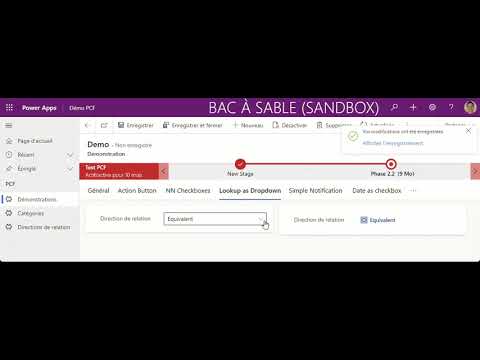
This video tutorial explores how to create a lookup as dropdown in a streamlined way. While traditional lookup fields are useful for data validation, they often take up considerable screen space. By creating a lookup as dropdown, you can maximize screen real estate while still maintaining data validation functionality.
The video demonstrates the step-by-step process of creating a lookup as dropdown using Microsoft PowerApps and SharePoint. You'll learn how to create a dropdown list that automatically pulls data from a SharePoint list, enabling you to select the relevant data quickly. This approach offers an intuitive and clutter-free user interface that streamlines data entry and reduces the risk of errors.
Whether you're a SharePoint user, developer, or just interested in PowerApps, this video tutorial provides useful insights into creating effective lookup dropdowns.
Link to the video tutorial: https://www.youtube.com/watch?v=SVQ5b1o1_T8
Published on:
Learn moreWe can help you with Lookup as Dropdown
If you want help implementing, troubleshooting, or improving this product, contact us and we’ll point you in the right direction.
