
HO HO HO Two Point OH!
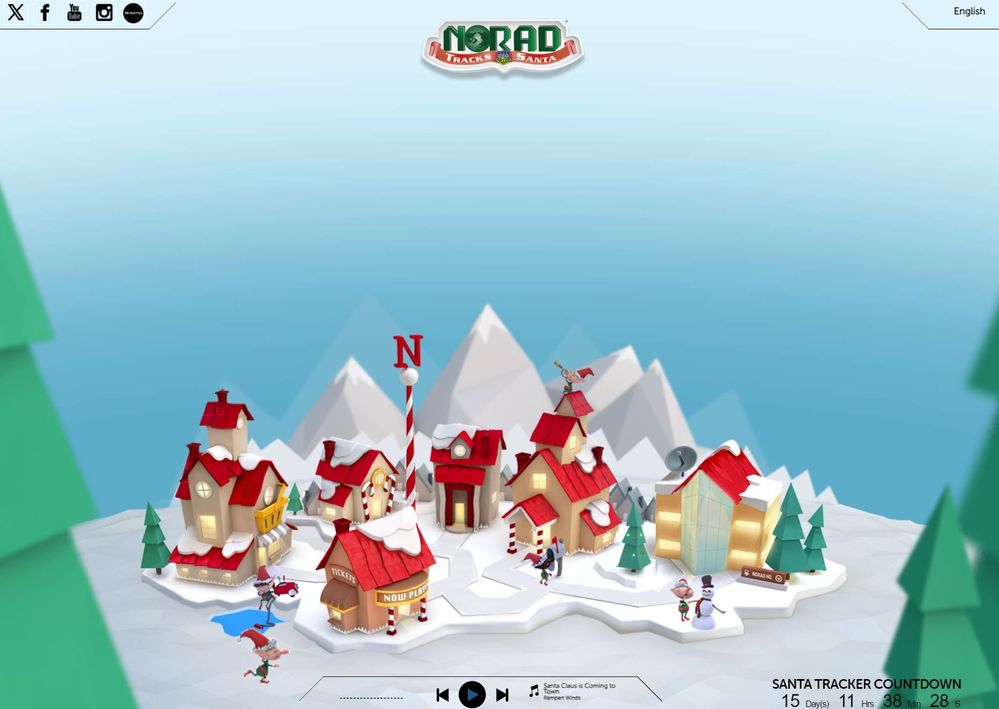
You might notice some big changes have come to the North Pole experience at NORADSanta.ORG this year. Developer elves have implemented a new JavaScript based site, supporting 9 different languages, and hosted in six Azure Regions worldwide! While loads of fun can be had in the updated games, new cool maps and faster web site experience when jumping around on the site, we thought that developers might be interested in some of the building blocks used to create this project.
Want to know more about what is behind what’s new?
Angular (with Azure Static Web Apps)
Azure static web apps are commonly built using libraries and web frameworks like Angular, React, Vue, or Blazor where server side rendering isn't required. These apps include HTML, CSS, JavaScript, and image assets that make up the application. With a traditional web server, these assets are served from a single server alongside any required API endpoints.
With Azure Static Web Apps, static assets are separated from a traditional web server and are instead served from points geographically distributed around the world. This distribution makes serving files much faster as files are physically closer to end users. In addition, API endpoints are hosted using a serverless architecture, which avoids the need for a full back-end server altogether.
Using an Angular or another UI framework for a single-page application not only accelerates the development process but also enables the website to be served from static blob storage, resulting in faster site delivery with reduced resource consumption. This is particularly effective when combined with a Content Delivery Network (CDN) such as Azure Front Door.
Azure Front Door (Azure Front Door Overview | Microsoft Learn)
Azure Front Door is Microsoft’s modern cloud Content Delivery Network (CDN) that provides fast, reliable, and secure access between your users and your applications’ static and dynamic web content across the globe.
Utilizing Azure Front Door involves caching the site across 192 Points of Presence (POP) locations in major cities worldwide. This widespread distribution significantly enhances file delivery speed by ensuring that files are physically closer to end users.
Azure Function (Azure Functions Overview | Microsoft Learn)
Azure Functions is a cloud computing service created by Microsoft for building, testing, deploying, and managing applications and services through Microsoft-managed data centers1. Some features of Azure Functions include:
- Built on the Azure app service and supports features such as authentication, source control integration, monitoring, and application insights integration.
- Ability to create complex orchestrations using Azure functions by writing code and using the durable functions extension.
- About a dozen built-in binding types for connection; we only need to write code if we need custom bindings.
Even in instances where the site is static, there are occasions when backend APIs or services are required. Leveraging Azure Functions allows for the seamless execution of your backend code or APIs, conveniently distributed across the globe.
Azure DevOps (ADO) (What is Azure DevOps? - Azure DevOps | Microsoft Learn)
The NORAD Santa Tracker uses ADO for project and software lifecycle Management. Azure DevOps provides an integrated set of services and tools to manage your software projects, from planning and development through testing and deployment.
Azure DevOps delivers services through a client/server model. You can use most of the services via the web interface, which you can access from all major browsers. Some services, such as source control, build pipelines, and work tracking, can also be managed through a client.
Azure DevOps enables this project to monitor the source code updates, the work done, and the testing and delivery of the solution. This makes the process faster and easier, as many tasks are automated and visible to the whole team.
Azure Maps (Geospatial Services | Azure Maps Platform (microsoft.com))
Azure Maps is a service that enables you to develop map-based applications with ease, using location data, map visualizations, and spatial operations. You can search, route, track, and discover location-based insights with Azure Maps, and integrate it with the Azure platform and other services. Azure Maps provides a comprehensive set of geospatial services, mapping APIs, and SDKs for web and mobile development.
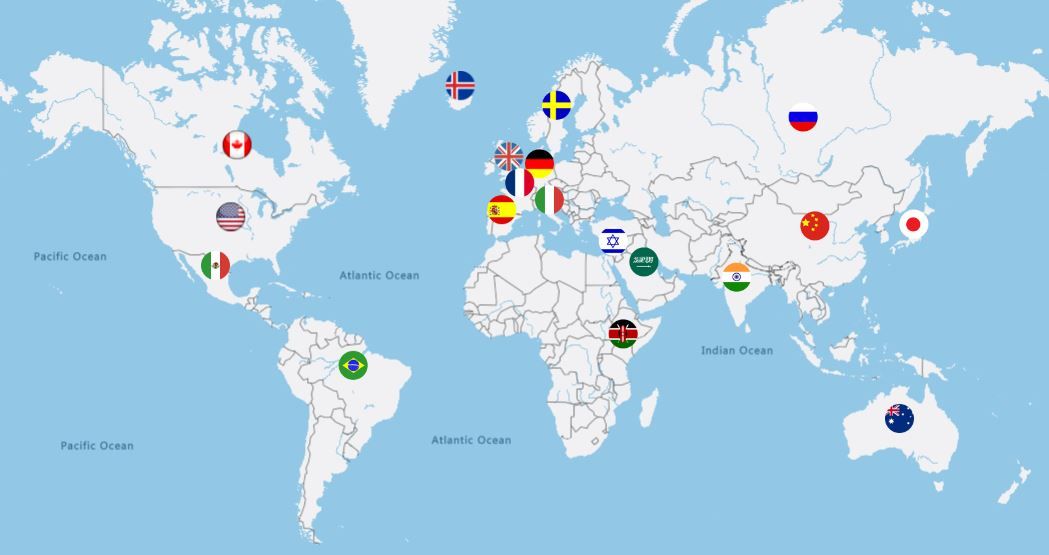
Azure Maps' Web Control is used to show an interactive map. Just go to https://www.noradsanta.org/en/holidaytraditions to learn about holiday traditions around the world. You can also check out how Azure Maps supports many languages and multiple configurations at Azure Maps Samples.
Enjoy the site now, play some games and learn about the history of NORAD tracking Santa but don’t forget to come back on Dec 24th to watch Santa’s trip around the globe in 3D!
Wishing you and yours a wonderful holiday season!
- The Microsoft Maps Team
Published on:
Learn moreWe can help you with HO HO HO Two Point OH!
If you want help implementing, troubleshooting, or improving this product, contact us and we’ll point you in the right direction.
Related posts
Introducing the Data-Bound Reference Layer in Azure Maps Visual for Power BI
Imagine managing a nationwide sales team and needing to understand how your sales align with factors like population density, competitor locat...
Enhance Azure Maps with Overture Maps Data using PMTiles!
Supercharge Azure Maps with Overture Maps Data using PMTiles! We’ve got some exciting news. Azure Maps now supports PMTiles! This me...
Where do I go if I have questions about Azure Maps?
As you might expect, just looking around on your own, or asking Co-pilot, you can find comprehensive help like Samples.AzureMaps.com, wit...
Tailor your Reference Layers in Azure Maps Visual for Power BI
We’re excited to share the latest enhancements to the Azure Maps visual in Power BI, designed to make your data visualization even mor...
Enhancing Logistics with Azure Maps and NVIDIA cuOpt for Multi-Itinerary Optimization
The logistics industry is always finding ways to optimize vehicle routing to enhance efficiency. The Vehicle Routing Problem (VRP) and Pickup ...
Introducing the Unified Azure Maps Experience
Microsoft has recently announced the unification of Bing Maps for Enterprise (BME) with Azure Maps, marking a remarkable advancement in their ...
Power BI Azure Maps Visual: Enhanced Reference Layer & Embedded Support
The Power BI Azure Maps visual has received a major update which includes an expansion of the reference layer and the addition of Power BI Emb...
Enhance your indoor maps with real-time map feature styling
The ability to dynamically update and visualize the state of rooms or areas within a building is critical to understanding the status of any b...
Dynamic Clustering Aggregation with Custom Styling in Bubble Layer
The Power BI Azure Maps visual allows you to create stunning geospatial visualizations with your data. Today, we are excited to announce a new...
Navigate Microsoft Ignite with Azure Maps Creator
If you are attending the Microsoft Ignite event this year, you are in for a treat! Not only will you get to experience the latest innovations ...