
{Do you know} Set up and execute pre and post event communications in Dynamics 365 Customer Insights


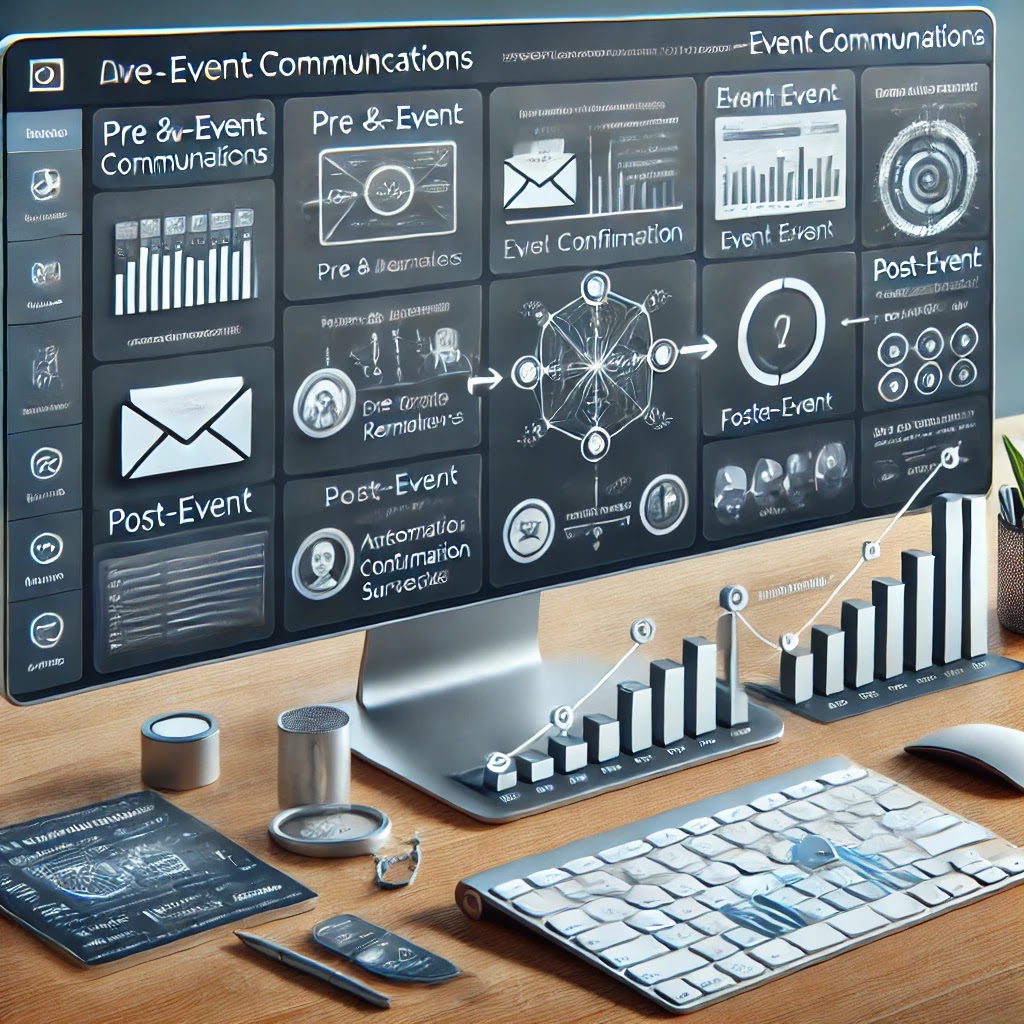
1. Pre-Event Communications (Before the Event)
2. Post Event Communications (After the Event)
- Immediately after the event, an email is sent to thank attendees.
- Include event highlights, key takeaways, or special offers.
- Provide recorded sessions, presentation slides and other resources via a link.
- Automate a survey email asking attendees for feedback on the event.
- Use Power Automate to store survey results in Dataverse for future analysis.
- Segment attendees based on participation levels (e.g., active participants vs passive viewers).
- Enroll engaged attendees into a follow-up nuture journey, offering product demos or next steps.
3. Execution & Automation Using Dynamics 365
- Use Pre Built Event Templates: Simplify the setup process with templates for common event journeys.
- Trigger - Based Automation: Emails and messages are sent automatically based on attendee actions.
- Real-Time Analytics & Reports: Track open rates, attendees trends and engagement insights in Power BI.
Benefits of Automated Pre & Post -Event Communications
Published on:
Learn moreWe can help you with {Do you know} Set up and execute pre and post event communications in Dynamics 365 Customer Insights
If you want help implementing, troubleshooting, or improving this product, contact us and we’ll point you in the right direction.

Related posts
{How to} use code interpreter on customer uploaded files in agent conversations in copilot studio
Hello Everyone,Today I am going to share my thoughts on the use of the code interpreter on customer-uploaded files in agent conversations in c...
{Do you know}Evaluate test sets with multiple graders in Copilot Studio
Hello Everyone,Today I am going to share my thoughts on the evaluation test sets with multiple graders in Copilot Studio.Let's get started.Yes...
{How to } Make Power Page Portal WCAG 2.1 Level A and AA Standards
Hello Everyone,Today I am going to share my thoughts on how to make power pages portal according to the WCAG 2.1 Level A and AA Standards.Let'...
{How to }Make your copilot multilingual in Microsoft Copilot Studio
Hello Everyone,Today I am going to show how to enable Microsoft Copilot Studio Multilingual.Let's get started.To make your Microsoft Copilot (...
{How to} Use IVR with Omnichannel for customer service in Copilot Studio
Hello Everyone,Today i am going to share my thoughts on using IVR with Omnichannel for Customer Service in Copilot Studio.Let's get started.To...
{How to} Enhance IVR with generative answers optimized for voice in Copilot Studio
Hello Everyone,Today I am going to share my thoughts on the Enhancing IVR with generative answers optimised for voice in Copilot Studio.To enh...
{How to} Use answering machine detection and proactive engagement tools in Copilot Studio
Hello Everyone,Today I am going to share my thoughts on how answering machine detection and proactive engagement tools work.Let's get started....
{How to } Publish Copilot Agents to WhatsApp
Hello Everyone,Today i am going to share my thoughts on how to publish the copilot agent to whatsapp channel.Let's get started.To publish a Mi...
{How to} Request Information from humans in the loop in Copilot Studio Agent flows
Hello Everyone,Today I am going to share my thoughts on how to request information from humans in the loop in Copilot Studio Agent flows.Let's...
{How to} Reassign an copilot agent's owner with Power Platform API
Hello Everyone,Today I am going to share my thoughts on how to reassign an copilot agent's owner with the Power Platform API.Let's get started...