
Radio Group
Intro
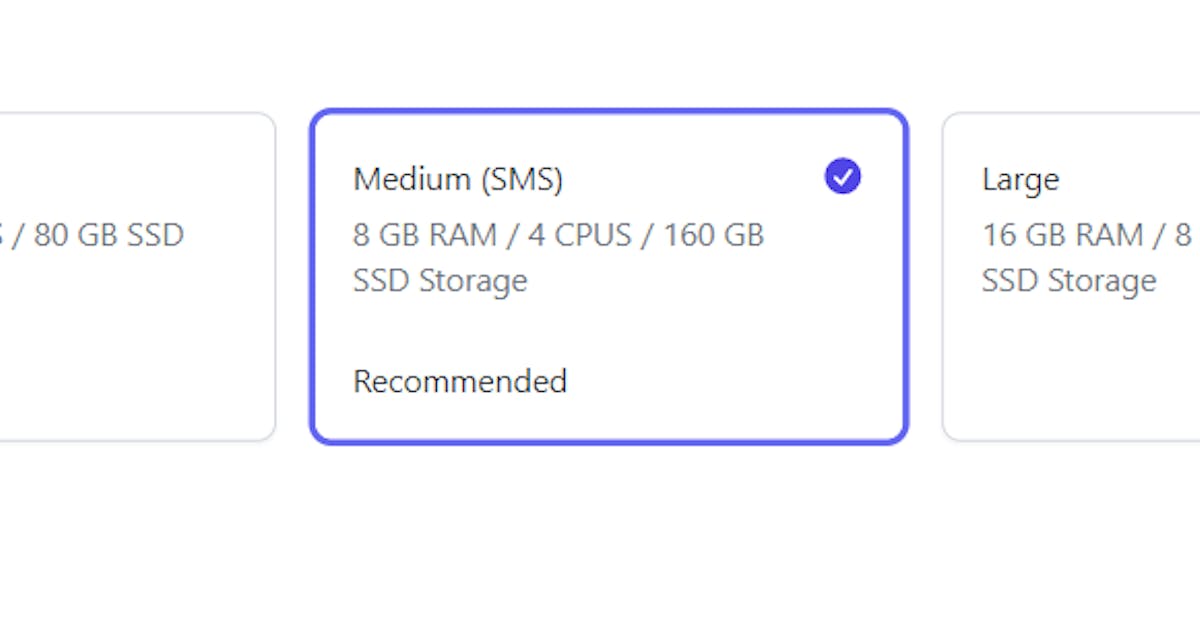
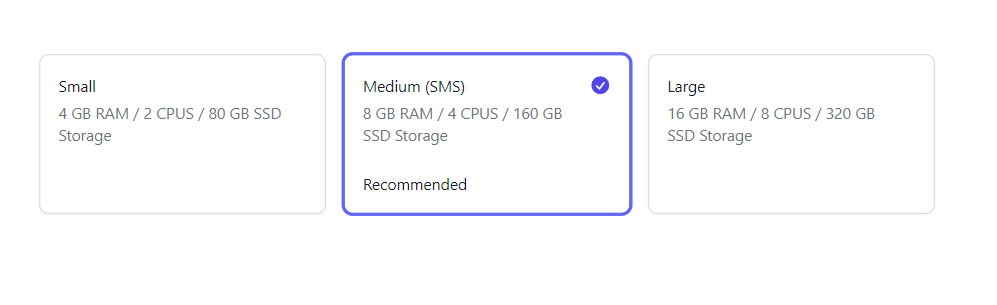
Radio group control is a control that represents single select options in different radio representations
For installation follow the link here
Parameters
selectedValue
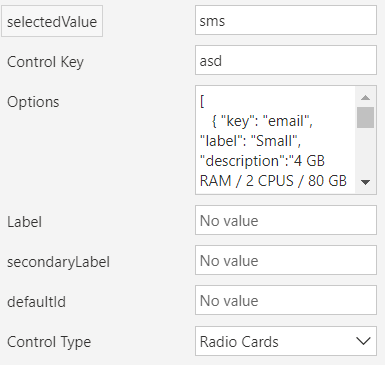
Selected value is what user selects; it holds the selected key from the options list
Control Key
This is a required input, and it must be unique if you use the control multiple times in the same screen
Options
This is a JSON field, below is an example
[
   { "key": "email", "label": "Small", "description":"4 GB RAM / 2 CPUS / 80 GB SSD Storage"},
   { "key": "sms", "label": "Medium (SMS)", "description":"8 GB RAM / 4 CPUS / 160 GB SSD Storage","info":"Recommended" },
   { "key": "push", "label": "Large", "description":"16 GB RAM / 8 CPUS / 320 GB SSD Storage" }
]
Option Type:
{
  key:string; //required
  label:string; //required
  description:string;
  info:string; //only visible in the radio cards representation
}
Label
Label of the control
Secondary Label
Secondary label of the control
Control Type
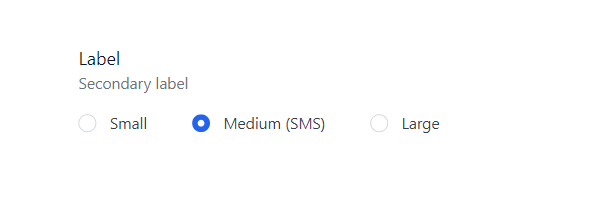
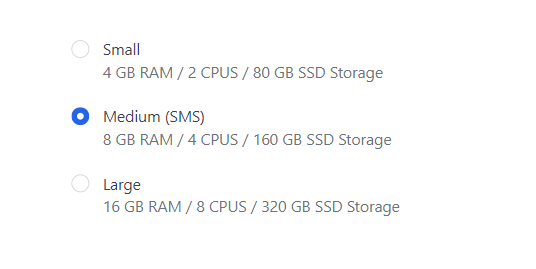
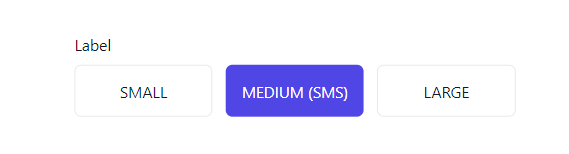
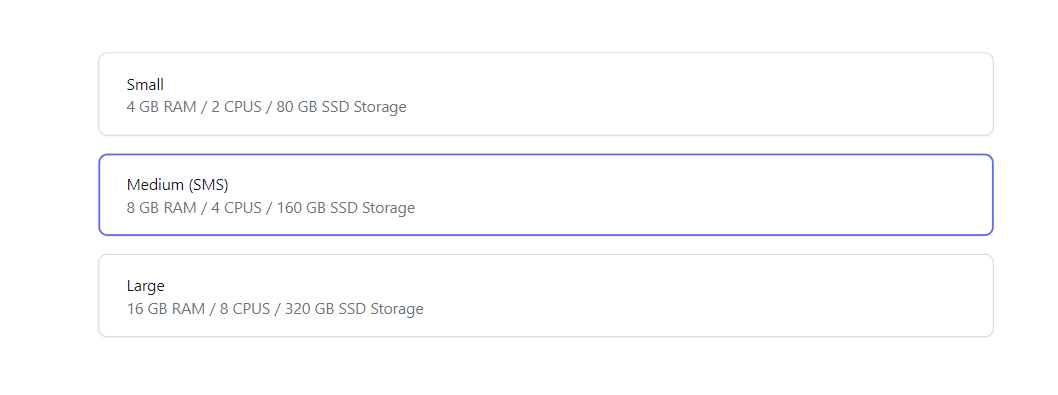
Layout type of the radio group, there is 6 representations at the moment
Output Parameters
selectedValue
The selected option key
Representations
Simple
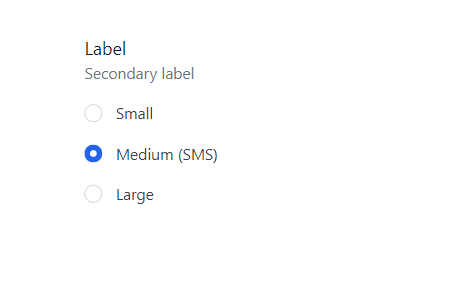
Inline
With Description
Small cards
Stacked cards
Panel List
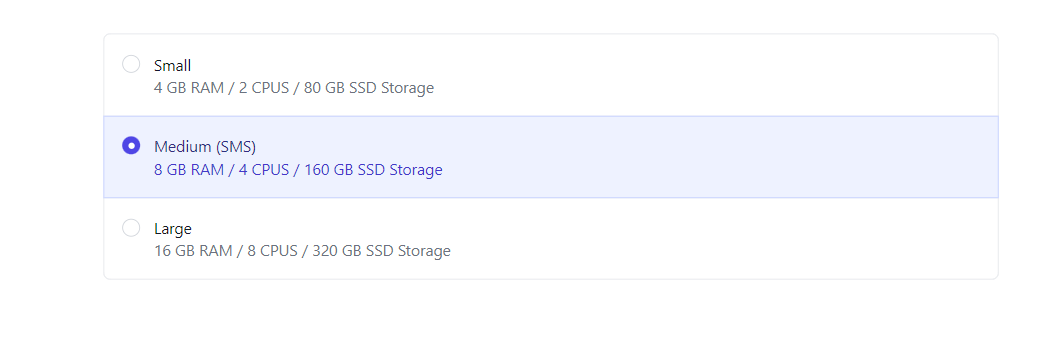
Radio Cards
Published on:
Learn moreWe can help you with Radio Group
If you want help implementing, troubleshooting, or improving this product, contact us and we’ll point you in the right direction.
Related posts
Alert Control
Intro Use Alerts to create non-intrusive alerts that do not interrupt the user. For installation follow the link here Parameters Title The t...
Alert Control
Intro Use Alerts to create non-intrusive alerts that do not interrupt the user. For installation follow the link here Parameters Title The t...
Improve site speed in PowerPages
What is CDN? In short, Content Delivery Network (CDN) caches your public assets of your site in distributed servers, so if you have a website ...
Improve site speed in PowerPages
What is CDN? In short, Content Delivery Network (CDN) caches your public assets of your site in distributed servers, so if you have a website ...
Advanced Text Area
Intro Advanced Text Area is a control that speeds up creating records. Why advanced? The control can be configured to let users attach files ...
Advanced Text Area
Intro Advanced Text Area is a control that speeds up creating records. Why advanced? The control can be configured to let users attach files ...
Radio Group
Intro Radio group control is a control that represents single select options in different radio representations For installation follow the l...
Combo Box Control
Intro ComboBox control is an auto-complete dropdown where users are able to search and navigate between options. For installation follow the ...
Combo Box Control
Intro ComboBox control is an auto-complete dropdown where users are able to search and navigate between options. For installation follow the ...
Tailwind CSS for your PCF control
What is TailwindCSS? Tailwind CSS is a utility-first CSS framework packed with classes like that can be composed to build any design, directly...