
Well-Architected Go-Live now available on the Microsoft Assessment Platform
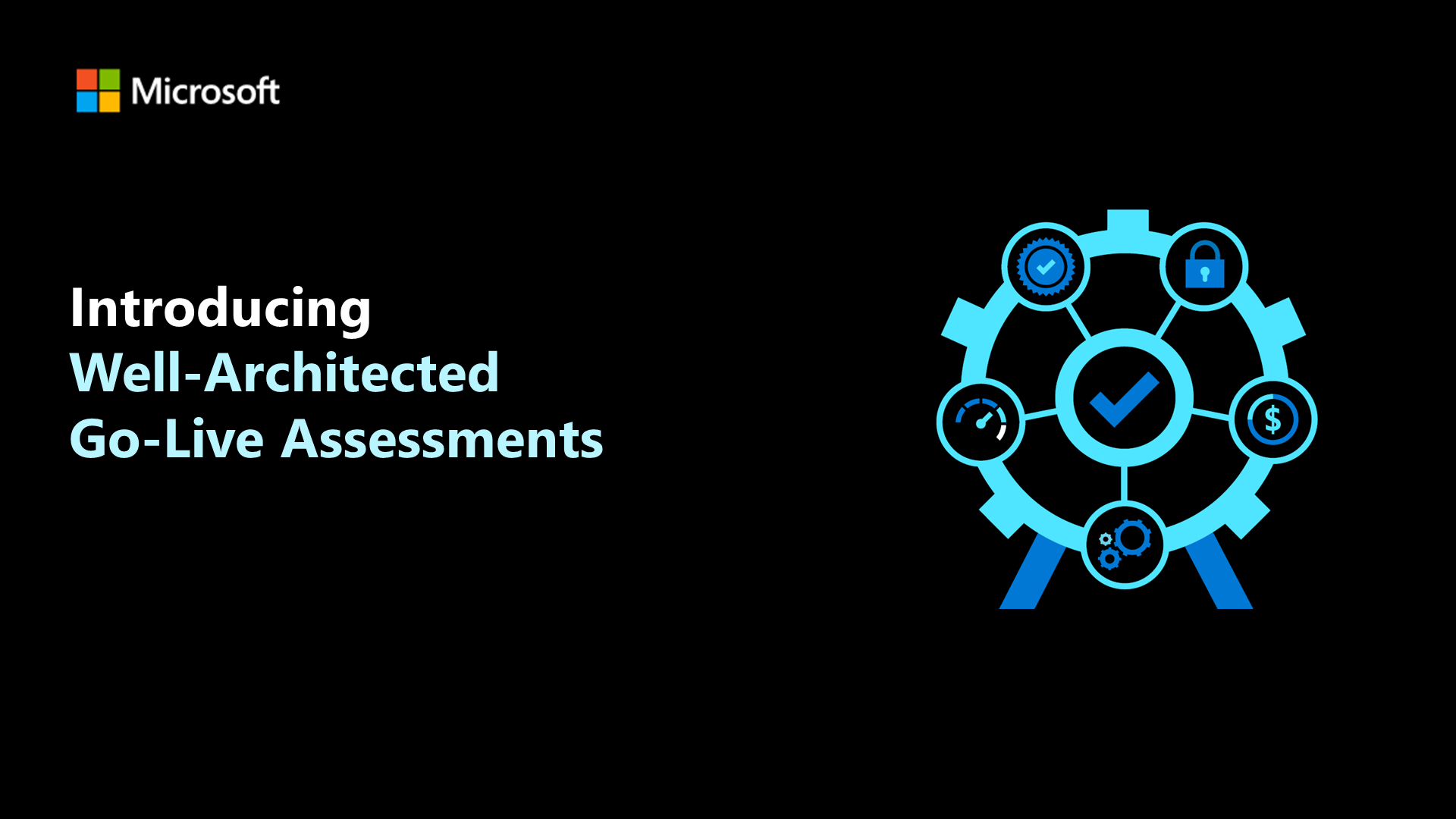
The Azure Well-Architected Framework with its five pillars – reliability, security, cost optimization, operational excellence, and performance efficiency helps you architect workloads that perform well on the Azure platform.
Thanks to Microsoft’s Assessment platform you can easily evaluate new and existing workloads against the core principles and guidelines of the framework.
Over time we have added Well-Architected reviews for the core pillars as well as a range of different scenarios (such as Service Fabric, Machine Learning, and many other workload types).
Today we are excited to announce a further enhancement to our assessment offering.
Well-Architected Go-Live is an assessment offering that allows you to evaluate core components of your workload while also diving deeper into a range of PaaS, networking, and data services that are key to running multi-tier cloud-native applications. This means that in just a single assessment you can cover a broad range of aspects of your workload.
Target Workloads for Well-Architected Go-Live
The Go-Live assessment is best suited to PaaS-first workloads that leverage services like Azure App Service, or the Azure Kubernetes Service at their core. A full list of the supported services at the time of writing is shown towards the end of this post. The assessment goes across all Well-Architected pillars. You will receive a set of general questions about your workload as well as service-specific questions that are structured in a per-pillar format.
The assessment allows you to select the services that you use, which means that you’ll only see questions for the services that you have selected to use in your workload.
The outcome of the assessment is an overview of the key risk areas that you should review. As a result, one of the common use cases for Go-Live is to greenlight a workload that is about to go to production. It can however also be used to get a better understanding of the state of an existing workload – especially at points where a change or expansion is being considered.
To maximize the value of the Go-Live assessment you can choose to dive deeper into a specific pillar following its outcome. You may also combine your Go-Live assessment with a scenario-focused assessment or cross-reference our service-focused guidance where appropriate.
In addition to running an assessment activity like Go-Live performing load or capacity testing can help give additional confidence in a new or evolving workload.
Detailed areas of coverage
The Well-Architected Go-Live assessment allows you to cover cross-pillar disciplines such as:
- Incident Management
- Monitoring
- Release Management
- Configuration
The assessment also includes service-focused questions for the following Azure services.
- Azure App Service
- Azure App Service Environment
- Azure Functions
- Azure Kubernetes Service (AKS)
- Azure Container Registry (ACR)
- Azure Container Instance (ACI)
- Azure SQL Database
- SQL Server on Azure VM
- Azure Cosmos DB
- Redis Cache
- PostgreSQL
- Azure Firewall
- Azure Front Door
- Azure Application Gateway
- Azure Traffic Manager
- Azure Service Bus
- Azure API Management
- Azure KeyVault
- Application Insights
- Azure Monitor
- Service Management
Try it for yourself today
We can’t wait for you to leverage Go-Live for your workload.
You can either start a self-paced assessment here or contact your Microsoft representative to schedule a guided assessment with one of our skilled engineers.
We look forward to seeing you drive results with this assessment offering. Please do not hesitate to get in touch if you have any feedback.
Author Bio
Daniel Stocker is a Senior Program Manager in Microsoft's App Innovation Tech Strategy team. His background is in DevOps, operational excellence, and organizational change. He leads several programs including the Go-Live engagement program for Well-Architected.
Published on:
Learn moreWe can help you with Well-Architected Go-Live now available on the Microsoft Assessment Platform
If you want help implementing, troubleshooting, or improving this product, contact us and we’ll point you in the right direction.
Related posts
VMware HCX Design with Azure VMware Solution
Overview VMware HCX is one of the Azure VMware Solution components that generates a large number of service requests from our customers. The A...
Azure Backup and DR: Cross-Region Restore - Exploring Solutions
Azure Backup and DR: Cross-Region Restore - Exploring Solutions When building a Disaster Recovery (DR) plan, customers often face chall...
Microsoft is headed to VMware Explore 2024 in Barcelona!
Microsoft is headed to VMware Explore 2024 in Barcelona! If you want to know about running VCF Private Clouds in Azure, the work we ar...
IBM Power Virtual Server and Microsoft Azure Multi-cloud Integration Patterns
IBM Power Virtual Server and Microsoft Azure Multi-cloud Integration Patterns &nbs...
Enhancing Disaster Recovery and Ransomware Protection with Azure VMware Solution and JetStream
Enhancing Disaster Recovery and Ransomware Protection with Azure VMware Solution and JetStream Software Disaster Recovery (DR) ...
Microsoft is headed to VMware Explore 2024 in Las Vegas
If you want to know about Azure, the work we are doing in partnership with VMware by Broadcom, or have a conversation about your VMwar...
Azure VMware Solution using a public IP down to the NSX-T Edge; configure SNAT, No-SNAT & DNAT
Azure VMware Solution How To Series: Configuring NSX-T SNAT, No-SNAT & DNAT rules Overview Requirements Lab Environment NAT Rules K...
Azure VMware Solution now available in India Central
Azure VMware Solution has expanded its reach and is now available in India Central, marking it as the 33rd Azure region where this particular ...
Azure Migrate - Build 2024 Announcements
Microsoft Build introduced exciting new announcements for Azure Migrate. Cost optimization remains a top priority for customers when selecting...
Azure VMware Solution - Using Log Analytics With NSX-T Firewall Logs
Azure VMware Solution How To Series: Monitoring Azure VMware Solution Overview Requirements Lab Environment Tagging & Groups Kusto ...