
New app attach features for Azure Virtual Desktop in public preview
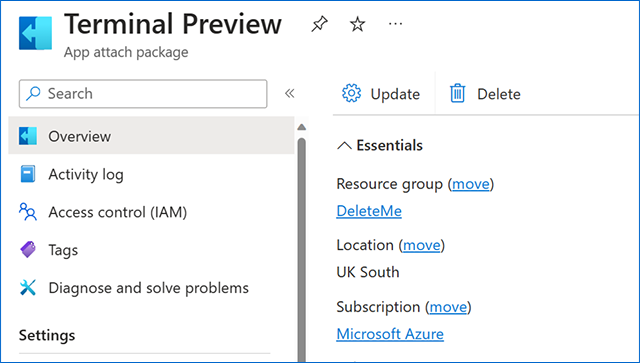
New app attach functionality for Azure Virtual Desktop is now available in public preview and should roll out over the next few days. App attach has had a major re-work with new and exciting features. Here's a summary of the new capabilities in public preview:
- Applications can now be assigned to any host pool or session host. You can assign application packages to multiple host pools in your environment.
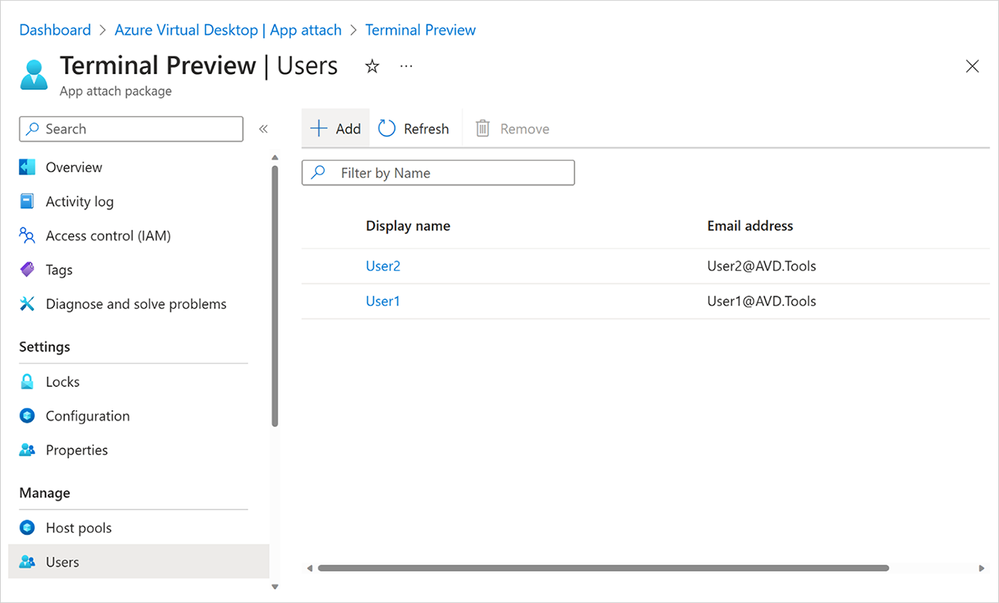
- Applications can now be assigned per user, both within a desktop session and remote app sessions. This means that in any host pool in any session, users can be assigned different application combinations. This should reduce the number of host pools and images you require.
- Applications are now assigned using the application itself. Application groups are no longer required to assign users to app attach apps, significantly simplifying assignment and reducing the number of application groups needed.
- Application assignment, removal, and upgrades can be performed without needing a maintenance window and without interrupting a user's workflow.
- Microsoft Entra ID support for app attach has been introduced, removing the pre-requisite for line of sight to a domain controller. Microsoft Entra Hybrid Join will still work as it did before.
- Dependency support has improved, including modification packages for remote apps.
- A migration script is available to move existing MSIX app attach application packages to the new architecture.
You can learn more about the new version of app attach for Azure Virtual Desktop in our documentation. To dive deeper into the latest enhancements to MSIX and app attach overall, watch MSIX and app attach made easy from the recent Microsoft Technical Takeoff.
A look at the new capabilities
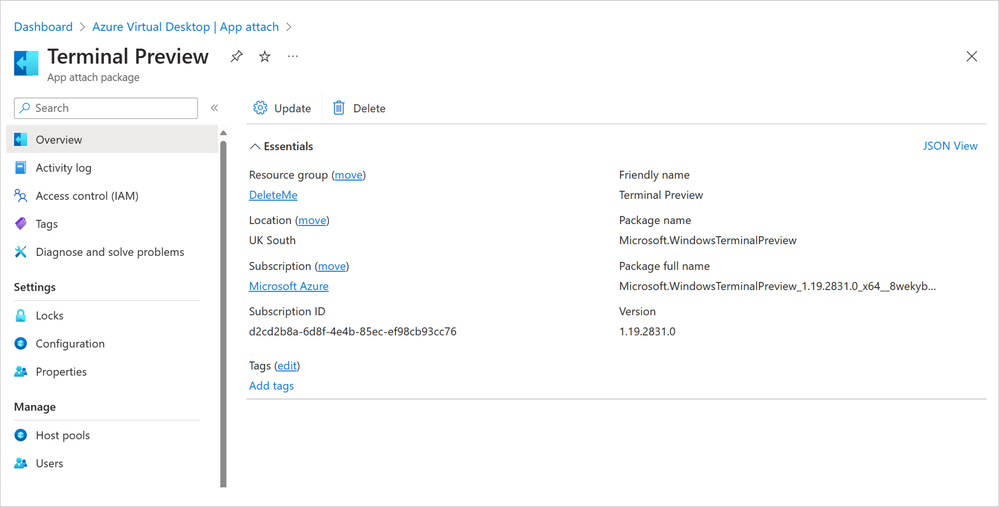
New Azure Portal UI and PowerShell for app attach
Assign users
Share your thoughts
If you have feedback about creating or finding MSIX packages, please check out the Tech Community discussion board dedicated to MSIX questions. We've love to hear your thoughts on these new app attach capabilities for Azure Virtual Desktop. Please leave a comment below!
Continue the conversation. Find best practices. Bookmark the Azure Virtual Desktop Community. Have feedback on the service? Share your thoughts and upvote others on the Azure Virtual Desktop Feedback board.
Published on:
Learn moreRelated posts
Azure Developer CLI (azd) – February 2026: JMESPath Queries & Deployment Slots
This post announces the February 2026 release of the Azure Developer CLI (`azd`). The post Azure Developer CLI (azd) – February 2026: JM...
Improved Python (PyPi/uvx) support in Azure MCP Server
Azure MCP Server now offers first-class Python support via PyPI and uvx, making it easier than ever for Python developers to integrate Azure i...
Microsoft Purview: Data Lifecycle Management- Azure PST Import
Azure PST Import is a migration method that enables PST files stored in Azure Blob Storage to be imported directly into Exchange Online mailbo...
How Snowflake scales with Azure IaaS
Microsoft Rewards: Retirement of Azure AD Account Linking
Microsoft is retiring the Azure AD Account Linking feature for Microsoft Rewards by March 19, 2026. Users can no longer link work accounts to ...
Azure Function to scrape Yahoo data and store it in SharePoint
A couple of weeks ago, I learned about an AI Agent from this Microsoft DevBlogs, which mainly talks about building an AI Agent on top of Copil...