
Power BI Semantic Model Memory Errors, Part 1: Model Size
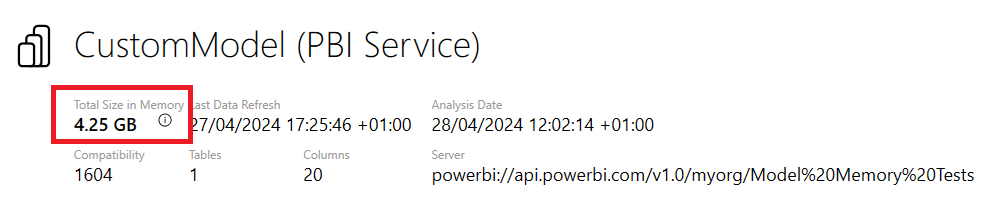
You probably know that semantic models in Power BI can use a fixed amount of memory. This is true of all types of semantic model – Import, Direct Lake and DirectQuery – but it’s not something you usually need to worry about for DirectQuery mode. The amount of memory they can use depends on whether … Continue reading Power BI Semantic Model Memory Errors, Part 1: Model Size
Published on:
Learn moreRelated posts
This Changes Everything About Power BI Maps
22 hours ago
New Performance Optimisation for Excel PivotTables Connected To Power BI Semantic Models
Some good news: an important optimisation has rolled out for Excel PivotTables connected to Power BI semantic models! Back in 2019 I wrote abo...
1 day ago