
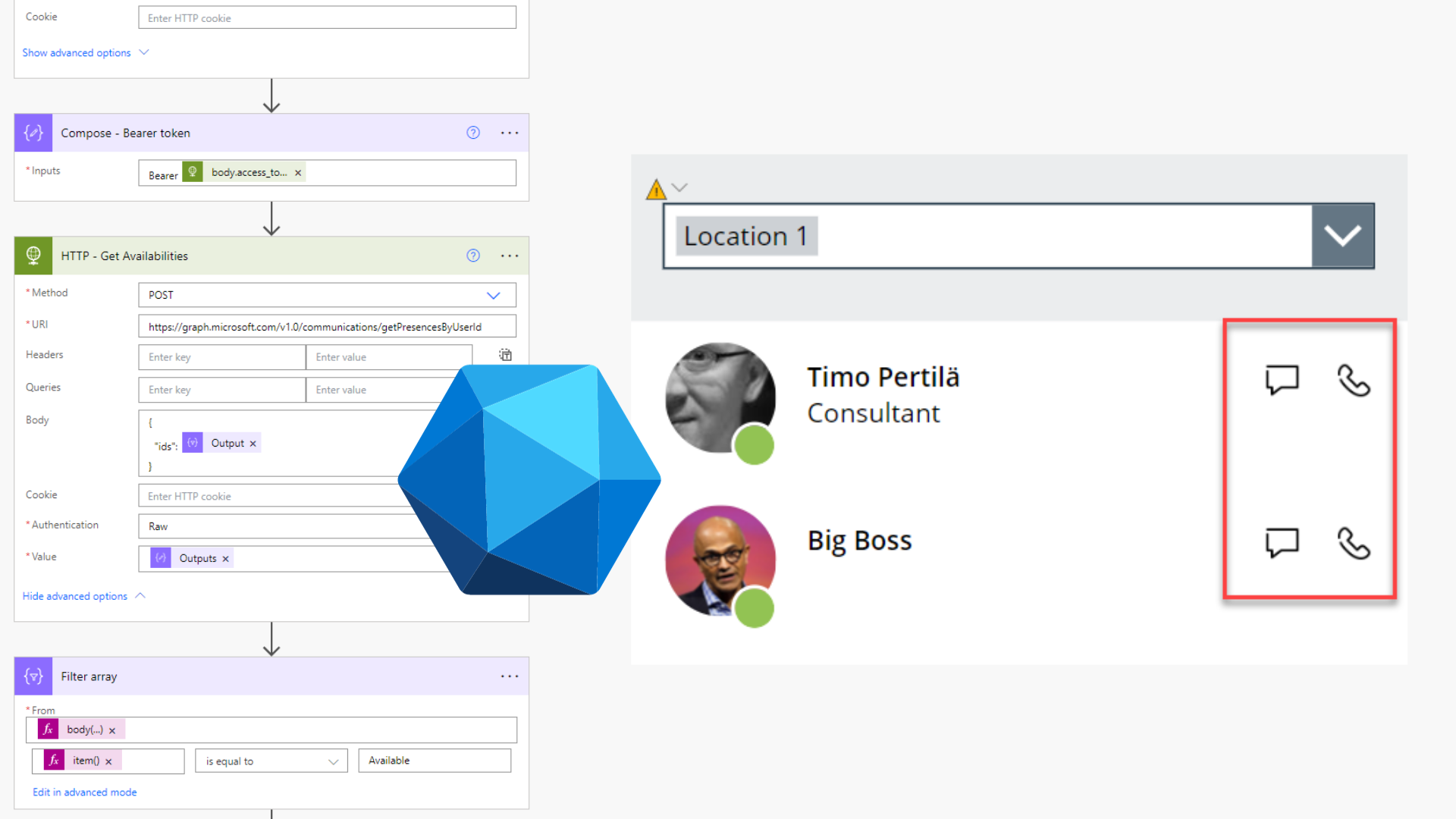
Using Power Apps and Graph API to show who is available at a specific office
Published on:
Learn moreRelated posts
Recovering an Editable Power Automate Desktop Flow from a Managed Solution
It has happened to everyone in IT: You upgrade your software to the latest version, only to find out that the update breaks a feature you rely...
From AI Assistants to AI-Enhanced Business Processes
Most organizations start their AI journey with a chat-based assistant. Chat is easy to understand. People use AI to find information, summariz...
“Don’t slop me, bro!”: The Emerging Etiquette of Generative AI
Some of us still remember when the internet was new. Among the many other changes, casual communication leaped from voice and handwritten text...
Four Microsoft MVPs at Forward Forever – Congrats!
We are happy to announce that Antti Pajunen, Ferran Chopo, Mikko Koskinen and Timo Pertilä from Forward Forever have all got their Microsoft M...
New Copilot Studio orchestrator, new possibilities: Building a proposal agent that creates PowerPoint decks
The new Copilot Studio experience introduces a powerful orchestration model where skills become first-class building blocks. In this post, we ...
From Data to Decisions: The Missing Layer in Enterprise AI
Most organizations have already begun integrating AI in various ways. People utilize Copilot to draft content, summarize meetin...
Certification Exam Review and Guide: AB-620
Microsoft has been overdue for a proper Copilot Studio developer certification. Until now, professionals working with Copilot Studio had only ...
Replacing Canvas Apps with Code Apps
Power Platform offers several different ways to build apps with AI. I particularly like code apps. But how do you get started? One great way t...
PowerUp Meetup: How to Mistrust your Agent
10th of June, 2026 | 17:30 – 18:15 In the face of rapid change and development, bringing security to AI agents can seem like a daun...
Remote Work Week by Lake Balaton – More Than Just a Company Trip
This spring we did something a little different at Forward Forever. As always, we kicked things off with our annual FF “summer camp” – a...